Make Your Home Smarter, One Step at a Time

Table of Contents
You know that moment when you’re rushing out the door, halfway down the street, and a sudden thought punches through your chest — did I leave the lights on? Is the front door locked? You turn back, waste fifteen minutes, arrive late, and spend the rest of your morning quietly irritated at yourself.
That used to happen to a lot of people. Then they spent under $200 turning their home into something that thinks a little bit for itself — and mornings changed completely.
Smart home technology is no longer the territory of tech enthusiasts with deep pockets and a passion for fiddling with wiring. In 2026, the best budget smart home devices for beginners are genuinely affordable, genuinely useful, and genuinely simple to set up. This guide is your practical, no-nonsense catalog — built around daily life, not gadget fantasy.
Settings saved.
Why Smart Home Devices Make Daily Life Measurably Easier
Before diving into specific products, it’s worth understanding what you’re actually getting from a smart home setup. It’s not just convenience — it’s reclaimed time, lower energy bills, and a quieter mind.
According to the U.S. Energy Information Administration, lighting and heating account for nearly 50% of the average household’s energy use. Smart devices that automate these two categories alone can cut that bill noticeably. Studies from the American Council for an Energy-Efficient Economy suggest smart thermostats alone save users between 10–15% on heating costs annually.
Beyond savings, there’s something deeper: the mental load of managing a home is real, and it accumulates quietly. Smart devices offload dozens of small decisions from your brain each day. That matters.
How to Choose the Right Budget Smart Home Devices as a Beginner
Start With Your Biggest Pain Points
Don’t buy gadgets for gadget’s sake. Ask yourself:
- Do you forget to turn off lights or appliances?
- Do you worry about home security when you travel?
- Do you find yourself adjusting your thermostat multiple times a day?
- Do you wish your morning routine ran more smoothly?
Your answers tell you exactly where to invest first.
Ecosystem Compatibility Matters More Than You Think
The three major smart home ecosystems in 2026 are Amazon Alexa, Google Home, and Apple HomeKit. Before buying any device, confirm it works with what you already own — usually your smartphone or a smart speaker.
A quick compatibility checklist:
- iPhone user → HomeKit or Matter-compatible devices
- Android user → Google Home or Alexa ecosystem
- Already own an Echo or Google Nest → stick to that ecosystem
The Matter standard (now widely adopted across 2025–2026 devices) has largely solved cross-platform issues, but it’s still worth double-checking before purchasing.
The Make-Life-Easier Catalog: Best Budget Smart Home Devices for Beginners 2026
Below is your curated, category-by-category breakdown of the best affordable smart home devices you can bring into your life right now.
Smart Lighting — The Easiest Entry Point
Smart bulbs are the single most beginner-friendly upgrade you can make. They require zero wiring knowledge, cost very little, and deliver immediate, daily value.
Top Picks for Budget Smart Bulbs 2026

- RGBICWW Technology & Upgraded Illumination: Enjoy multi-color displays, 500lm brightness (higher than previous models), …
- Newly Preset Modes: With 64+ diverse preset scenes and 8 music syncing modes, this smart table lamp can enrich your part…
- Matter Suppported: Beyond Alexa, Google Home, and SmartThings, the bedside lamp supports HomeKit via Matter. Seamlessly …
$63.99
| Device | Price (approx.) | Compatibility | Key Feature |
|---|---|---|---|
| Govee Smart Bulb E27 | $8–$12 | Alexa, Google | 16 million colors, app control |
| TP-Link Kasa KL125 | $10–$14 | Alexa, Google, Matter | Reliable scheduling, no hub needed |
| Sengled Smart Bulb | $7–$10 | Alexa, Google | Zigbee mesh, great for multi-room |
| Amazon Smart Bulb | $12–$15 | Alexa only | Ultra-simple pairing |
| Wyze Bulb Color | $9–$13 | Alexa, Google | Color + tunable white |
What to do with smart bulbs:
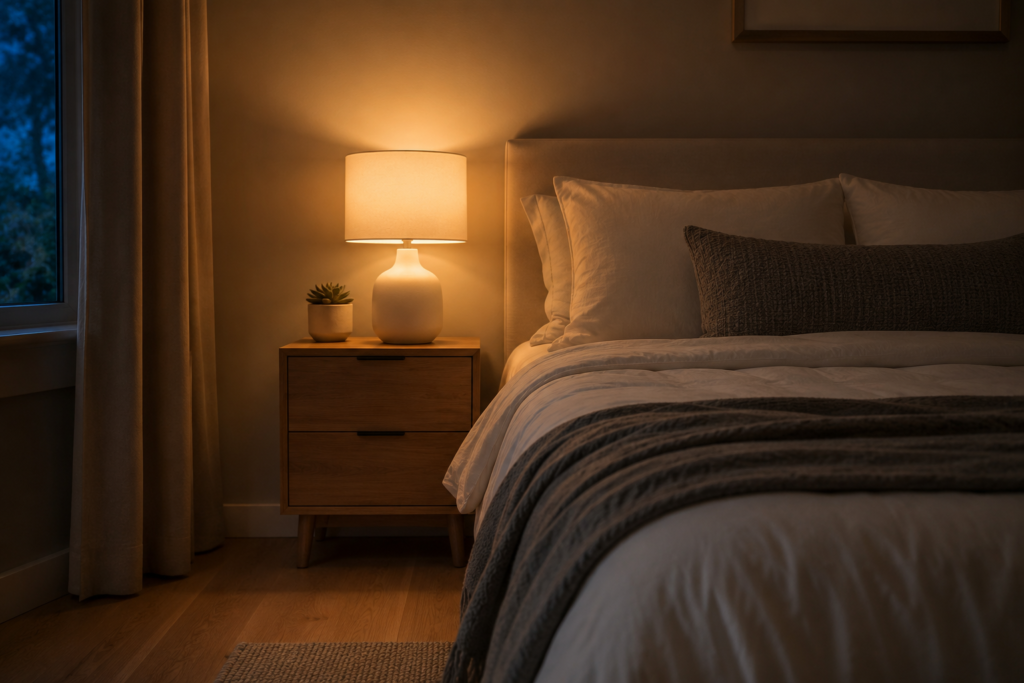
- Set a “wake-up” routine — lights gradually brighten 30 minutes before your alarm. Far gentler than a loud buzzer.
- Schedule all lights to cut off automatically at midnight so you never lose sleep worrying about them.
- Dim lights in the evening to signal your body that it’s winding-down time — genuinely helpful for sleep quality.
Smart Plugs and Power Strips — Control Every Appliance Without Wiring
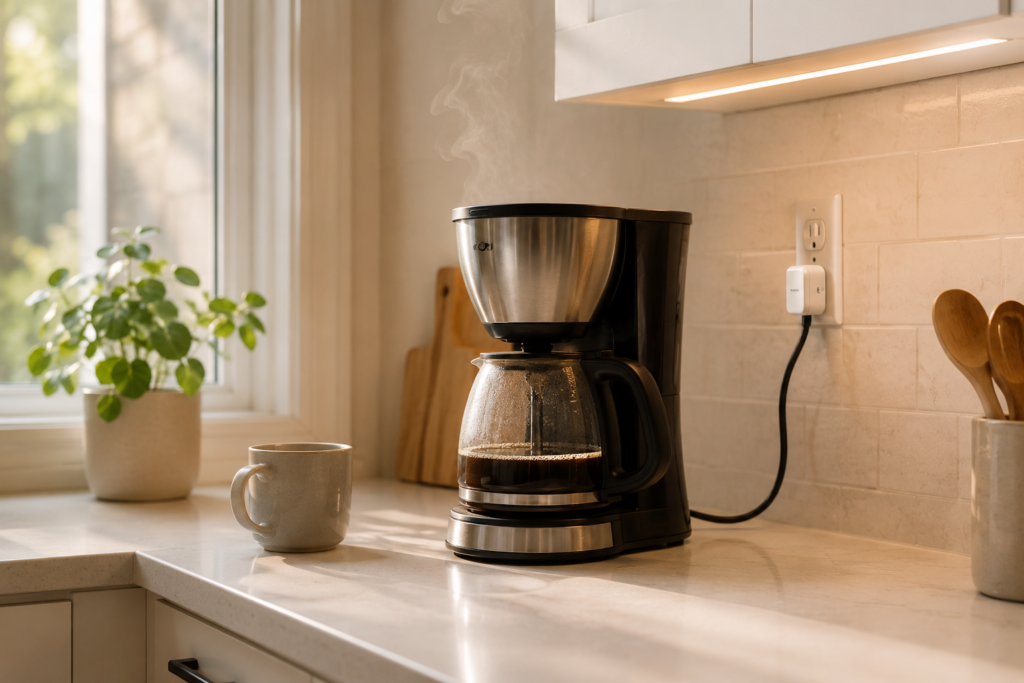
If smart bulbs are the appetizer, smart plugs are the main course for beginners. You plug them into any existing outlet, then plug your lamp, fan, coffee maker, or TV into them. Suddenly, any “dumb” appliance becomes smart.
H4: Best Budget Smart Plugs 2026
| Device | Price (approx.) | Compatibility | Key Feature |
|---|---|---|---|
| Kasa Smart Plug EP25 | $14–$18 | Alexa, Google | Energy monitoring |
| Amazon Smart Plug | $14 | Alexa | One-press setup |
| Wyze Plug | $10–$13 | Alexa, Google | Compact, no hub |
| Meross Smart Plug | $10–$12 | Alexa, Google, HomeKit | HomeKit support at low price |
| BN-LINK Smart Plug | $8–$11 | Alexa, Google | Budget leader, reliable |
Practical uses you’ll actually appreciate:
- Plug your coffee maker in and have it start brewing at 6:45 a.m. before you’re even vertical.
- Set your phone charger plug to cut power at 100% to protect battery health.
- Create a “vacation mode” that randomly toggles lamps to deter potential intruders.
- Kill phantom power on your TV entertainment center with one voice command.

- Voice control: Kasa smart plugs that work with Alexa and Google Home Assistant. Enjoy the hands free convenience of cont…
- Easy set up and use: 2.4GHz Wi-Fi connection required. Plug in, open the case app, follow the simple instructions and en…
- Scheduling: Use timer or countdown schedules set your smart plug to automatically turn on and off any home electronic ap…
$29.99
Smart Thermostats — Where Real Savings Happen
This is the budget smart home upgrade with the clearest financial return. A smart thermostat learns your schedule, adapts to your preferences, and stops heating or cooling an empty house.
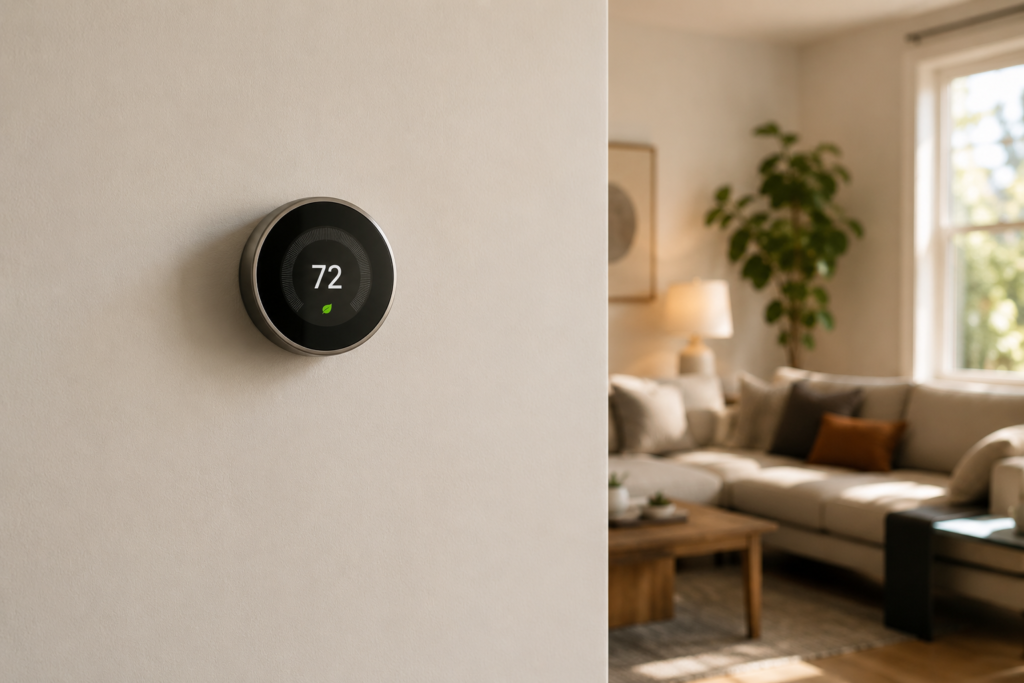
Best Budget Smart Thermostats for Beginners
| Device | Price (approx.) | Compatibility | Key Feature |
|---|---|---|---|
| Google Nest Thermostat | $99–$130 | Google, Alexa | Self-learning, Energy Star |
| Ecobee SmartThermostat Essential | $99–$120 | Alexa, Google, HomeKit | Room sensors, Matter |
| Honeywell Home T6 Pro | $79–$110 | Alexa, Google | Simple programmable interface |
| Amazon Smart Thermostat | $59–$79 | Alexa | Most affordable entry, Hunny certified |
Even at $79, the Amazon Smart Thermostat pays for itself within a single heating season for most households. That’s not a marketing line — it’s math.

- Nest’s smartest, most advanced thermostat yet, the Google Nest Learning Thermostat (4th gen) is a beautiful, brilliant w…
- Savings you can count on: The Nest Learning Thermostat can help save up to 31% on heating and cooling bills[2]
- Improved compatibility: It works with most 24V systems, including gas, electric, oil, forced air, heat pump, and radiant…
$229.99
Smart Security Cameras — Peace of Mind That Costs Less Than You Think
You don’t need a $500 system to know what’s happening at your front door. Budget smart cameras in 2026 deliver crisp 1080p or 2K footage, motion alerts, and two-way audio at prices that won’t make you wince.
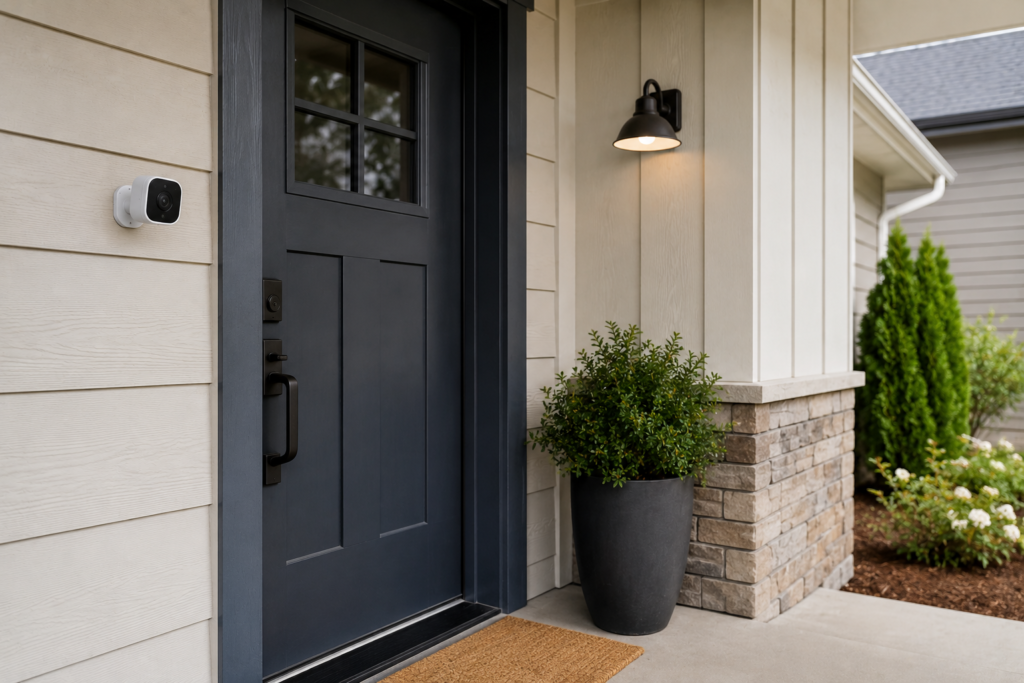
Best Budget Smart Cameras 2026
| Device | Price (approx.) | Resolution | Key Feature |
|---|---|---|---|
| Wyze Cam v4 | $35–$45 | 2K | Color night vision, local storage |
| Blink Outdoor 4 | $49–$70 | 1080p | 2-year battery life |
| TP-Link Tapo C200 | $29–$40 | 1080p | Pan/tilt, no subscription needed |
| Amazon Blink Mini 2 | $29–$35 | 1080p | Indoor, plug-in, compact |
| Eufy Indoor Cam C24 | $39–$55 | 2K | No subscription, local storage |
Why this matters for daily living:
- Check on pets or children from anywhere using your phone.
- Receive instant motion alerts when someone approaches your door.
- Catch delivery packages or confirm they’ve arrived safely.
- Review footage if anything suspicious happens near your property.
For true beginners, start with one indoor camera and one doorbell camera. That covers your highest-value security touchpoints without overwhelming your setup.
Smart Doorbells — Know Who’s Knocking Without Leaving Your Couch
Smart video doorbells have become one of the most genuinely useful home devices of the decade. You see who’s at the door, speak to them, and even unlock a smart lock — all without moving.
H4: Best Budget Video Doorbells 2026
| Device | Price (approx.) | Power Source | Key Feature |
|---|---|---|---|
| Blink Video Doorbell | $49–$59 | Battery or wired | Works with Alexa, affordable |
| Eufy Video Doorbell S220 | $79–$99 | Battery | No subscription, local storage |
| TP-Link Tapo D230 | $69–$89 | Battery | Color night vision, Matter |
| Amazon Ring Doorbell (4th gen) | $99–$119 | Battery or wired | Vast ecosystem, feature-rich |
Smart Speakers and Displays — The Brain of Your Smart Home
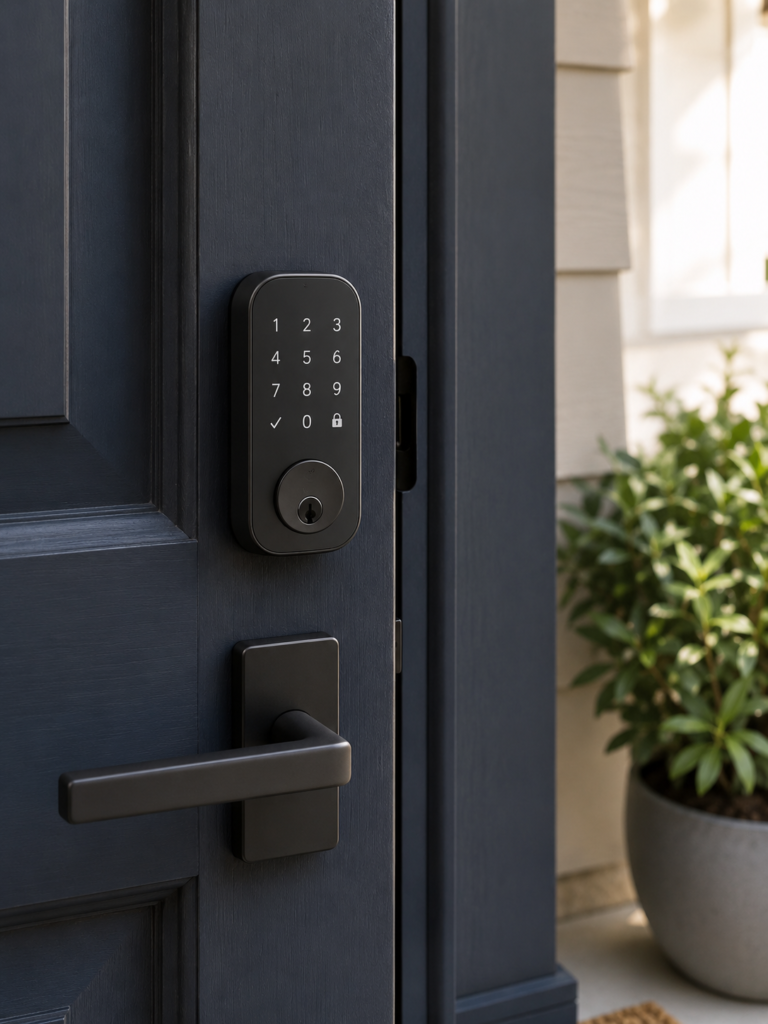
Every smart home needs a central control point. Smart speakers fill that role elegantly — and inexpensively.
Best Budget Smart Speakers and Displays 2026
| Device | Price (approx.) | Ecosystem | Key Feature |
|---|---|---|---|
| Amazon Echo Dot (5th gen) | $39–$49 | Alexa | Best value smart speaker available |
| Google Nest Mini (2nd gen) | $29–$49 | Natural conversation, Google search | |
| Amazon Echo Show 5 | $59–$89 | Alexa | Screen for visual routines |
| Google Nest Hub (2nd gen) | $69–$99 | Sleep tracking, YouTube |
A smart speaker is often the device that ties everything else together. Once you can say “Alexa, goodnight” and watch your lights dim, thermostat adjust, and doors lock — you’ll understand why people call this life-changing.

- Simple to set up. Seriously secure – Get ready to protect right out of the box.
- 1 FREE month of professional monitoring for fast police response when you need it most. With optional monitoring service…
- Complete control of your system with the SimpliSafe App – Arm, disarm, and protect anytime, anywhere.
Smart Locks — Keyless Living Is Simpler Than You Imagine
Fumbling for keys in the dark, hiding a spare under a mat, letting the dog walker in remotely — smart locks resolve all of it.
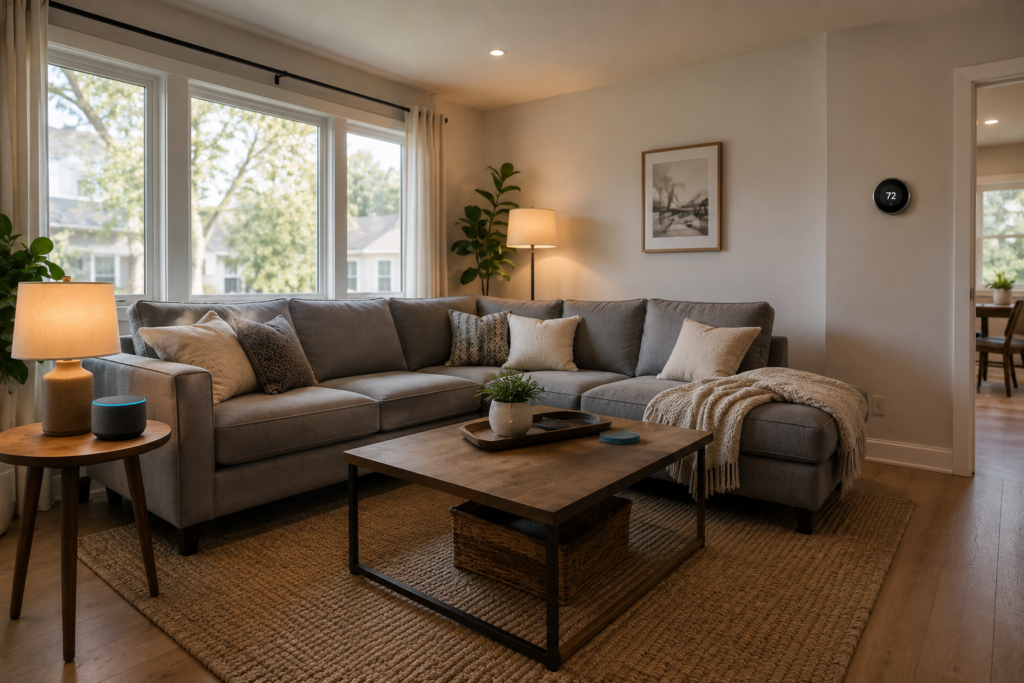
H4: Best Budget Smart Locks for Beginners
| Device | Price (approx.) | Compatibility | Key Feature |
|---|---|---|---|
| Wyze Lock Bolt | $79–$99 | Alexa, Google | Fingerprint, no hub needed |
| Schlage Encode SE | $149–$179 | Alexa, Google | Built-in WiFi, very reliable |
| Ultraloq U-Bolt Pro | $99–$139 | Alexa, Google, Matter | 6-in-1 access methods |
| Level Lock+ | $149–$199 | HomeKit, Matter | Nearly invisible, fits inside door |
Smart Sensors — The Unsung Heroes of a Smart Home
Motion sensors, door/window sensors, and water leak detectors are small, cheap, and quietly brilliant. They trigger automations without you lifting a finger.
Useful sensors for daily living:
- Motion sensor in the hallway → lights turn on automatically when you walk past at night
- Door sensor on the medicine cabinet → reminder alert if it’s left open
- Water leak sensor under the sink or washing machine → alerts before damage occurs
- Temperature/humidity sensor in a child’s room → keep conditions ideal automatically
Top budget picks: Aqara Motion Sensor P1 ($18), Wyze Sense Hub Kit ($25), SmartThings Multipurpose Sensor ($19).
Building Your Starter Smart Home: A Suggested Sequence
If you’re brand new to all of this, here’s a practical order to build out your setup without feeling overwhelmed:

- Start with one smart speaker (Echo Dot or Nest Mini) — this becomes your control hub.
- Add 2–3 smart bulbs in the rooms you use most.
- Install a smart plug for your coffee maker or TV.
- Add a video doorbell for security and convenience.
- Install a smart thermostat once you’re comfortable with the basics.
- Expand with cameras, locks, and sensors over time.
The whole starter kit — smart speaker, three bulbs, two plugs, and a doorbell — can cost as little as $150 if you shop carefully. That’s one month of a streaming service bundle, but the return is years of daily value.
Frequently Asked Questions: Best Budget Smart Home Devices for Beginners 2026
What are the best budget smart home devices for beginners in 2026?
The top picks for 2026 include the Amazon Echo Dot 5th gen, TP-Link Kasa smart plugs, Wyze Cam v4, Govee smart bulbs, and the Amazon Smart Thermostat. These devices cover the core categories — control, lighting, security, and energy — at accessible prices.
Do budget smart home devices work without a subscription?
Many do, yes. Devices from Wyze, TP-Link Tapo, and Eufy offer core functionality including live viewing, motion alerts, and local storage without a monthly fee. Some features like cloud video history do require subscriptions, but they’re entirely optional.
Is Matter compatibility worth looking for in 2026?
Absolutely. Matter is now the dominant smart home standard, supported by Apple, Google, Amazon, and Samsung. Buying Matter-compatible devices means they’ll work across ecosystems and remain relevant longer.
Can I set up budget smart home devices without any technical knowledge?
Yes. The devices listed in this guide are specifically chosen for ease of setup. Most require nothing more than plugging in, downloading a free app, and following on-screen instructions. No wiring, no hubs, no technical background required.
How much should a beginner spend on their first smart home setup?
A practical, genuinely useful starter setup can be built for $100–$200. Start with the highest-impact categories for your lifestyle — most beginners find lighting and a smart speaker deliver the most immediate satisfaction.
Are budget smart home devices secure?
Reputable brands like TP-Link, Wyze, Amazon, Google, and Eufy invest heavily in security. Use strong, unique passwords for your accounts, enable two-factor authentication, and keep device firmware updated. Avoid unbranded no-name devices with no reviews.
Conclusion: Your Smarter Home Starts With One Small Step
The best budget smart home devices for beginners in 2026 aren’t just gadgets — they’re quiet solutions to problems you deal with every single day. Lights left on. Coffee not ready. A knock at the door while your hands are full. An energy bill that creeps up without explanation.
None of these problems are dramatic. But combined, they add friction to your days in ways you stop noticing only when they’re gone.
You don’t need a massive budget. You don’t need to rewire anything. You don’t need to become a tech person. You just need to pick one category from this guide, buy one affordable device, and spend twenty minutes setting it up.
That’s how every smart home starts — with one small change that makes you wonder why you waited.
Ready to take the first step? Pick the category that solves your biggest daily frustration and start there. Share this guide with someone whose home life could use a quiet upgrade — they’ll thank you for it.