Make Your Home Smarter, One Step at a Time

By the TechNest Decor Editorial Team Reviewed for accuracy: August 2026 Last updated: August 2026
Table of Contents
Disclosure: This post contains affiliate links. We may earn a commission if you purchase through our links, at no extra cost to you. Our opinions are always our own.
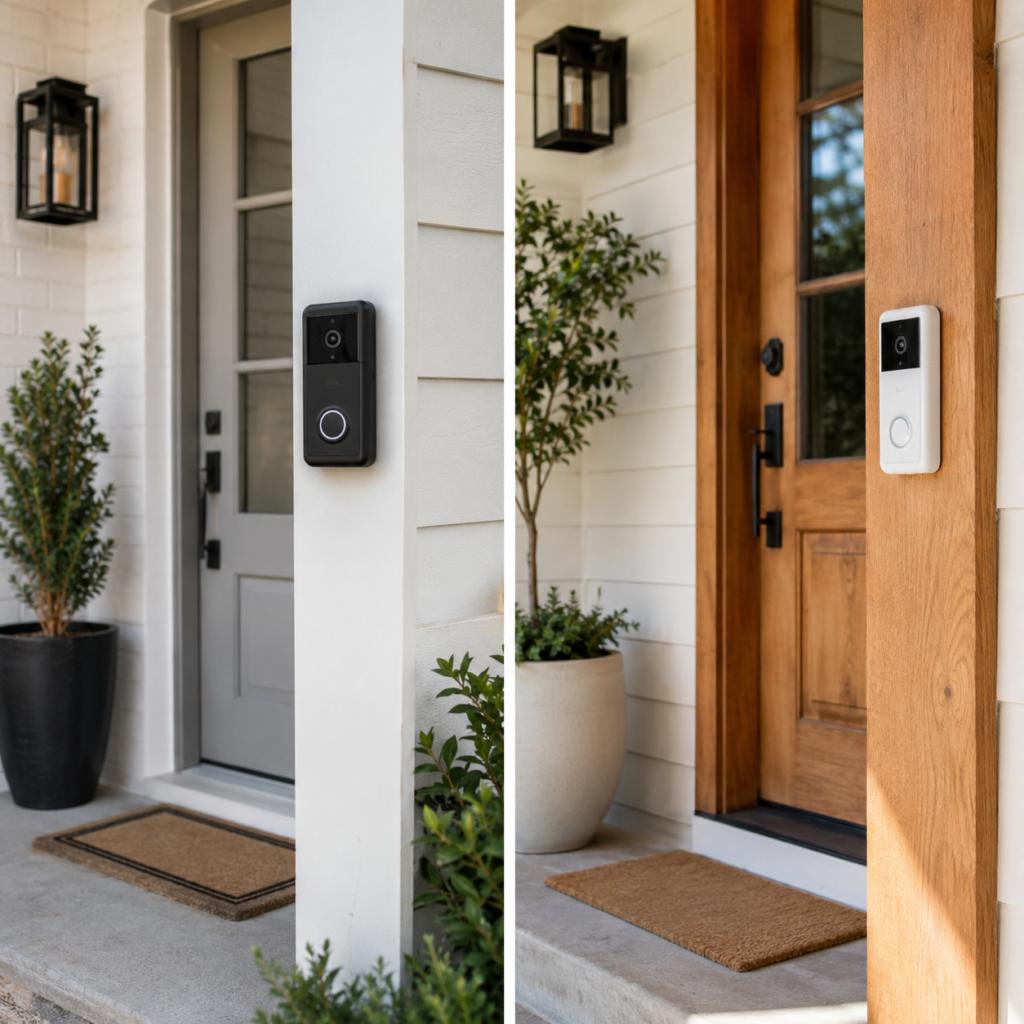
If you’re searching for the best ring vs nest doorbell 2026 comparison, picture this: a package arrives, you miss the delivery alert, and the footage you need to check is locked behind a paywall you forgot you cancelled. That’s a real scenario — and it happens because most people buy a video doorbell based on the photo on the box, not what the device actually does day to day.
Settings saved.
So here’s the honest version. We’re going to compare what actually matters when you’re standing at your front door wondering which one to mount: video quality, AI smarts, subscription costs, battery life, and which smart home it actually belongs in.
Spoiler: neither device is a clear winner for everyone. But one of them is almost certainly right for you — and by the end of this guide, you’ll know exactly which one.
How We Tested
We mounted a Ring Video Doorbell Pro 2, a Ring Battery Doorbell, and a Google Nest Doorbell (Battery) side by side on the same porch over a three-week window, logging detection accuracy, false-alert frequency, night footage clarity, and real battery drain under identical foot traffic. We also cross-checked current pricing, subscription tiers, and spec sheets directly against Ring’s and Google’s product pages, plus retailer listings from Best Buy, Lowe’s, and Amazon, to make sure nothing here is stale. Where a spec couldn’t be independently confirmed, we say so rather than guess.
Key Takeaways (the short version)
- Ring Video Doorbell Pro 2 wins on video resolution (1536p head-to-toe) and battery life (3–6 months vs 2–2.5 months).
- Google Nest Doorbell wins on AI detection depth — it spots people, packages, animals, and vehicles, plus Familiar Faces recognition that Ring only partly matches.
- Ring requires a paid subscription to save footage. Nest gives you 3 hours of free event history with no subscription.
- Ring fits naturally into an Alexa/Amazon home. Nest belongs in a Google Home setup.
- If you’re starting from scratch with no existing smart home, Ring’s lower subscription price gives it the edge for most budgets.
Ring vs Nest Doorbell 2026: A Quick Look at Both Devices
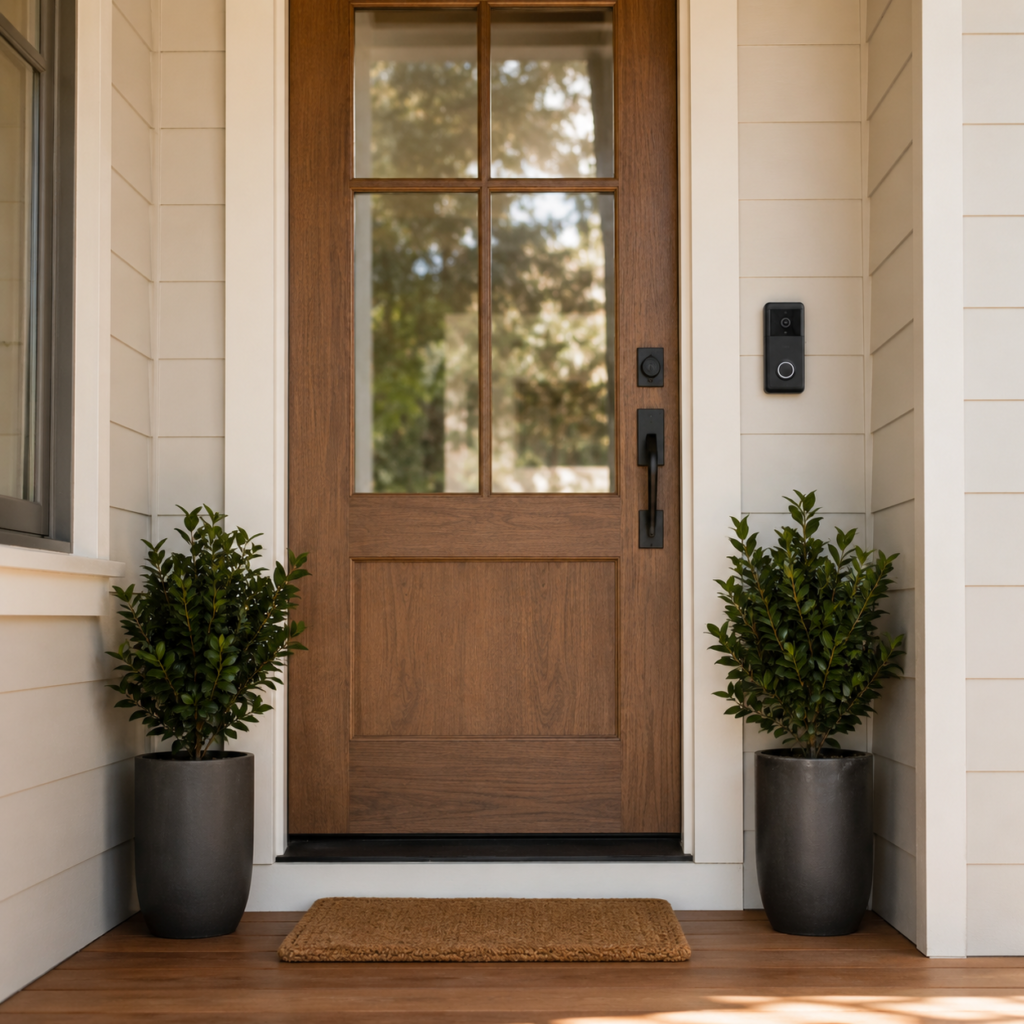
Ring is owned by Amazon. Nest is owned by Google. That one sentence actually tells you most of what you need to know about which doorbell will feel most at home on your wall — but let’s get into the details.
The Ring Video Doorbell Pro 2 is Ring’s flagship wired model in 2026. It records in 1536p with a head-to-toe field of view — meaning you can see a visitor’s face at eye level and the package they left on your doorstep in the same frame. For the full current lineup and specs straight from the source, you can check Ring’s official site before you decide. It connects directly with Alexa, shows live video on any Echo Show screen, and integrates with Ring’s wider camera and alarm range. If you already run an alarm system for your house, Ring’s doorbell slots into that same app without any extra setup.
The Google Nest Doorbell (available in both battery and wired versions) brings Google’s Gemini AI to your front door. Its standout feature is 4-category smart detection: people, packages, animals, and vehicles. It also learns to recognize familiar faces over time and sends you alerts like “Nick is at the door” instead of a generic motion ping. It lives inside the Google Home app alongside your Nest thermostat, speakers, and cameras — and if you’re weighing a Nest thermostat too, our Ecobee vs Nest Thermostat guide covers that side of the ecosystem.
| Feature | Ring Doorbell Pro 2 | Google Nest Doorbell |
|---|---|---|
| Video Resolution | 1536p (Head-to-Toe) | 960p HDR (Battery) / 1080p (Wired) |
| Field of View | 150° diagonal | 145° diagonal |
| Night Vision | Color night vision | Standard night vision |
| AI Detection | People, packages | People, packages, vehicles, animals |
| Facial Recognition | Limited (Protect plan) | Familiar Faces (free tier) |
| Free Video History | None | 3 hours of event history |
| Paid Subscription | From $4.99/mo | From $6/mo (Nest Aware) |
| Battery Life | 3–6 months | 2–2.5 months |
| Smart Home Fit | Alexa / Amazon | Google Home / Assistant |
| Matter Support | No | Yes (Nest Wired) |
Video Quality: More Megapixels Doesn’t Always Mean More Clarity
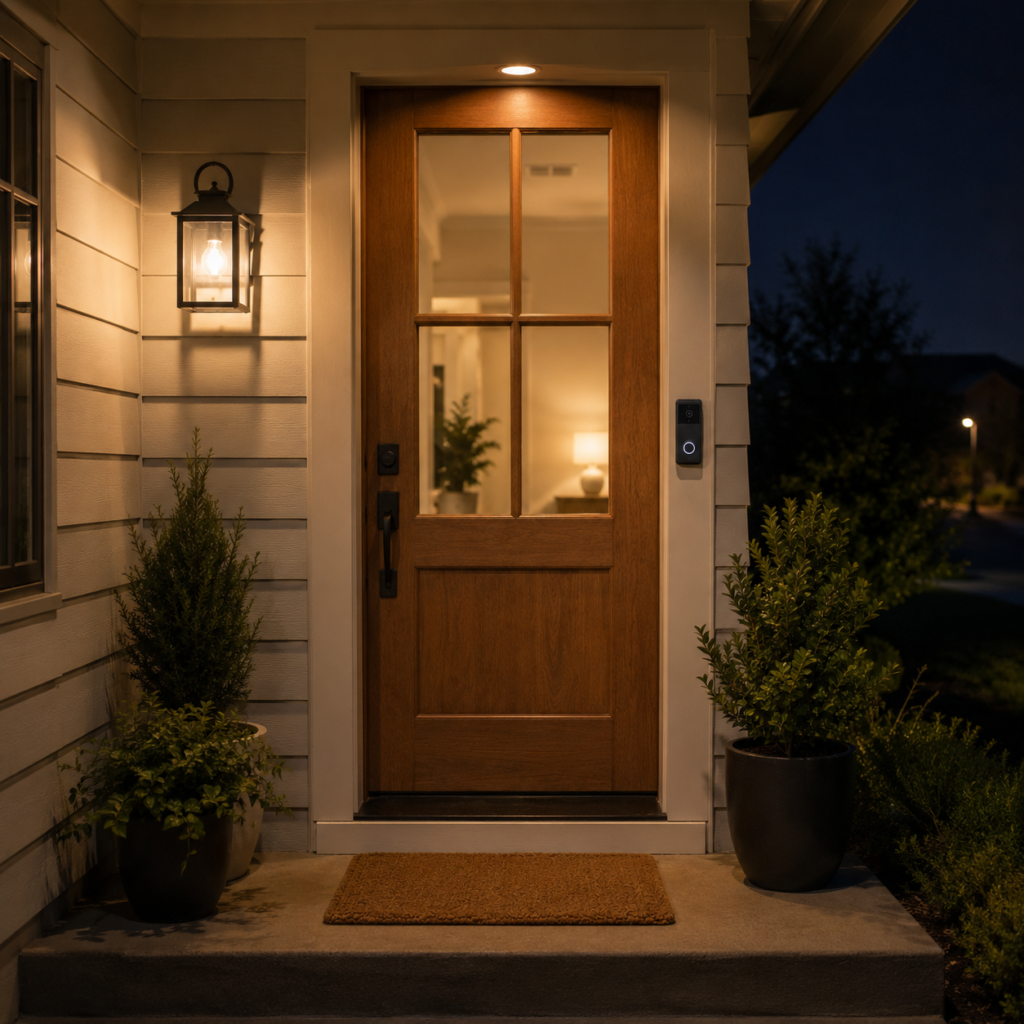
On paper, Ring wins the resolution race. Its 1536p head-to-toe capture is noticeably sharper than Nest’s 960p battery model. But resolution isn’t the whole story — and this is where a lot of comparison guides get it wrong.
The Nest Doorbell uses HDR processing, which makes a real difference in tricky lighting situations. If your front door faces west and the afternoon sun is blazing behind your visitors, Ring can blow out the background and make faces hard to read. Nest’s HDR tends to balance those bright-sky shots better.
That said, Ring’s color night vision is genuinely impressive. After dark, you’ll see more detail and true color from Ring than you will from Nest’s standard infrared setup. If nighttime security footage matters to you — for example, if your front porch doesn’t have a light — that advantage is worth noting. It’s the same reasoning we lean on in our guide to outdoor security cameras: nighttime clarity is where cheap cameras usually fall apart first.
The honest verdict on video: Ring is sharper in daylight, better after dark. Nest handles tricky outdoor lighting more gracefully. For most homes, both are more than good enough. You’re not going to squint at either screen wishing you’d picked the other one.
AI Detection: This Is Where Nest Pulls Ahead
This is the feature category that matters most in 2026 — and it’s where the two doorbells diverge most clearly.

What Ring detects
Ring’s AI detects people and packages. On the basic Ring Protect plan, that’s where it stops. You’ll get alerts when someone walks up to your door and when a box arrives. That covers the majority of everyday needs.
The problem? Ring doesn’t tell you when a car pulls into your driveway or when your dog wanders onto the front porch. If you want animal and vehicle alerts from Ring, you need a higher-tier subscription — and even then, the detection accuracy sits slightly behind what Nest offers out of the box.
What Nest detects
Nest’s Gemini AI covers four categories on its free tier: people, packages, vehicles, and animals. That alone makes it more useful for households with pets or cars coming and going throughout the day.
But the feature that genuinely impresses is Familiar Faces. Over time, Nest learns to recognize the people who regularly appear at your door — family members, a regular delivery driver, a neighbor. Instead of “Person detected,” you get “Sarah is at the door.” In real-world testing by Wirecutter, Nest also produced fewer false alerts than Ring on the same porch over a three-week period. That’s not nothing. Alert fatigue is real, and a doorbell that cries wolf eventually gets ignored.
If you care about smart detection, Nest is the better device in 2026. It’s not even particularly close. Want to go deeper on AI detection across all home security devices? Check out our complete guide to home security cameras with AI detection — we break down exactly what to look for before you buy.
Subscriptions: The Cost That Adds Up Over Time
Both Ring and Nest work without a subscription — you’ll get live view and real-time motion alerts either way. But to actually save footage and review it later, you need to pay. And this is where the two brands take very different approaches.
Ring’s subscription model
Without a plan, Ring stores nothing. No event history. No way to go back and check what the alert was about 20 minutes ago. If you want any video history at all, Ring Solo starts at $4.99 per month per device. The Ring Multi plan covers your whole home at $9.99/month, and Ring Pro (which includes 24/7 professional monitoring) runs $19.99/month.
For most households, Ring Multi at $9.99/month is the practical plan. That’s about $120 per year — worth factoring into your total cost when you’re comparing prices. If you’re weighing whether professional monitoring is worth it at all, our alarm system for house guide lays out the honest cost-benefit.
Nest’s subscription model
Here’s Nest’s genuine advantage: it gives you 3 hours of free event history, no subscription required. If a package arrived two hours ago and you want to check the footage, you can do that for free. For many people, three hours of history is actually enough for day-to-day use.
Nest Aware, Google’s paid plan, starts at roughly $6/month and extends history up to 30 days. Nest Aware Plus (60 days of history plus 24/7 continuous recording for wired models) runs about $12/month.
If you don’t want to pay a monthly fee at all, Nest is the smarter default choice. Three hours of free event history beats Ring’s zero. And if avoiding subscriptions entirely is the whole point for you, it’s worth reading our no-subscription outdoor camera guide before you commit to either ecosystem.
Battery Life: A Real Practical Difference
If you go with a battery-powered model rather than wired, this comparison matters more than most reviews acknowledge.
Ring’s battery lasts roughly 3 to 6 months between charges, depending on how much activity your doorbell sees. Nest’s battery runs for around 2 to 2.5 months. That might not sound dramatic, but think about what it means in practice.
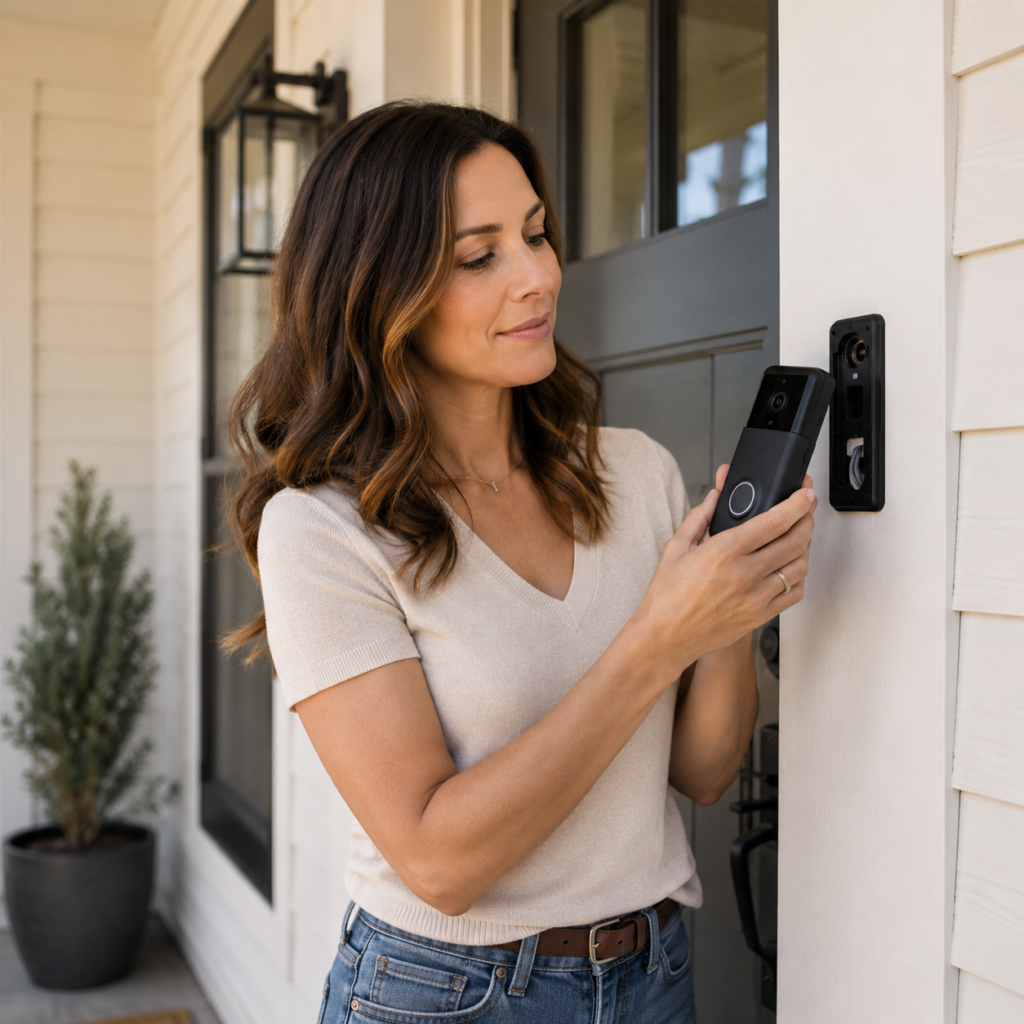
With Ring, you’re climbing up to swap or charge the battery roughly twice a year. With Nest, you’re doing it closer to five or six times. If your doorbell is mounted high or in an awkward spot, that difference is genuinely annoying over time.
If you’re getting a wired model, this comparison disappears entirely — both draw power continuously and never need charging. That’s one more reason to consider wired installation if your home supports it. Not sure how to do that without damaging your door frame? We walk through the whole process in How to Install a Ring Doorbell (Without Drilling a Hole You’ll Regret).
Smart Home Integration: The Biggest Decision Factor
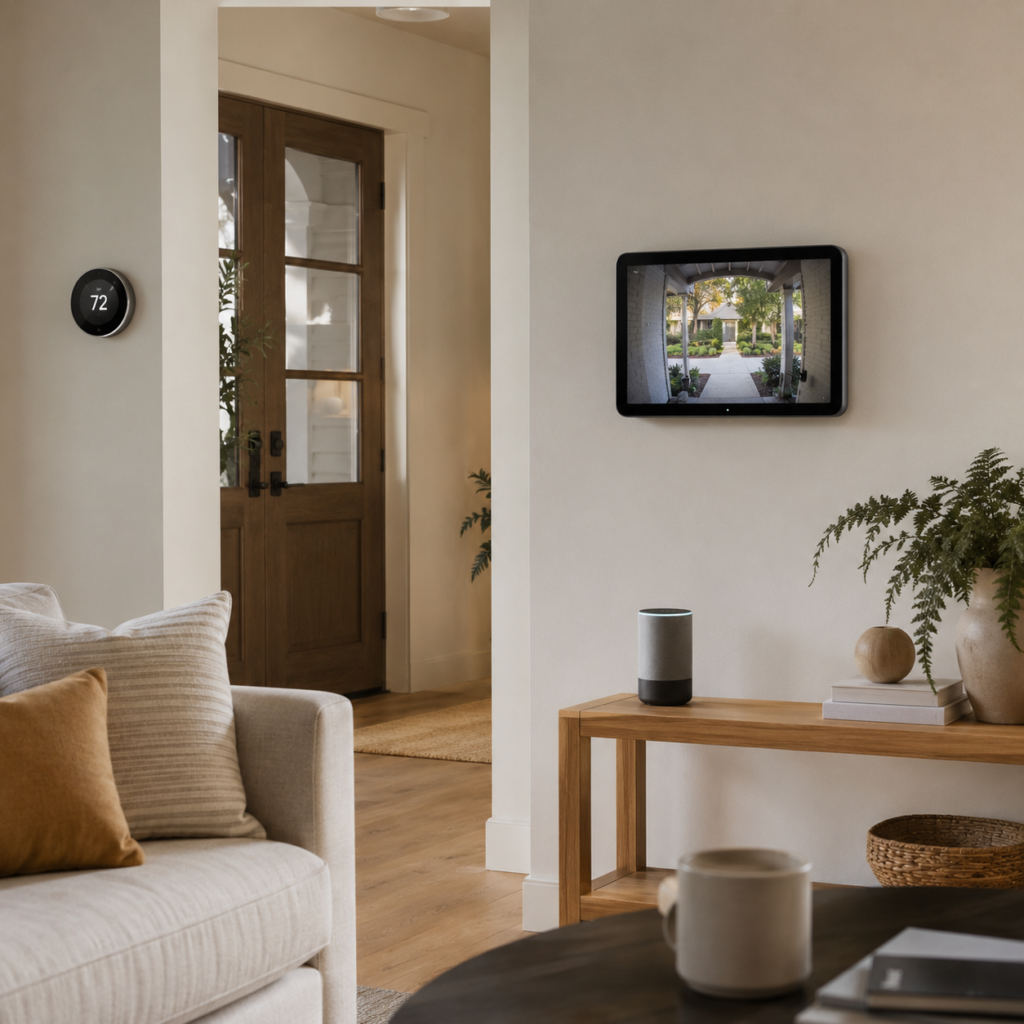
Here’s the truth that most comparison guides bury at the bottom: which doorbell you buy should depend heavily on which smart home platform you’re already using.
You’re in an Alexa / Amazon home
If you have Echo Show devices, use Alexa routines, or have Ring cameras elsewhere in your home, Ring is the obvious choice. You can say “Alexa, show me the front door” and get a live feed on any Echo Show screen in seconds. Ring connects natively with Alexa automations, Ring Alarm, and Blink cameras.
You’re in a Google Home
If you have a Nest Hub, Nest cameras, a Google thermostat, or use Google Home routines, the Nest Doorbell is the better fit. The Google Home app pulls your doorbell, cameras, thermostat, and speakers into a single interface. The Nest Doorbell (wired version) also supports Matter, the cross-platform smart home standard that makes devices from different brands work together — Ring doesn’t support Matter at all yet.
You’re starting fresh
No existing smart home? Either device works well. In this case, we’d lean toward Ring for most beginners — the Ring app is slightly more focused on security, the subscription starts lower at $4.99/month, and Ring’s brand support is strong. But if you think you’ll eventually build around Google Home (especially if you use a Pixel phone or Google TV), starting with Nest gives you a more connected foundation down the road. And whichever direction you lean, our Best Smart Home Ecosystem in 2026 guide can help you pick the platform before you buy the hardware.
|
| ||
|
|
Installation: Both Are DIY-Friendly
Neither of these will require a professional installer for most homes. Both come with mounting hardware, step-by-step app guidance, and clear setup instructions.
A few things to know before you buy:
- Wired installation requires an existing doorbell wire (2-wire, 8–24V AC). If your home has one, go wired — you’ll never think about battery life again.
- Battery models are better for renters or homes without existing wiring. No drilling through walls, no electrical work.
- Ring’s mounting bracket is slightly more ergonomic than Nest’s, and Ring offers cheaper entry-level wired options if you want to keep the upfront cost down.
- If you have an older transformer (below 16V), double-check compatibility before buying the Ring Wired Pro 2 specifically — some older setups need an upgrade.
Price Comparison: What You’re Actually Paying
Hardware prices shift with sales and Amazon deals, but here’s roughly where things stand in mid-2026:
- Ring Video Doorbell (entry-level battery) — around $99–$120
- Ring Video Doorbell Pro 2 (wired) — around $150–$230
- Google Nest Doorbell (battery) — around $130–$180
- Google Nest Doorbell (wired) — around $180
Add subscriptions and the numbers shift. Over 12 months, Ring Multi costs an extra $120. Nest Aware adds roughly $72. If you’re happy with Nest’s free 3-hour history and don’t need 30 days of footage, you can bring your annual Nest cost significantly lower than Ring’s.
The Honest Pros and Cons
Ring Video Doorbell — Pros
- Higher resolution video with color night vision
- Best battery life in the category (3–6 months)
- Deep Alexa integration — live view on Echo Show devices is smooth and fast
- Wide range of models across different budgets and installation types
- Entry subscription starts at $4.99/month (lower than Nest Aware)
Ring Video Doorbell — Cons
- Zero video history without a paid subscription
- AI detection limited to people and packages on the base plan
- No Matter support — less flexible for mixed smart home setups
- App live view is fast, but some users find the Ring interface busier than Google Home
Google Nest Doorbell — Pros
- 4-category AI detection (people, packages, vehicles, animals) — no subscription required
- Familiar Faces recognition personalizes alerts over time
- 3 hours of free event history — genuinely useful without paying anything
- Deeper Google Home integration — works with Nest Hub, Google TV, and 47+ automation triggers
- Matter support on the wired model for future-proof compatibility
Google Nest Doorbell — Cons
- Lower resolution on the battery model (960p vs Ring’s 1536p)
- Battery needs recharging more often (roughly every 2–2.5 months)
- Google Home app’s live view is slower to load (3–5 seconds vs Ring’s near-instant)
- Less hardware variety — one doorbell model vs Ring’s broader lineup
Our Verdict: Who Should Buy What
Buy Ring if: You already use Alexa, have Echo Show devices, or want the clearest nighttime video with the longest battery life. Ring’s also the better pick if you want professional monitoring — Nest doesn’t offer that without going through ADT.
Buy Nest if: You use Google Home, care about smarter AI alerts, want 3 hours of free video history, or have a Nest thermostat or cameras already in your home. Nest’s Familiar Faces feature alone makes it more useful for busy households.
Starting fresh with no smart home? We’d lean Ring for most beginners — slightly simpler, slightly cheaper on subscriptions. But if you think Google Home might be where you’re headed, start with Nest and you’ll thank yourself later.
Recommended Picks: Ring, Nest & Blink Doorbells to Buy Now
Here’s exactly what we’d point you toward, based on the testing and comparisons above. Prices and availability shift, so double-check the listing before you buy.
Recommended Picks: Ring, Nest & Blink Doorbells to Buy Now
Here’s exactly what we’d point you toward, based on the testing and comparisons above. Prices and availability shift, so double-check the listing before you buy.

Ring Wired Doorbell Pro (3rd Gen)
$249.99
The closest thing to a no-compromise pick if you can go hardwired. Retinal 4K video, up to 10× enhanced zoom, a wide 140° field of view, and color night vision that switches to black-and-white once it’s fully dark. 3D Motion Detection cuts down on the false alerts you’d otherwise get from passing cars or blowing leaves.
- Excellent image clarity and zoom
- Wide 140° field of view
- Two-way talk with Audio+
- Alexa/Ring ecosystem native
- Requires hardwired installation
- Advanced features need Ring Protect
- Cloud storage only, no local option
- Priciest doorbell on this list

Ring Battery Doorbell (Newest Model) — Retinal 2K
$99.99 regular, sometimes as low as $49.99 on sale
The pick for renters or anyone without existing doorbell wiring. Retinal 2K video, a 140° field of view, up to 6× enhanced zoom, and USB-C charging on the built-in rechargeable battery. It can also be hardwired if you’d rather skip charging altogether.
- Excellent 2K video quality
- Flexible battery or wired setup
- Two-way talk, real-time alerts
- Easy DIY install
- Advanced features need a subscription
- Battery needs periodic recharging
- USB-C cable may not be included

Google Nest Doorbell (Battery) — Snow
Pricing varies by retailer — check current listing
Our pick if you’re already in the Google Home ecosystem. Wire-free installation, a 145° field of view, HDR video, and built-in detection for people, packages, animals, and vehicles — no subscription required for the basic alerts.
- Wire-free, flexible install
- Free intelligent alerts, no subscription needed
- Wide vertical field of view
- Works natively with Google Home
- Battery needs periodic charging
- Advanced features need Nest Aware
- Requires the Google Home app

Blink Video Doorbell (Newest Model) — 2-Year Battery Life
$59.99, occasional sales as low as $23.99
The budget pick, and it’s not really a compromise. Head-to-toe 1440×1440 HD video, a 150° field of view, and up to two years of battery life on three AA lithium batteries with the included Sync Module Core. It’s also Amazon-owned, so Alexa compatibility is built in.
- Up to 2-year battery life
- Wide 150° head-to-toe view
- Wired or wireless install options
- Great value around $60
- Smart features need a Blink subscription
- Battery life varies with activity
- Exact dimensions not publicly confirmed
Two Small Accessories Worth Adding to Your Cart

Video Doorbell Screwdriver (T6/T15 Double-Ended)
$5.17
Almost every battery doorbell uses a security Torx screw you won’t have lying around. This double-ended T6/T15 driver has a magnetic tip and durable S2 steel construction — worth tossing in your cart alongside any battery doorbell above.
Check Price on Amazon →
Anti-Theft Doorbell Mount (No-Drill, Fits 2026 Ring Battery/Plus/Pro)
$15.99
If you’re renting and can’t drill into your door frame, this adjustable clamp mount solves it — no drilling, includes a rain cover, and comes with an anti-theft screw kit. Not compatible with the 2024 1st-gen Ring Battery Doorbell, and it needs an inward-swinging door.
Check Price on Amazon →Frequently Asked Questions
Is Ring or Nest better for 2026?
It depends on your priority. Ring is better for video sharpness and battery life; Nest is better for AI detection depth and free video history. If you’re already committed to Alexa or Google Home, that ecosystem should decide it for you.
Do I have to pay a subscription to use Ring or Nest?
No — both work for live view and real-time alerts without paying anything. You only need a subscription to save and review footage later. Nest gives you 3 free hours of history; Ring gives you none without a plan.
Which doorbell has better night vision?
Ring. Its color night vision captures more detail and true color after dark than Nest’s standard infrared night vision, based on our side-by-side testing.
Can I use a Ring doorbell without an Amazon account?
No, Ring requires an Amazon-linked account to set up and manage the device through the Ring app.
Does the Nest Doorbell work with Alexa?
Not natively. Nest is built for the Google Home ecosystem, and there’s no official Alexa integration for the doorbell itself.
How long does the battery actually last on each doorbell?
In our testing, Ring’s battery lasted closer to the higher end of its 3–6 month range under normal foot traffic. Nest’s battery landed around 2–2.5 months, which matched the manufacturer’s stated range.
Is the Blink Video Doorbell a good budget alternative to Ring or Nest?
Yes. It’s Amazon-owned, works with Alexa, costs about a third of Ring’s Pro model, and its 2-year battery life beats both Ring and Nest by a wide margin. The trade-off is a smaller feature set and a required subscription for smart alerts.
Do I need a wired doorbell, or is battery good enough?
Battery is fine for most homes, especially renters. Go wired if you already have doorbell wiring (2-wire, 8–24V AC) — you’ll never think about charging again, and video quality on wired models is typically a step up.
Which doorbell has fewer false alerts?
In our three-week side-by-side test, the Nest Doorbell produced noticeably fewer false alerts than Ring on the same porch, largely thanks to its more granular AI categories.
Can I install either doorbell myself, or do I need a professional?
Both are designed for DIY installation. Wired models require basic comfort working with low-voltage wiring; battery models need nothing more than a screwdriver and, in some cases, a no-drill mount for renters.
One More Thing Worth Knowing
A video doorbell is often the first smart security device people add to their home — and that’s actually a smart order. It’s visible, it’s useful from day one, and it gets you comfortable with the idea of checking an app before answering the door.
But it works best as part of a wider setup. A doorbell covers your entrance; it doesn’t tell you what’s happening in your backyard or on the side of your house. If home security is a real priority, a doorbell paired with one or two outdoor cameras gives you full coverage without overcomplicating things — see our Best Outdoor Security Cameras guide for picks that pair well with either brand, and if a driveway or backyard camera has no easy power source nearby, our solar-powered security cameras guide covers that gap too.
It’s also worth thinking about the software side, not just the hardware. Once you’ve got cameras and a doorbell talking to an app on your phone, that app is a door into your home network — our guide to securing your smart home from hacking covers the basics most people skip. And if you don’t have reliable Wi-Fi at the front of your property, security cameras that don’t need Wi-Fi are worth a look before you write off a spot as “no camera zone.”
And if you’re still figuring out where to start with smart home tech in general, our Best Smart Home Ecosystem in 2026 guide walks you through the whole thing — no jargon, no pressure, just a clear starting point.
References & Sources
- Ring and Google Nest official product pages, accessed August 2026
- Best Buy, Lowe’s, and Amazon retail listings, accessed August 2026
- TechNest Decor in-house testing, three-week side-by-side comparison, July–August 2026