Make Your Home Smarter, One Step at a Time
(What Nobody Tells You)
Table of Contents
What Is Smart Home Technology, Really?
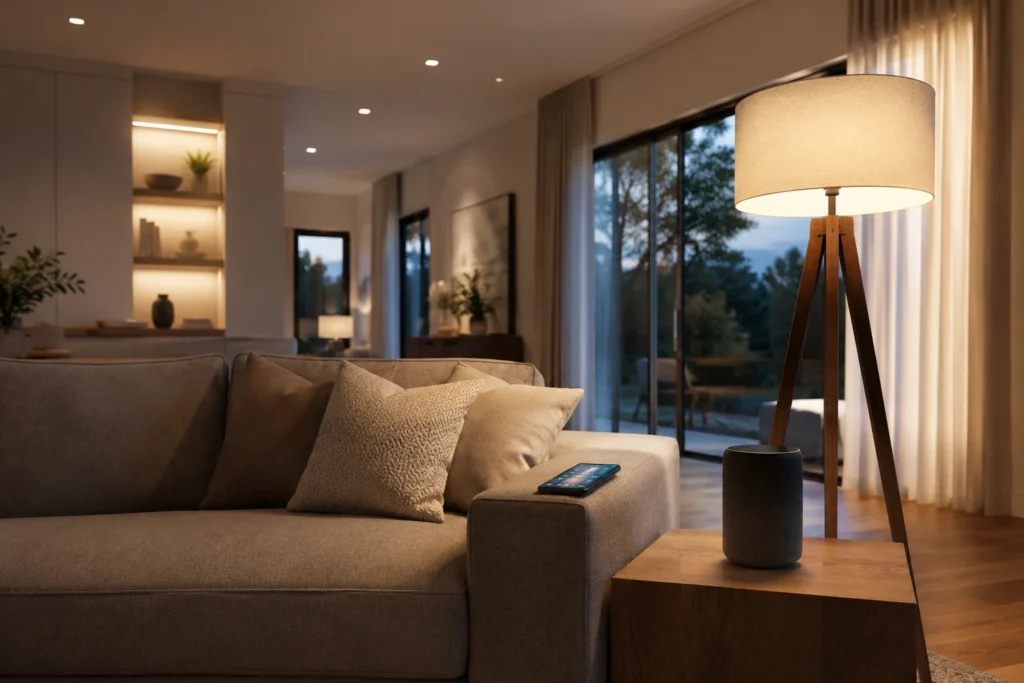
Let me paint a familiar picture. You’re lying in bed, already half-asleep, when that creeping dread hits you: Did I lock the front door? Or maybe it’s a sweltering August afternoon and you’re dreading the blast of hot air waiting for you when you get home from work. Or you’ve simply grown tired of getting up to turn off lights that somebody — who shall remain nameless — left on in every room.
These are exactly the kinds of everyday frustrations that smart home technology was built to solve. And honestly? It’s gotten remarkably good at solving them. But if you’ve ever tried to research smart home gadgets, you’ve probably found yourself buried in technical jargon, brand comparisons, and competing “best of” lists that somehow make a smart light bulb feel like a PhD-level decision.
Settings saved.
This guide cuts through all of that. Whether you’re a complete beginner who just wants to know what smart home tech actually is, or a homeowner who’s bought a couple of gadgets and wants to know what to do next — you’re in the right place. Let’s start from the beginning.
At its core, smart home technology is any device in your home that connects to the internet and can be controlled remotely — through your phone, a voice assistant, or on a schedule you set. That’s it. Strip away all the marketing language, and you’re left with something pretty simple: your home’s devices “talking” to each other and to you.
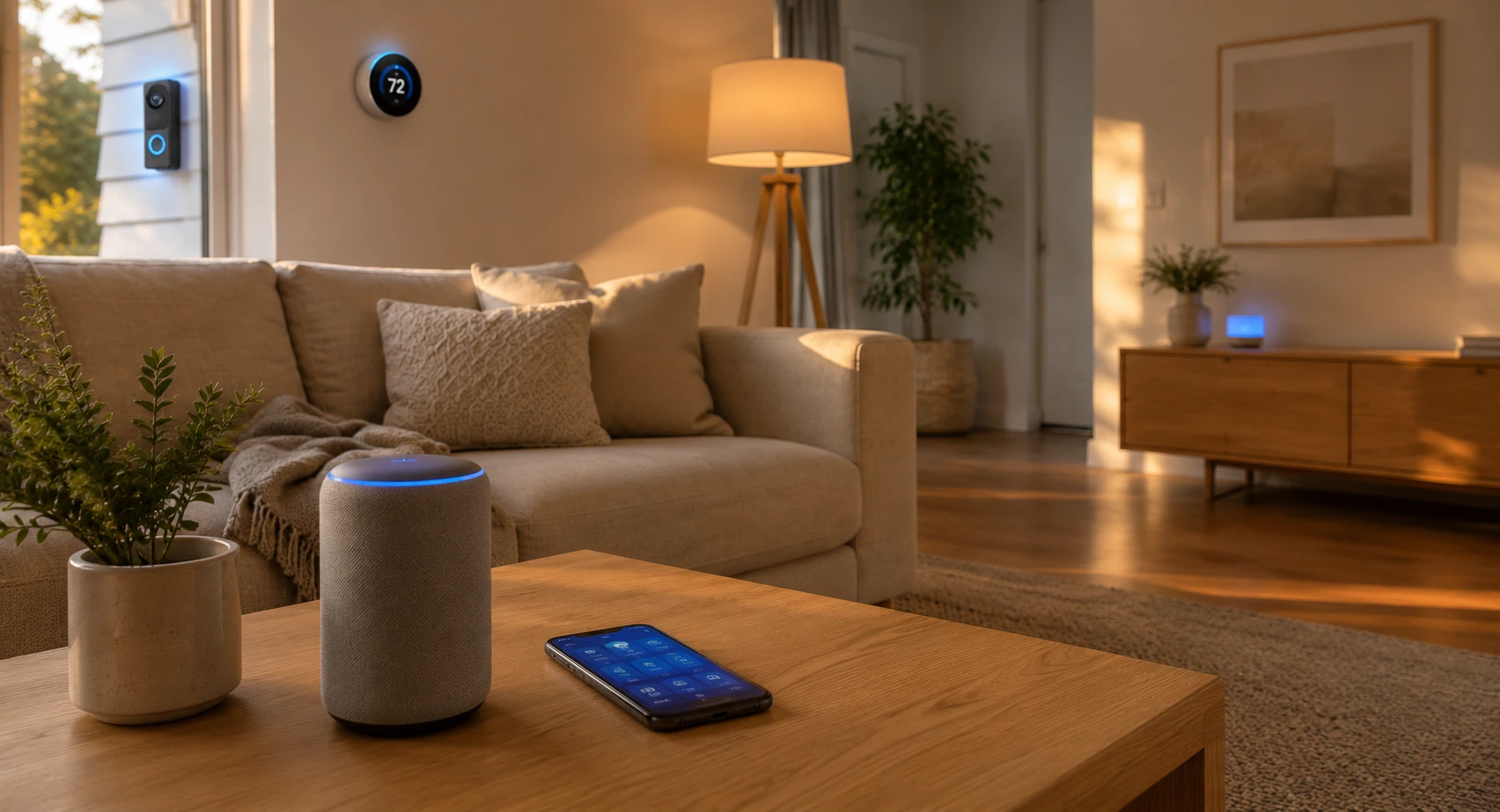
These devices are part of what the tech world calls the Internet of Things (IoT) — a network of physical objects embedded with sensors and software that lets them send and receive data. Your smart thermostat learns your schedule. Your smart doorbell recognizes faces. Your smart lock knows when you’re home. Individually, each device is useful. Together, they can turn your home into something that genuinely anticipates your needs.
Most smart home devices connect via your home’s Wi-Fi — the same network your phone and laptop use. But some devices use alternative wireless protocols called Zigbee or Z-Wave, which are designed specifically for smart home gadgets. These protocols use less power and are often more reliable for devices spread across a large house.
Good to Know: There are 4 main types of IoT devices used in homes: consumer devices (smart speakers, bulbs), commercial devices (security systems, HVAC), industrial sensors, and infrastructure devices. For home use, you’ll almost exclusively deal with the first two categories.
10 Examples of Smart Home Technology Worth Knowing
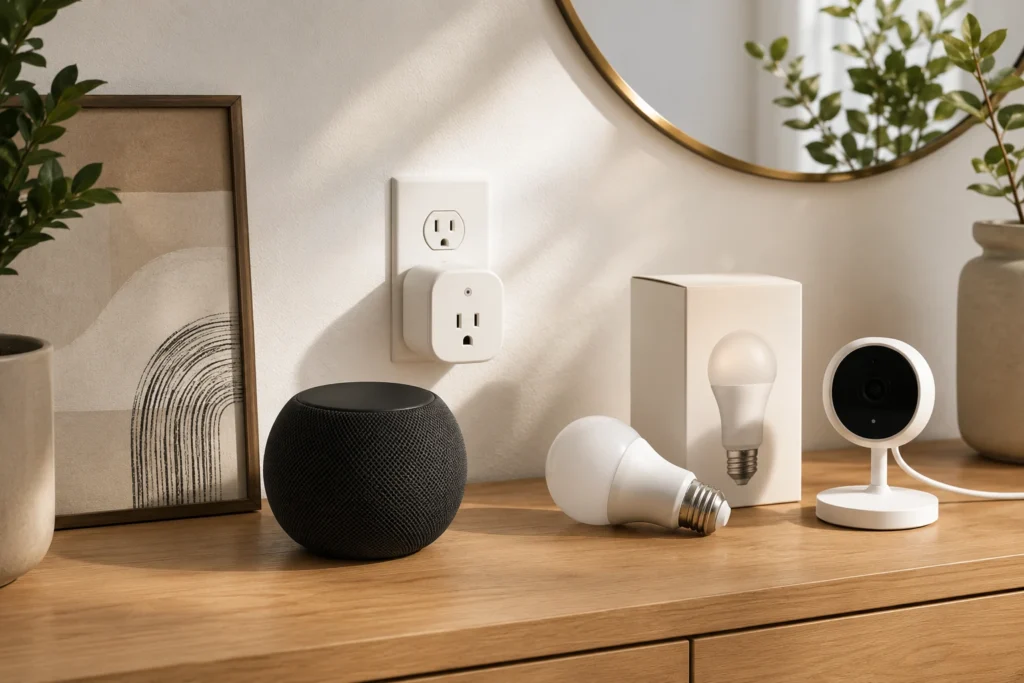
One of the most common questions people ask is simply: what counts as a smart home device? The answer might surprise you — the category is much broader than most people realize.
💡 Smart Bulbs & Lighting — Change color, dim automatically, or turn on when you enter a room. Perfect starter device.

- 【Alexa & Google Home Voice Control: Hands-Free Convenience】As smart bulbs that work with Alexa & Google Home, it support…
- 【WiFi & Bluetooth Dual Connection: Uninterrupted Control】Linkind smart light bulbs feature dual WiFi + Bluetooth connect…
- 【Music Sync: Dynamic Light for Immersive Experience】 Via AiDot App, Linkind WiFi light bulbs can sync with music rhythm …
$22.97
🔒 Smart Locks — Lock and unlock your door from anywhere. Share digital keys with guests. Get alerts when someone enters.

- INVISIBLE BY DESIGN: Advanced smart lock technology is fully hidden inside your door. Level Lock Pro is 62% smaller than…
- LOOKS LIKE A TRADITIONAL LOCK: Packed with features like door status detection, Apple home key, and Matter compatibility…
- STAY CONNECTED FROM ANYWHERE: Lock, unlock, manage access, and view activity from the Level Home app. Remote access requ…
$349.00
🌡️ Smart Thermostats — Learn your schedule, save energy, and let you adjust the temperature before you arrive home.

- 【Compatibility Pre-Check】This programmable thermostat is compatible with 90% of 24V AC systems, including Conventional 2…
- 【Crisp Touchscreen & Nightlight】Enjoy an exceptional viewing experience on the 4.3″ large touchscreen, and features a ge…
- 【Remote & Voice Control】Manage your home’s climate from anywhere using the Vine Thermostat or Smart Life app. Works with…
$98.98
📹 Video Doorbells — See who’s at the door from your phone — even when you’re at work or on vacation.
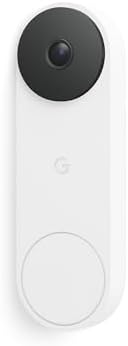
- Meet the wired Nest Doorbell; with 2K HDR video and Gemini, it knows what’s at your door and and what to do next (Gemini…
- No need to recharge or replace batteries; the Nest Doorbell keeps you plugged into home, day and night
- The Nest Doorbell keeps your data safe with encrypted video, two-step verification, and enhanced security through your G…
$174.99
🎙️ Smart Speakers — Amazon Echo and Google Nest act as the “brain” of your smart home — voice control for everything.
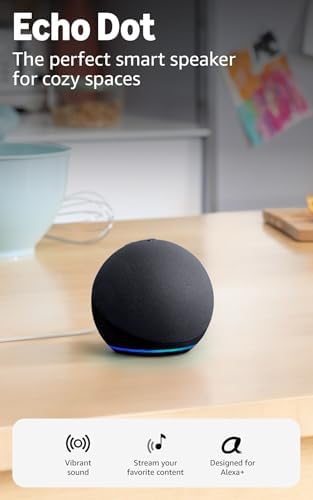
- Your favorite music and content – Play music, audiobooks, and podcasts from Amazon Music, Apple Music, Spotify and other…
- Alexa is happy to help – Ask Alexa for weather updates and to set hands-free timers, get answers to your questions and e…
- Keep your home comfortable – Control compatible smart home devices with your voice and routines triggered by built-in mo…
$49.99
🔌 Smart Plugs — Make any ordinary lamp or appliance “smart” for around $15. The easiest upgrade you can make.
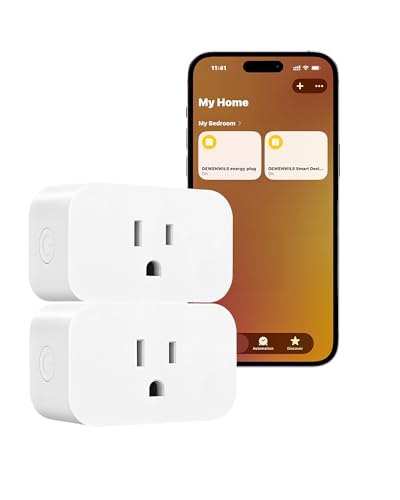
- [Matter-Certified Smart Plug] Connect directly to your existing Matter platform—no extra apps needed; control devices th…
- [Local LAN Control With Enhanced Privacy] Enjoy true local control with no cloud dependency, no new account, and no data…
- [App & Voice Control Convenience] Easily manage appliances using Apple Home, Alexa, Google Assistant, or Home Assistant;…
$17.99
📷 Security Cameras — Monitor your home inside and out with live video accessible from your phone, 24/7.

- AWARD-WINNING HOME SECURITY: The Tapo C615F KIT was rated WIRED’s Best Budget Floodlight Camera in 2026 for its impressi…
- FLOODLIGHT, PAN/TILT, AND SOLAR-POWERED BATTERY CAM ALL-IN-ONE. 800-lumen motion-activated floodlight illuminates your a…
- ILLUMINATES AND PROTECTS: The dimmable floodlight and 2K resolution provide great clarity day and night for your space, …
$89.99
🤖 Robot Vacuums — Schedule cleaning while you’re away. The best ones now map your home and avoid obstacles.
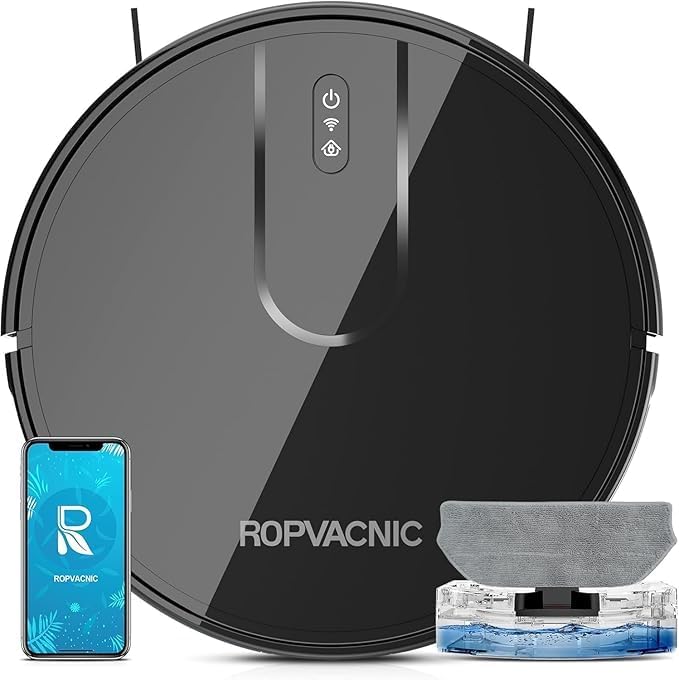
- 【2-in-1 Mopping and Vacuuming】 The ROPVACNIC Robot S1 integrates advanced electronically controlled mopping technology, …
- 【Comprehensive Intelligent Control】 Multiple Cleaning Modes, combined with personalized settings, allow you to easily ac…
- 【5200Pa Powerful Suction】A 3-point cleaning system coupled with strong suction ensures your floors are free from all dir…
$109.99
🚿 Smart Showers & Faucets — Set your ideal shower temperature in advance. Some models track water usage to cut utility bills.
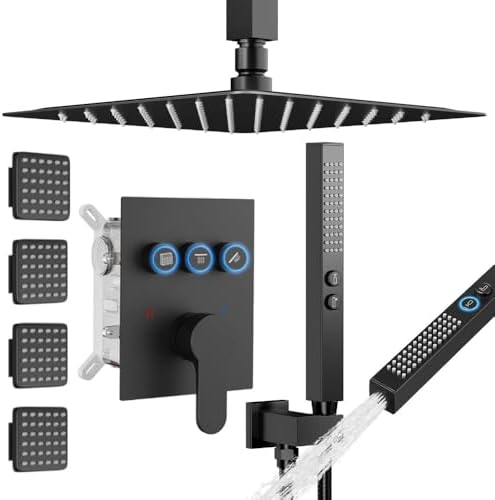
- Complete Shower System Included: This shower faucet set includes everything you need for a luxurious upgrade:12-inch Squ…
- Push Button Diverter: STARBATH has developed an improved version of water control —— Replacing the traditional square-sh…
- Pressure Balance Cartridge: Our Pressure Balance shower system valve made of high-quality brass which has the characteri…
$279.99
🌿 Smart Sensors — Motion, leak, smoke, and air quality sensors that send instant alerts to your phone when something’s off.
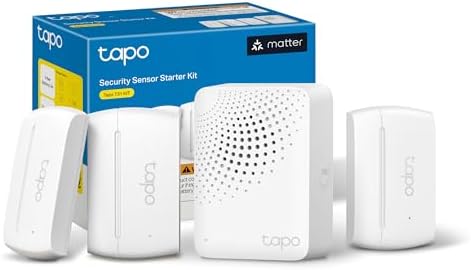
- 𝐀𝐝𝐝𝐞𝐝 𝐒𝐞𝐜𝐮𝐫𝐢𝐭𝐲 𝐟𝐨𝐫 𝐲𝐨𝐮𝐫 𝐓𝐚𝐩𝐨 𝐒𝐦𝐚𝐫𝐭 𝐇𝐨𝐦𝐞 – This purchase includes 3x Tapo T110 Contact Sensors and 1x Tapo H100 Smart Hub…
- 𝐇𝐨𝐦𝐞 𝐄𝐧𝐭𝐫𝐲 𝐏𝐫𝐨𝐭𝐞𝐜𝐭𝐢𝐨𝐧 – Receive real-time notifications when doors or windows open or close, and check their status from…
- 𝐈𝐧𝐬𝐭𝐚𝐧𝐭 𝐀𝐥𝐚𝐫𝐦𝐬 𝐟𝐨𝐫 𝐇𝐨𝐦𝐞 𝐒𝐞𝐜𝐮𝐫𝐢𝐭𝐲 – Activate a 90dB customizable alarm to deter intruders and review full activity histor…
$41.99
What Should You Consider Before Getting a Smart Home System?
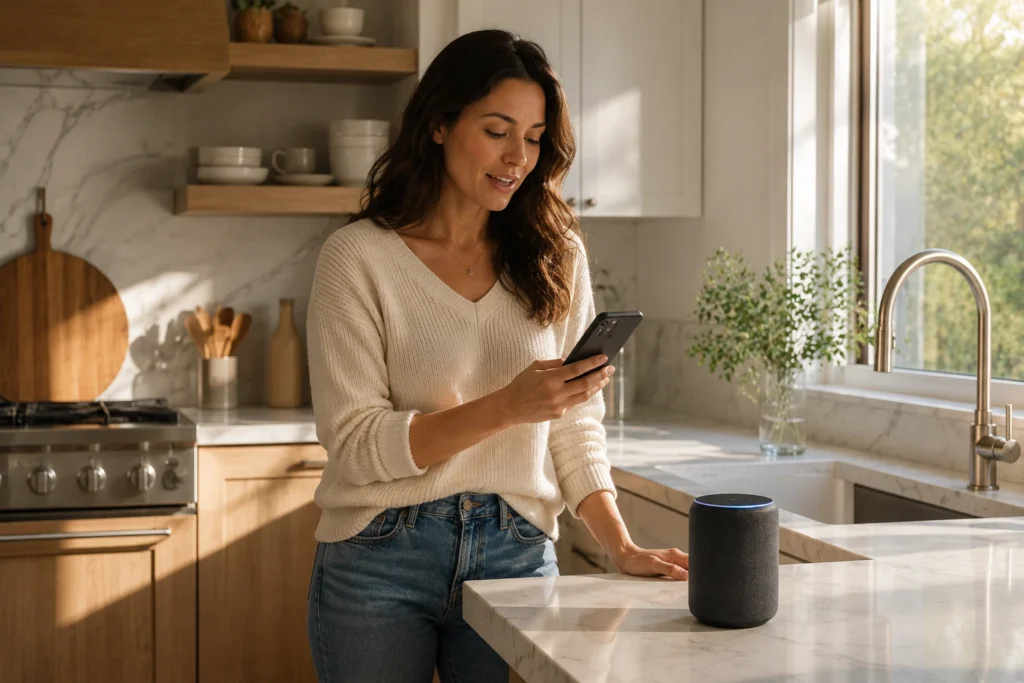
Here’s something the glossy product pages don’t always mention: compatibility matters more than any individual device. Walk into this without a plan and you can easily end up with a collection of gadgets that don’t talk to each other, each requiring a separate app to control.
The good news is that the industry has largely solved this problem with a new standard called Matter — a universal compatibility protocol that Amazon, Apple, Google, and Samsung all agreed to support. If you buy devices that are “Matter-certified,” they’ll work with whichever smart home ecosystem you choose. Look for that label when shopping.
Beyond compatibility, here are the key questions to ask yourself before you buy anything:
1. Which ecosystem will you use? The three main smart home platforms are Amazon Alexa, Google Home, and Apple HomeKit. If you already own an Amazon Echo, lean toward Alexa-compatible devices. If your whole family uses iPhones, HomeKit might feel more natural. There’s no wrong answer — just pick one and stick to it when possible.
2. Do you own or rent? Renters have more options than ever. Smart plugs, bulbs, and speakers require zero installation and zero landlord permission. Smart locks and video doorbells may require a conversation with your landlord. If you own your home, almost everything is fair game.
3. What problem are you actually trying to solve? This is the question most guides skip, and it’s the most important one. If you travel frequently and worry about break-ins, start with a smart lock and security camera. If your electricity bills are high, a smart thermostat pays for itself surprisingly fast. If you just want the experience of saying “Hey Google, turn off the lights,” start with a $12 smart bulb and a smart speaker. Let your real-life frustrations guide your shopping list.
How Much Does Smart Home Technology Actually Cost?
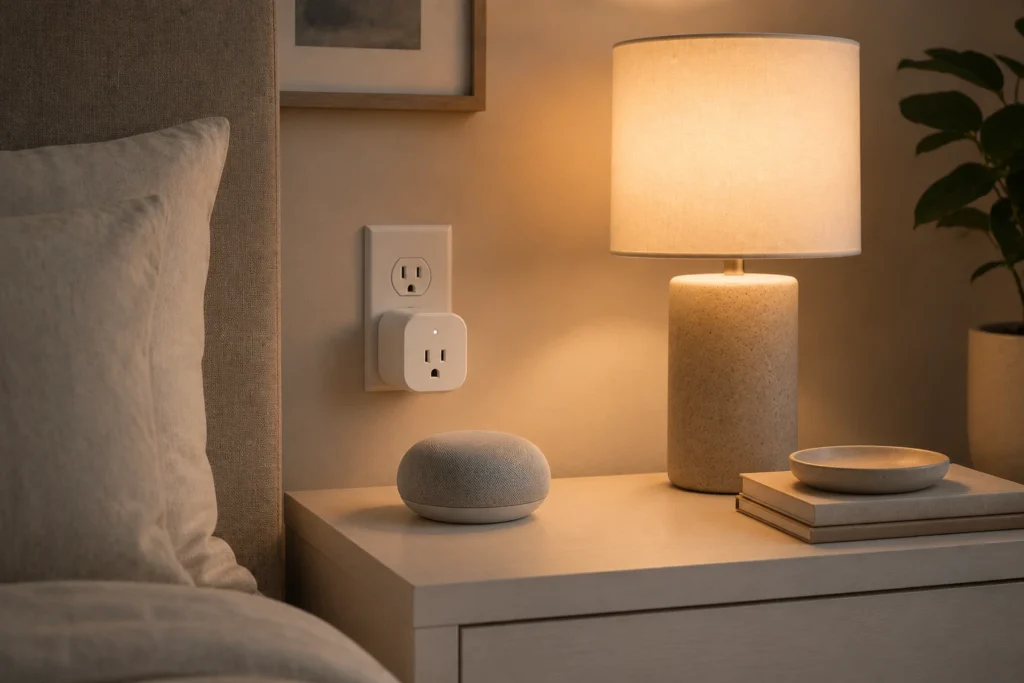
Let’s be honest about the numbers, because this is where a lot of people either get sticker shock or, conversely, underestimate what a full setup might look like. The truth is that smart home tech spans an enormous price range.
| Device Type | Entry-Level | Mid-Range |
| Smart Plug | $10 – $20 | $20 – $35 |
| Smart Bulb (per bulb) | $10 – $15 | $20 – $50 |
| Smart Speaker | $30 – $50 | $80 – $200 |
| Video Doorbell | $50 – $80 | $150 – $250 |
| Smart Lock | $80 – $120 | $150 – $300 |
| Smart Thermostat | $80 – $130 | $180 – $280 |
| Security Camera | $30 – $60 | $100 – $250 |
| Robot Vacuum | $150 – $200 | $300 – $600 |
A comfortable beginner setup — a smart speaker, a few smart bulbs, and a smart plug — will run you somewhere between $80 and $150. A solid intermediate setup that includes a video doorbell, smart lock, thermostat, and a handful of bulbs typically lands in the $400–$800 range. Full whole-home automation with professionally installed systems can easily climb past $2,000.
One more thing worth knowing: many devices require ongoing subscriptions for advanced features. Ring and Nest cameras, for example, store video footage in the cloud — and that cloud storage costs a monthly fee (usually $3–$10 per camera). Basic functionality almost always works without a subscription, but the more useful features often come at a cost. Factor this in before you buy.
Are There Real Downsides to Smart Home Tech?
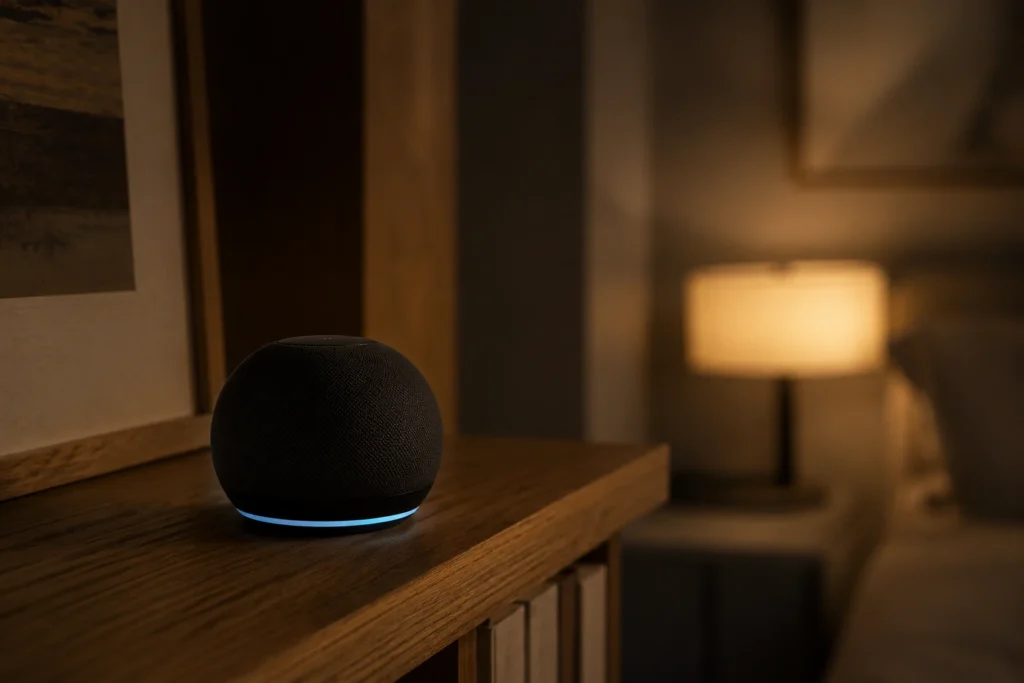
This is where a lot of buying guides either go quiet or get defensive. Here’s the honest version.
The Upside ✓ Genuine convenience — control your home from anywhere ✓ Real energy savings with a smart thermostat ✓ Improved home security and peace of mind ✓ Accessibility benefits for elderly or disabled users ✓ Devices get smarter over time via software updates ✓ Growing compatibility across brands (thanks to Matter)
The Downside ✗ Privacy concerns — some devices collect and share data ✗ Dependence on Wi-Fi and cloud servers ✗ Subscription fees for premium features ✗ Security vulnerabilities if devices aren’t updated ✗ Can be overkill (and expensive) for simple needs ✗ Devices become useless if the company shuts down
Can a Smart Home Be Hacked? Yes — and this is worth taking seriously. Any device connected to the internet is technically a potential entry point for hackers. That said, the risk is substantially reduced if you follow a few basic practices: use strong, unique passwords for your Wi-Fi and device accounts; enable two-factor authentication where available; keep your devices updated; and buy from established brands that have a track record of issuing security patches.
“The question isn’t whether smart home devices are perfect — they’re not. The question is whether the benefits in your daily life outweigh the tradeoffs you’re comfortable managing.”
Are Smart Home Devices Always Listening? Smart speakers like Alexa and Google Home are designed to listen for a specific “wake word” (like “Hey Alexa”) and activate only when they hear it. In theory, they’re not recording everything you say. In practice, accidental activations do happen — the device mishears something and briefly begins recording. Both Amazon and Google allow you to review and delete your voice history in their apps, which is worth doing periodically.
If this genuinely concerns you (and it’s a completely reasonable concern), there are privacy-forward alternatives. Some smart speakers have a physical microphone mute button. Some security camera brands offer local storage options so your footage never leaves your home network. The privacy-conscious smart home is absolutely achievable — it just requires a bit more intentional shopping.
Why Are Some People “Unplugging” From Smart Homes? You may have seen headlines about wealthy tech insiders ditching their smart home setups. The reasons vary: some cite privacy concerns, others describe “notification fatigue” from too many alerts, and some simply found the complexity outweighed the convenience. Smart home tech works best when it’s solving specific, real problems — not when you’ve automated everything just because you can.
What Are the Best Smart Home Devices to Start With?
If I were setting up a smart home from scratch — knowing everything I know now — here’s exactly how I’d do it.
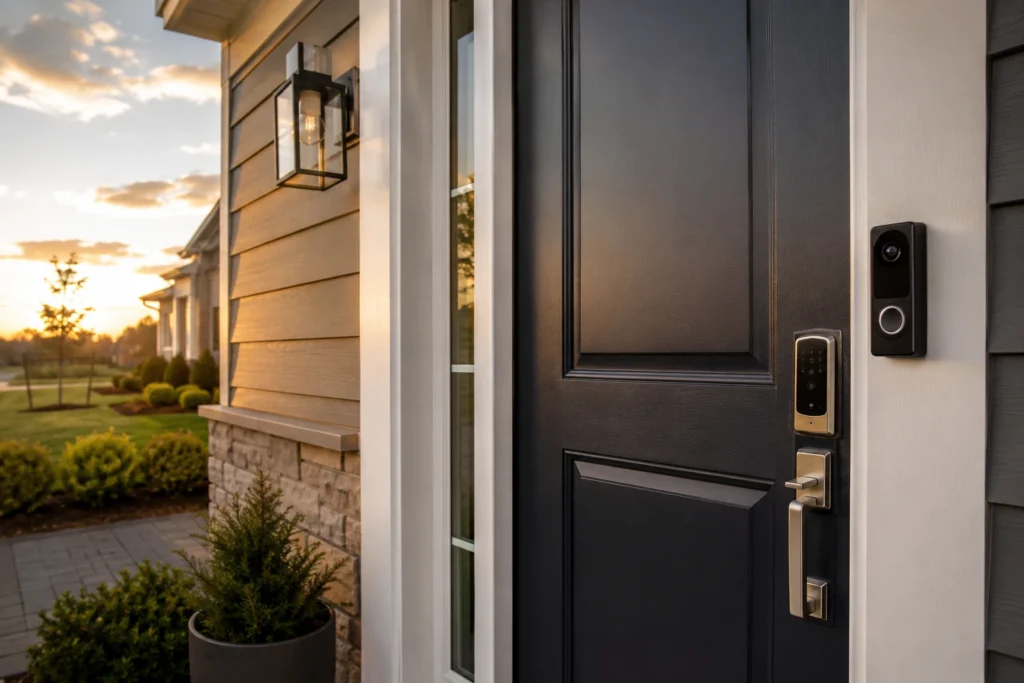
Step 1: Get a smart speaker ($30–$100) Think of this as the brain of your setup. An Amazon Echo Dot or Google Nest Mini gives you a central hub, voice control, and a way to connect future devices. The Echo Dot regularly goes on sale for around $30 and is the single best “first purchase” in smart home tech.
Step 2: Add a smart plug and some smart bulbs ($40–$80 total) A smart plug makes any lamp or appliance controllable from your phone — no rewiring, no installation, just plug and go. Pair it with a few smart bulbs (Philips Hue and LIFX are the gold standards, but budget options from Kasa and Wyze work great) and you’ll immediately understand the appeal.
Step 3: Address your biggest security concern ($80–$200) Once you’re comfortable with the basics, pick the security upgrade that matters most to you. Worried about package theft? Get a video doorbell. Live alone and want peace of mind at night? A smart door lock. Have a backyard? An outdoor security camera. One well-chosen security device delivers more actual value than five convenience gadgets.
Step 4: Let savings guide the next purchase A smart thermostat like the Google Nest or Ecobee typically pays for itself within 12–18 months through energy savings — studies suggest it can cut heating and cooling costs by 10–15%. That’s a genuinely good investment, not just a gadget.
Frequently Asked Questions
Do smart home devices need internet to work? Most do require internet for remote access and cloud features, but many devices can still perform basic functions on a local network even if your internet goes down. A smart bulb will still turn on and off manually; a smart lock can still be opened with a physical key. Devices using Zigbee or Z-Wave protocols are often more resilient offline.
Can smart devices work without internet at all? Some can, yes. Certain smart home hubs like Hubitat are designed for local processing — meaning commands happen on your home network without needing a cloud connection. This is a more advanced setup, but it’s popular among privacy-focused users and people in areas with unreliable internet.
What is the most popular smart home system in the world? Amazon Alexa currently holds the largest market share globally, followed by Google Home. Apple HomeKit is especially popular among iPhone and Mac users. For new buyers, all three are solid choices — the best one is whichever platform you and your household will actually use consistently.
What do I need for a smart home to work well? The foundation is reliable Wi-Fi coverage throughout your home. If you have dead zones or slow speeds in certain rooms, consider a Wi-Fi mesh system before adding smart devices. Beyond that: a compatible smart speaker or hub, devices from a consistent ecosystem, and the patience to spend 20 minutes on initial setup.
Is having a smart home really worth it? For most people, yes — but with a caveat. It’s worth it when you’re solving real problems you actually have. If you forget to lock up, a smart lock is worth every penny. If you travel and want eyes on your home, a camera delivers genuine peace of mind. If you’re buying gadgets just for novelty, you may find the enthusiasm fades. Start small, solve a real problem, and grow from there.
What are the most common problems with smart homes? The most frequent complaints are: devices disconnecting from Wi-Fi and needing to be reset, apps that require too many steps to do simple things, compatibility issues between brands, and the cost of subscription fees adding up over time. Most of these are manageable with a little planning — which is exactly why guides like this one exist.
The Bottom Line on Smart Home Technology
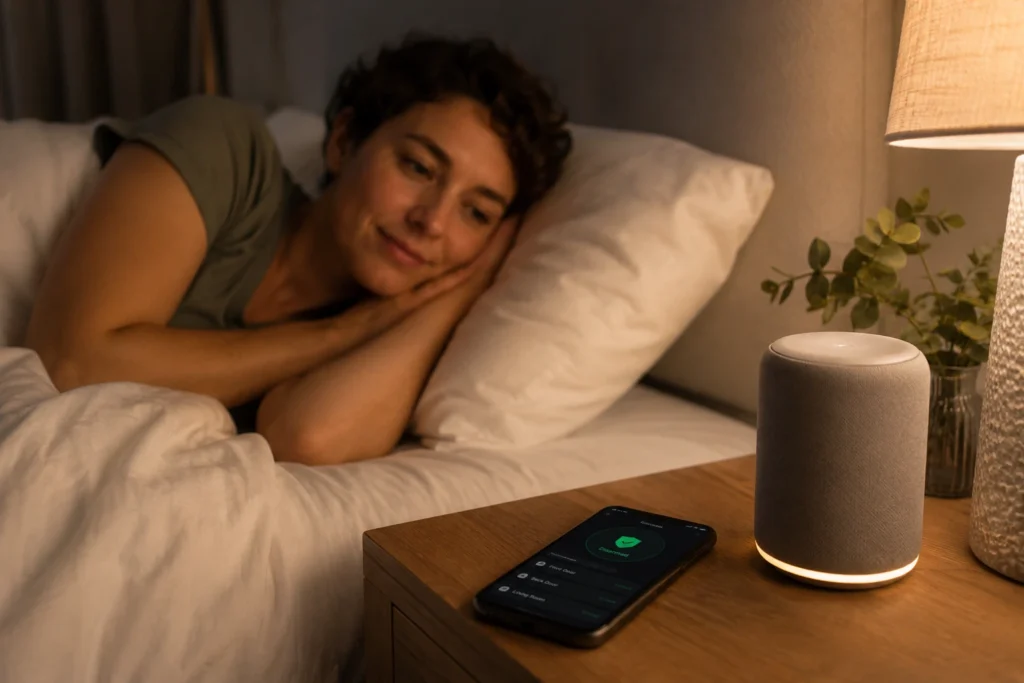
Here’s what I want you to take away from all of this: smart home technology is genuinely impressive, increasingly affordable, and more accessible to beginners than it’s ever been. But it’s also not magic, and it’s not for everyone in its most elaborate form.
The sweet spot — for most homeowners and renters — is somewhere between “one or two well-chosen devices that solve a real problem” and “a fully automated home with every system connected.” Start with a smart speaker and a few bulbs. Add a security device that addresses your specific concerns. Let your actual experience guide what comes next.
Privacy and security concerns are real, and I’d encourage you to take them seriously rather than dismissing them. Buy from established brands, keep your devices updated, and review your privacy settings once in a while. A smart home that you’ve set up thoughtfully is both more convenient and more secure than one you’ve thrown together impulsively.
Most of all, remember why you’re doing this. It’s not to have the flashiest tech setup on the block. It’s to come home to a house that’s already the right temperature, to stop lying awake wondering if you locked the door, and to feel a little more in control of the place where you live. That’s a goal worth working toward — one smart device at a time.
TechNest Decor · Smart Living for Real Homes