Make Your Home Smarter, One Step at a Time
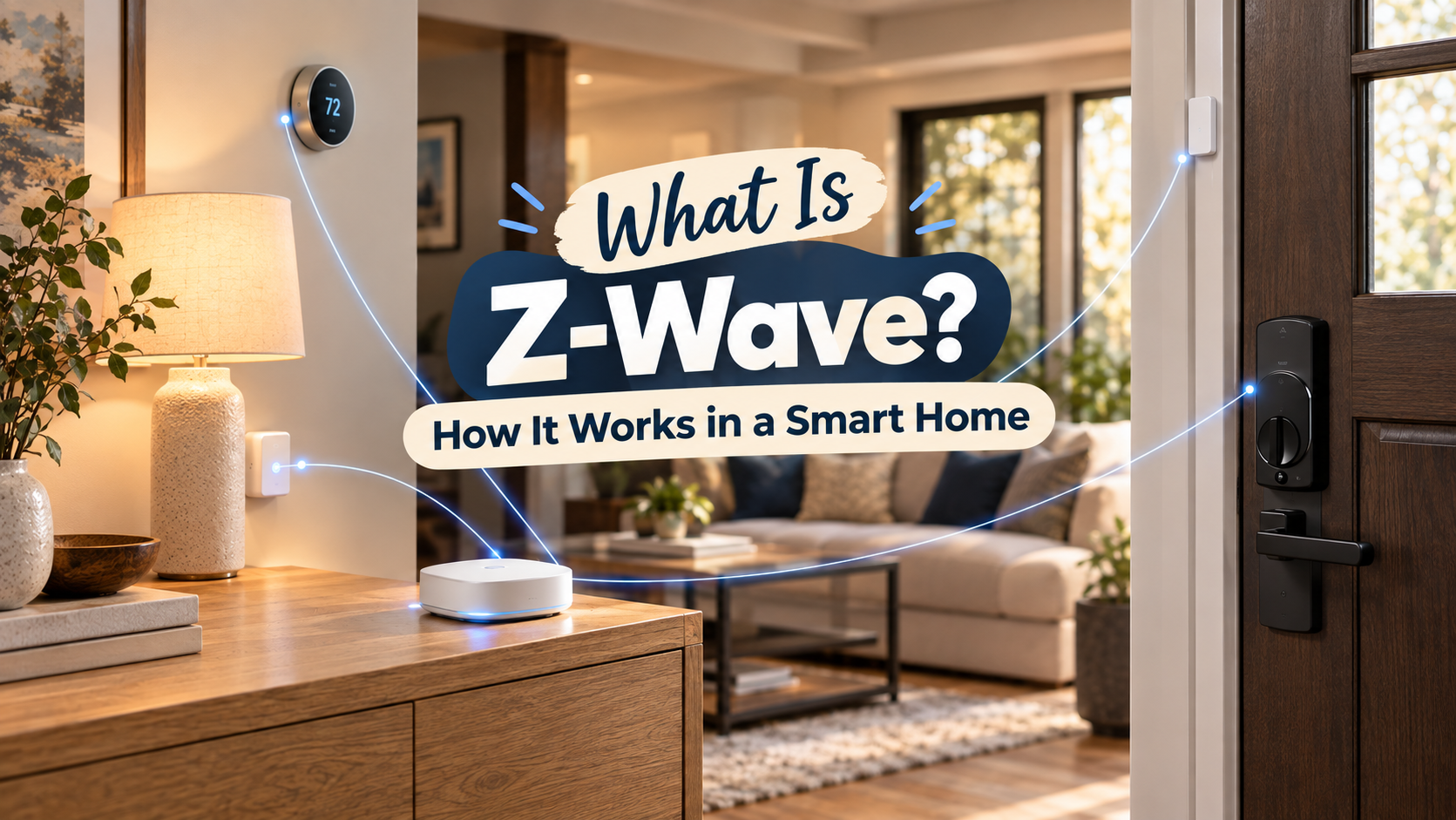
Table of Contents
What Is Z-Wave? How It Works in a Smart Home is the question you’re probably asking right now, three tabs deep into comparing smart locks, staring at one spec sheet that says “Z-Wave compatible,” another that says “Zigbee,” and a third that just says “works with Matter.” Nobody explains what any of that actually means, so you’re stuck guessing whether it matters — or whether you’re about to buy a lock that can’t talk to the hub you already own.
It matters. Not in a way that should stress you out, but enough that five minutes here will save you a return shipping label later. Let’s clear it up.
Key Takeaways
- Z-Wave is a low-power wireless mesh protocol built specifically for smart home control — locks, sensors, thermostats, plugs — not for streaming or heavy data.
- It runs on a sub-GHz radio frequency (not the crowded 2.4 GHz band Wi-Fi and Zigbee use), which is why it punches through walls better than most alternatives.
- Every Z-Wave device needs a hub. There’s no such thing as a standalone Z-Wave gadget that just joins your Wi-Fi.
- Matter doesn’t kill Z-Wave. It bridges it — your existing Z-Wave locks and sensors can show up inside Matter-based ecosystems through a compatible hub.
- Z-Wave still holds the edge for door locks and security devices in 2026, largely because of its strict certification and rock-solid backward compatibility.
What Is Z-Wave? How It Works in a Smart Home
Z-Wave is a wireless communication standard built for one job: letting smart home devices talk to each other reliably, using almost no power, over distances that actually match a real house. It’s been around since the late 1990s, long before “smart home” was a marketing term, and it’s now overseen by the Z-Wave Alliance — the industry group that certifies devices and makes sure a lock from one brand plays nicely with a hub from another.
Settings saved.
That certification piece is the whole personality of Z-Wave. Where some wireless standards let manufacturers implement things loosely and hope for the best, Z-Wave devices go through formal interoperability testing before they can carry the logo. It’s a slower, stricter process — and it’s a big part of why a Z-Wave lock from 2015 will still pair with a hub you buy this year.
How Z-Wave Actually Works in Your Home
Two things make Z-Wave behave differently from your Wi-Fi router or your Zigbee light bulbs: the frequency it uses, and how devices pass signals along.
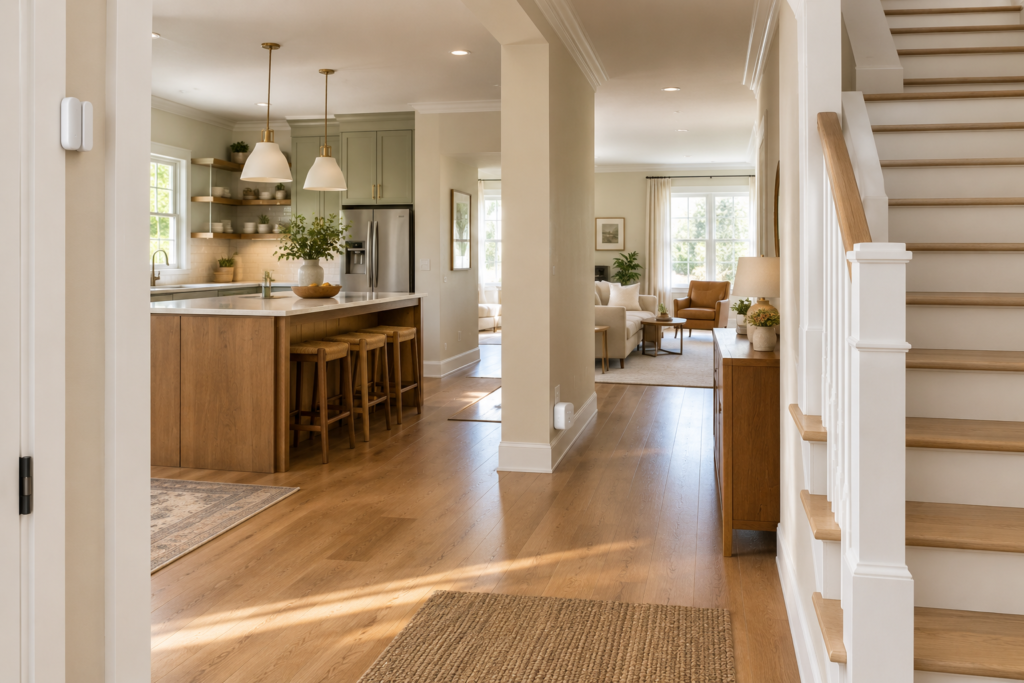
The frequency. Z-Wave operates in the sub-GHz range (around 908 MHz in the US). Wi-Fi, Bluetooth, and Zigbee all crowd into the 2.4 GHz band, which is also where your microwave and half your neighbors’ routers are shouting. Lower frequencies travel through drywall, framing, and furniture with less signal loss, which is the practical reason a Z-Wave sensor in your basement still reports in reliably.
The mesh. Every mains-powered Z-Wave device — a plug, a switch, a garage door controller — doubles as a repeater. A signal from a sensor in your back bedroom doesn’t have to reach the hub directly; it hops device to device until it gets there. Add more Z-Wave gear and the network typically gets stronger, not weaker, because you’re adding more relay points. A single hop can cover roughly 100 feet indoors, and a full mesh network can span a home up to around 800 feet edge to edge across multiple hops.
There’s also a newer variant worth knowing about: Z-Wave Long Range (Z-Wave LR). Instead of mesh, it uses a direct star connection from the hub to each device, and it can reach over a mile in open line of sight. It’s aimed more at multi-building properties, hospitality, and larger installations than a typical house — but it’s part of why “how far can Z-Wave reach” doesn’t have one single answer anymore.
Z-Wave vs. Zigbee vs. Wi-Fi vs. Matter — What’s the Real Difference?
This is the part everyone actually wants answered, so let’s take it head-on.
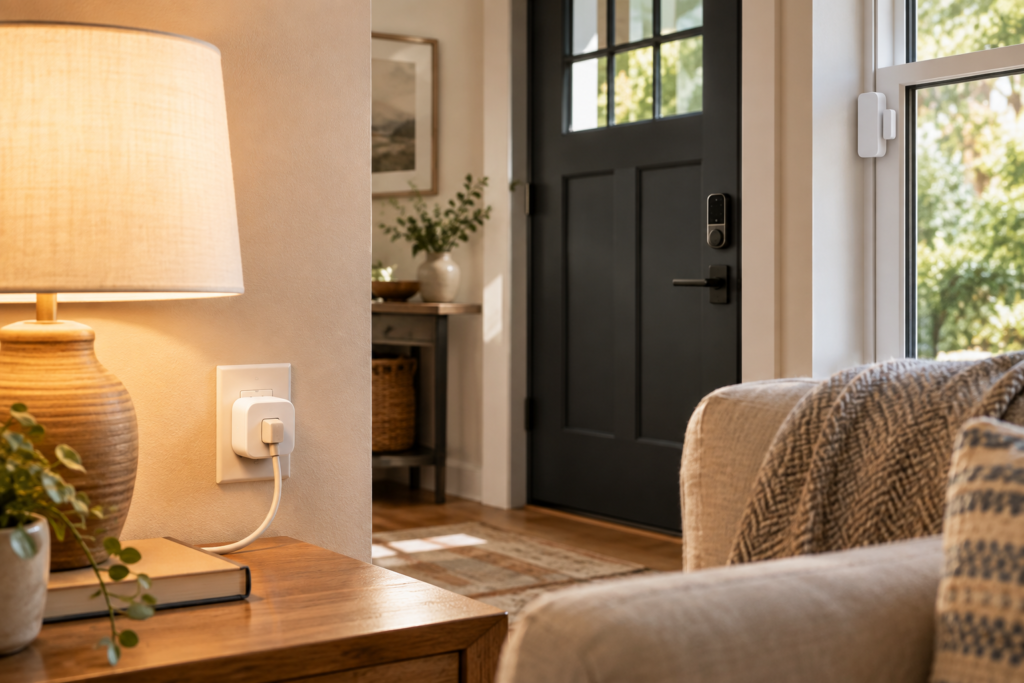
Is Z-Wave better than Wi-Fi for smart home devices?
For control devices, generally yes. Wi-Fi gadgets skip the hub requirement, which feels convenient at first — but every Wi-Fi sensor or plug is a full device on your home network, competing for bandwidth and draining battery far faster than a low-power mesh device would. Add a dozen Wi-Fi devices and routers start choking; add a dozen Z-Wave devices and the mesh gets stronger. The trade-off is that Z-Wave needs that hub in the middle, while Wi-Fi devices connect straight to your router.
Z-Wave vs. Zigbee — which should you choose?
Neither wins outright, which is why most established smart homes end up running both. Zigbee is the budget workhorse — thousands of certified devices, sensors and bulbs often under $15, driven by brands like Philips Hue, IKEA, and Aqara. Z-Wave devices cost more and the catalog is smaller, but the sub-GHz range and mandatory certification make it the steadier choice for anything security-related. If you’re wiring up a door lock, an alarm sensor, or anything you genuinely don’t want to flake out, Z-Wave is usually the safer bet. If you’re filling a room with $10 motion sensors, Zigbee wins on price and selection.
Does Matter replace Z-Wave?
No — and this is the most common misunderstanding right now. Matter isn’t a radio protocol competing with Z-Wave; it’s an application layer that runs on top of Wi-Fi or Thread, standardizing how devices describe themselves to apps like Apple Home, Google Home, and Alexa. Your existing Z-Wave lock doesn’t get “replaced” by Matter — a compatible hub bridges it in, so it shows up as a Matter device across ecosystems without you rebuying anything. Z-Wave and Zigbee remain the mature radio-layer standards doing the actual local-control heavy lifting; Matter just makes the results of that work portable between apps.
What Devices Actually Use Z-Wave?
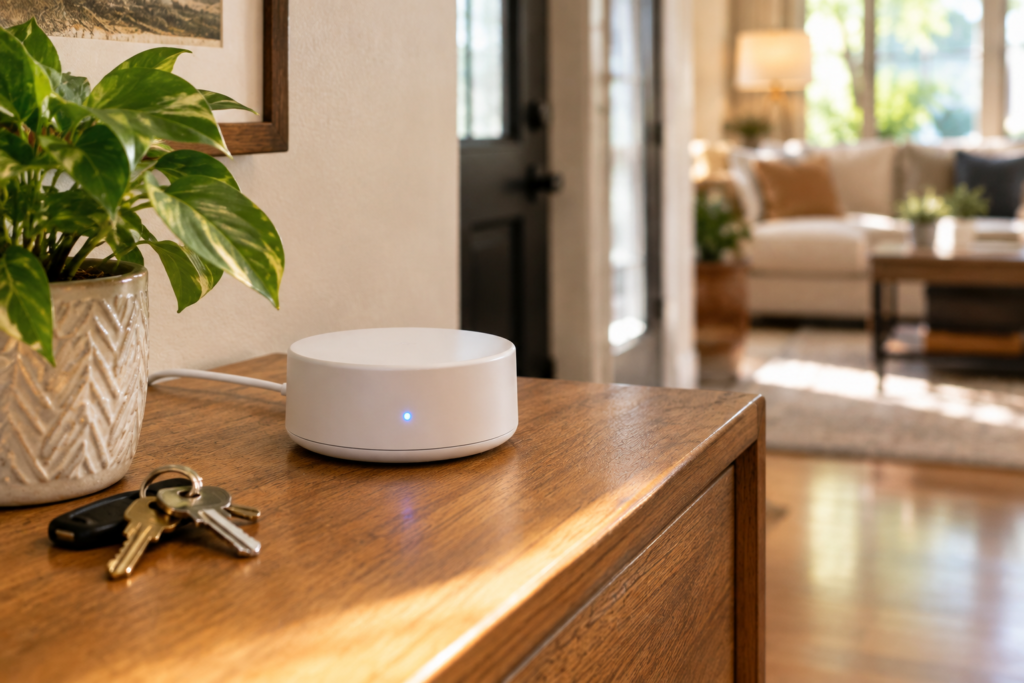
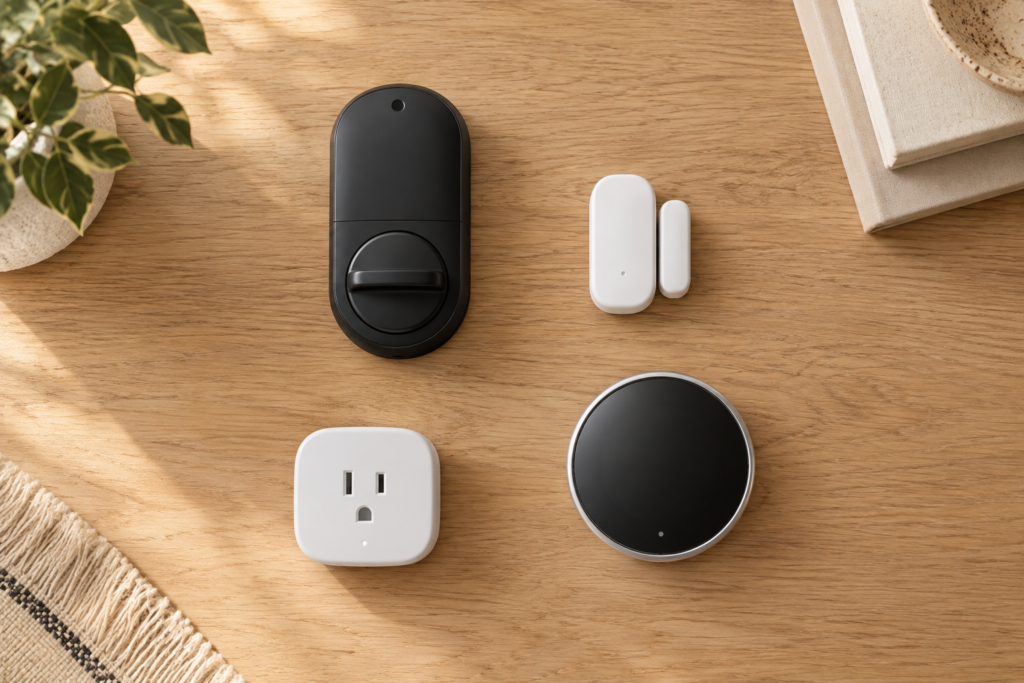
Z-Wave shows up almost everywhere security and reliability matter more than price:
- Smart locks — arguably Z-Wave’s strongest category. The certification requirements and consistent range make it the default choice for deadbolts that need to work every single time.
- Door/window and motion sensors — the backbone of most DIY security systems.
- Thermostats and HVAC controls.
- Smart plugs and in-wall switches — which double as mesh repeaters, strengthening your whole network as you add them.
- Garage door controllers and water/leak sensors.
- Security panel components — Ring Alarm, ADT, and Alarm.com all lean on Z-Wave for sensors and locks tied into professionally monitored systems.
If you’re shopping specifically for locks or a full alarm setup, it’s worth reading those categories in more depth — see our Best Alarm System for House guide and our Smart Lock buyer’s guide for model-by-model picks that are Z-Wave certified.
Do You Need a Z-Wave Hub?(And Which One)
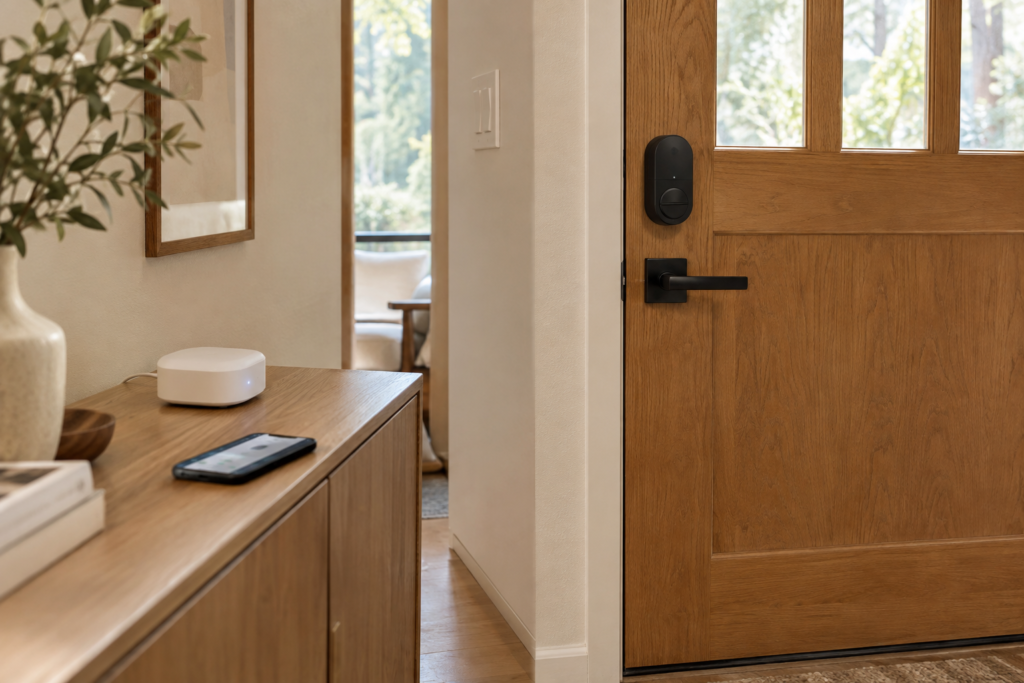
Yes — every time, no exceptions. Unlike some Wi-Fi gadgets that pair straight to an app, Z-Wave devices need a controller with an actual Z-Wave radio inside it. Your phone doesn’t have one, and neither does your router.
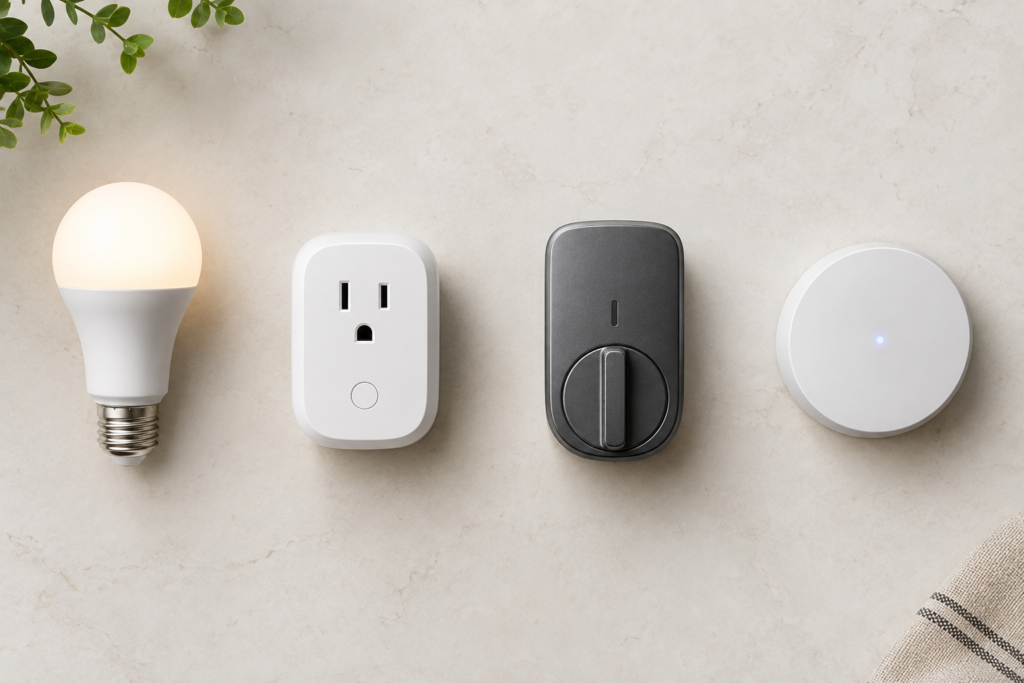
The realistic options in 2026 break down into a few camps:
- All-in-one hubs like the Aeotec Smart Home Hub, which bundles Z-Wave, Zigbee, Wi-Fi, and Matter support and runs on the SmartThings platform. It’s the path of least resistance if you already have SmartThings gear or just want something that works out of the box.
- Security-system hubs — Ring Alarm, ADT, and similar panels include Z-Wave radios so your locks and sensors tie directly into monitoring.
- DIY / local-first setups — Home Assistant paired with a Z-Wave USB stick, for people who want everything running locally with zero cloud dependency and don’t mind a bit more setup.
One catch worth knowing before you buy: older Z-Wave hubs built on the 500-series chipset can’t handle Z-Wave Long Range devices. If LR range matters for your setup, check the chipset generation, not just the “Z-Wave compatible” sticker. For a deeper walkthrough of picking the right controller for your whole setup, see our Smart Home Control Panel guide.
Pros and Cons of a Z-Wave Smart Home System
Where it wins:
- Sub-GHz range that shrugs off walls better than 2.4 GHz alternatives.
- Strict certification means genuinely reliable cross-brand compatibility.
- Excellent battery life — some devices run years on a single coin cell.
- Backward compatible; a decade-old device typically still works with a current hub.
- The strongest ecosystem specifically for locks and security-grade sensors.
Where it costs you:
- You’re locked into needing a hub — no exceptions, no shortcuts.
- Devices generally cost more than Zigbee equivalents, sometimes noticeably so on locks and sensors.
- The device catalog is smaller than Zigbee’s, especially for lighting.
- Classic Z-Wave mesh caps out around 232 nodes and four hops — a non-issue for most houses, but worth knowing if you’re automating a large property.
- If your hub is tied to a cloud platform, you inherit that vendor’s pricing and policy changes — something SmartThings owners in particular have felt over the past few years.
For the head-to-head numbers on how Z-Wave stacks up against the alternatives protocol by protocol, our Best Smart Home Ecosystem in 2026 comparison goes deeper.
Is Z-Wave Worth It in 2026?
Short answer: yes, for the right buyer. If you’re installing a door lock, building out a security system, or automating a larger home where range and reliability actually get tested, Z-Wave earns its higher price tag. If you’re a renter adding a couple of smart bulbs and a plug, the hub requirement and cost premium probably aren’t worth it — Zigbee or plain Wi-Fi devices will get you there faster and cheaper.
And if you’re just getting started and none of this feels settled yet, that’s completely normal — our Beginner’s Guide walks through picking a starting ecosystem without over-committing on day one.
Frequently Asked Questions
Is Z-Wave secure?
Yes, and more so than most competing protocols. Modern Z-Wave devices use S2 security, a certification requirement that covers encrypted pairing and communication. It’s one of the reasons Z-Wave is the go-to choice for locks and alarm sensors rather than an afterthought bolted on later.
Does Z-Wave work without internet?
Local automations — turning on a light when a sensor trips, locking a door on a schedule — keep working even if your internet goes down, as long as your hub processes them locally. What you lose without internet is remote access: checking your lock’s status from your phone while you’re away, or voice commands through a cloud-connected assistant.
What’s the range of a Z-Wave signal?
A single hop covers roughly 100 feet indoors, but the mesh network extends that significantly — up to around 800 feet across multiple hops in a standard installation. Z-Wave Long Range devices, using a different star-network approach, can reach over a mile in open conditions, though that’s built more for multi-building or commercial properties than a typical house.
Bottom Line
Z-Wave isn’t flashy, and it’s not going to be the cheapest sticker on the shelf. What it delivers instead is the thing you actually want from a door lock or a security sensor: it just works, hop after hop, year after year. If reliability is the priority for the device you’re buying, that “Z-Wave compatible” label on the box is a point in its favor, not a reason to keep scrolling.
Still not sure which protocol fits your setup? Drop your hub or the devices you’re eyeing in the comments — happy to help you figure out what actually pairs with what before you buy anything.