Make Your Home Smarter, One Step at a Time
By the TechNest Decor Editorial Team | Last updated: August 2026
Table of Contents
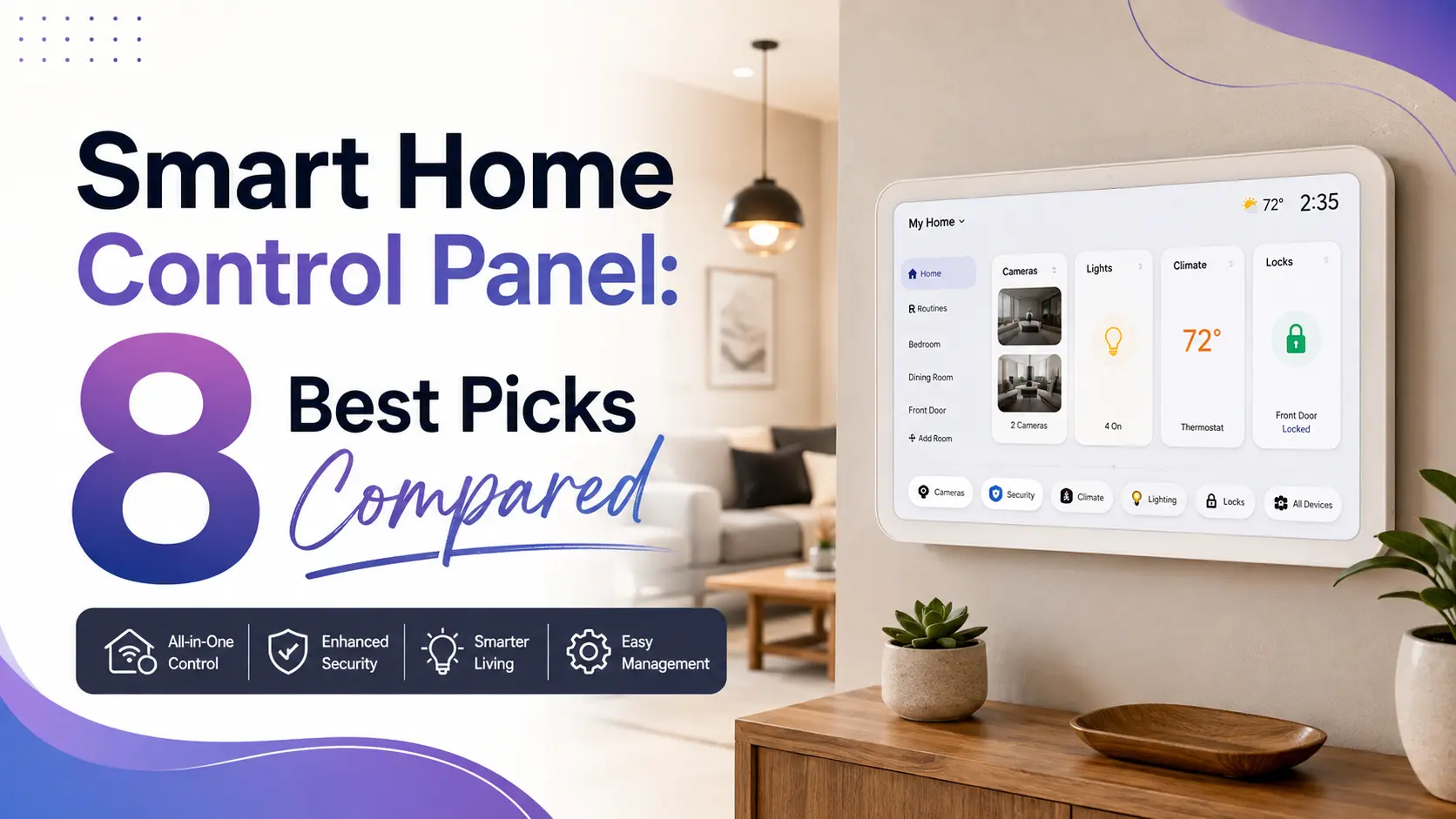
Most smart home frustration doesn’t come from bad devices. It comes from having too many apps for too few devices — one for the lights, another for the thermostat, a third for the front door camera, and none of them talking to each other. A smart home control panel exists to fix exactly that: one screen, mounted on a wall or sitting on a counter, that replaces the app-juggling with a single interface.
The market for these panels is bigger and messier than it needs to be. Brand names overlap, specs get inflated in listing copy, and “hub,” “controller,” and “control panel” are used almost interchangeably even though they’re not the same thing. This guide sorts through that: what a control panel actually is, what it costs, eight real options compared side by side, and the security and installation questions people ask most. If you haven’t settled on a smart home ecosystem yet, our ecosystem comparison is worth reading first, since it changes which panel makes sense.
Settings saved.
Key Takeaways
- A smart home control panel is a dedicated screen, wall-mounted or tabletop, that replaces juggling multiple apps to control lights, locks, cameras, and more.
- Of the eight panels compared here, the Amazon Echo Hub (8″) has the broadest protocol support: Zigbee, Matter, Thread, and Sidewalk in one device.
- Budget buyers should look at the SONOFF NSPanel-US: a genuine wall-switch replacement with a screen, not a bolt-on accessory.
- Most smart-home security incidents trace back to unchanged default passwords or unpatched firmware, not sophisticated attacks — see the CISA guidance linked below.
- Wired, in-wall panels need a neutral wire in the switch box. Check this before buying, not after.
What Is a Smart Home Control Panel?
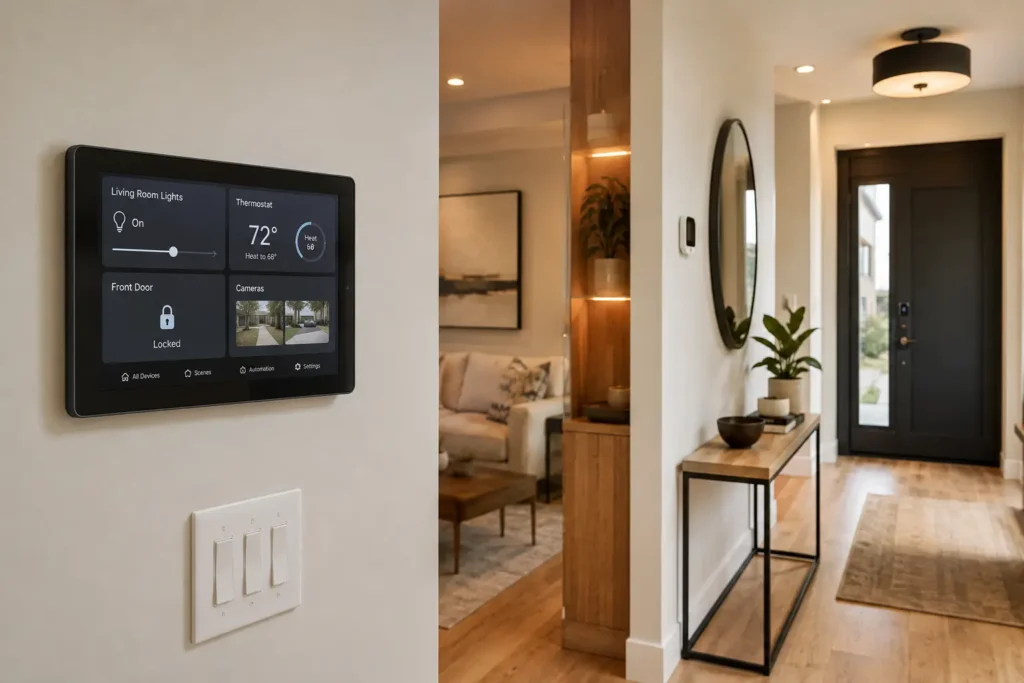
A smart home control panel is a dedicated touchscreen device, either mounted permanently on a wall (often replacing a light switch) or sitting on a countertop, that gives you one interface for the connected devices in your home instead of a folder of separate apps.
Control Panel vs. Hub vs. Smart Display
These terms get used loosely, and the loose usage is exactly why people end up buying the wrong device. Three distinct things:
- A hub is the radio and processing layer that translates between protocols like Zigbee or Z-Wave and your Wi-Fi network. It doesn’t need a screen at all.
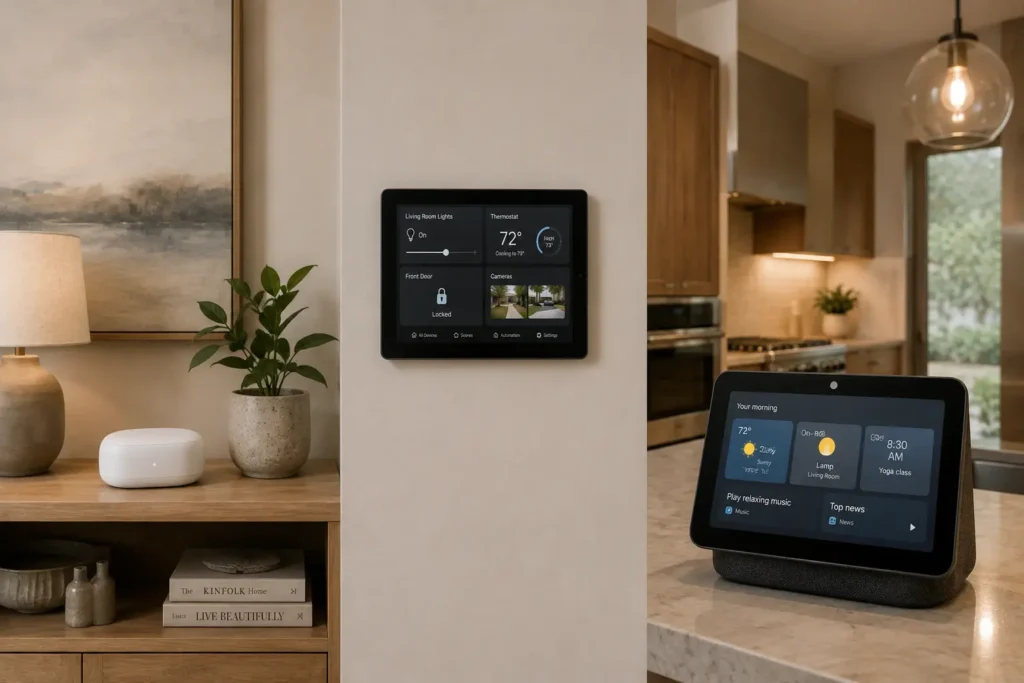
- A control panel combines a hub with a dedicated, usually permanent touchscreen. The SONOFF NSPanel Pro 120 and the Brilliant Smart Home Control both fit this definition, since the hub and screen are one physical unit.
- A smart display, like the Echo Show 8, is built primarily for video calls, recipes, and media, with smart home control layered on top rather than being the core function.
Matter, Thread, Zigbee, and Z-Wave, Briefly
Zigbee and Z-Wave are established low-power mesh protocols; each requires a dedicated radio in your panel to work. Thread is a newer mesh protocol built for current-generation devices. Matter isn’t a radio at all. It’s a shared language that lets devices from different manufacturers work together regardless of which radio they use underneath. A panel with Matter support, like the Echo Hub, is generally the safer long-term choice, since it doesn’t lock you into one brand’s ecosystem the way an older Zigbee-only hub can.
How Much Does a Smart Panel Cost?
Pricing spans a wide range: wall-switch-style panels sit at the lower end, dedicated touchscreen hubs land in the middle, and premium in-wall systems with built-in cameras cost the most. Amazon pricing on these categories shifts often enough that a fixed number here would be stale within weeks, so each pick below links directly to its current listing rather than a quoted price.
Affiliate disclosure: TechNest Decor is reader-supported. Some links below are Amazon affiliate links, which means we may earn a small commission if you buy through them, at no extra cost to you. It never changes what we recommend. Full details on our disclaimer page.
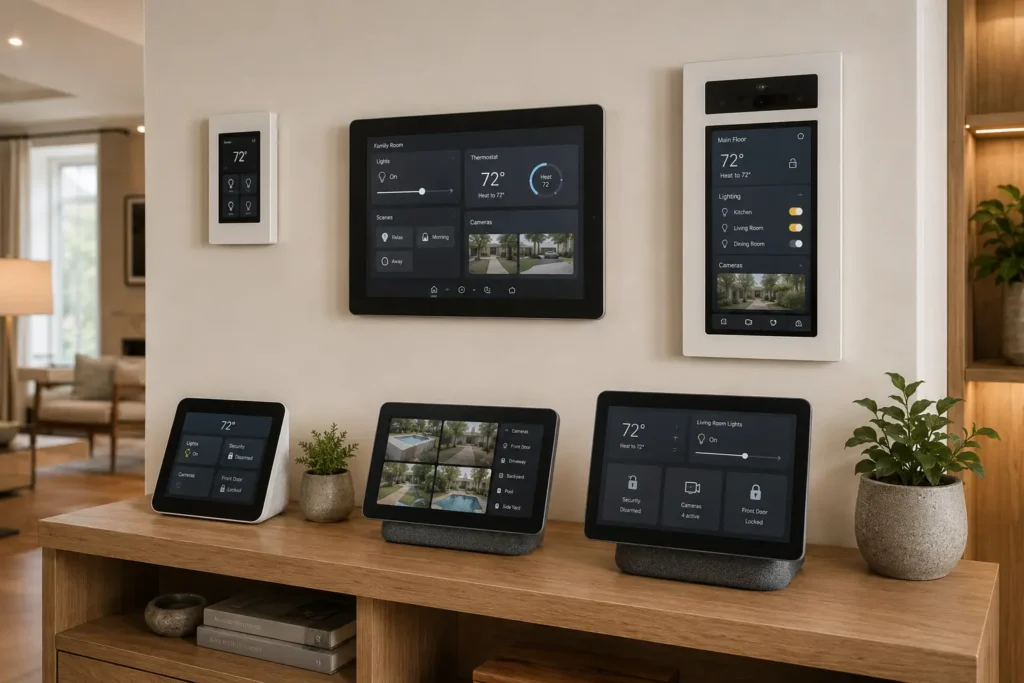
Top 3 Editor’s Choice
| Award | Product | Rating | Why It Won |
|---|---|---|---|
| Best Overall | Amazon Echo Hub (8″) | Widest protocol support (Wi-Fi, Bluetooth, Zigbee, Matter, Thread, Sidewalk) of anything on this list | |
| Best Budget | SONOFF NSPanel-US | Real wall switch + touchscreen combo with the most verified buyer reviews on this list | |
| Best Premium / Design | Brilliant Smart Home Control | Built-in camera and intercom features, plus a genuinely upscale in-wall look |
All 8 Picks Compared
| Product | Rating | Best For | Link |
|---|---|---|---|
| Amazon Echo Hub (8″, wall/tabletop) | Best Overall — Alexa users wanting max compatibility | Check Price | |
| SONOFF NSPanel-US Wall Switch | Best Budget — real switch replacement | Check Price | |
| Brilliant Smart Home Control | Best Premium — camera + intercom built in | Check Price | |
| SONOFF NSPanel Pro 120 | Best for Home Assistant / Zigbee power users | Check Price | |
| eufy Security Smart Display E10 | Best for eufy security ecosystem owners | Check Price | |
| Amazon Echo Show 8 (2025) | Best dual-purpose display + control hub | Check Price | |
| LANBON L8-HS Touch Switch | Best retrofit switch, no separate hub needed | Check Price | |
| Amazon Echo Hub with Stand | Best tabletop-only option | Check Price |
A note on the two Echo Hub listings above: the 8″ wall/tabletop version and the stand-mounted version may represent the same underlying hardware sold under different bundle options. We list both because they’re marketed as separate SKUs, but confirm on the product page which configuration you’re actually ordering before you buy.
TechNestDecor Team Picks: Smart Home Control Panels
Best Overall

Amazon Echo Hub – 8″ Smart Home Control Panel with Alexa

The single screen to default to if you want the broadest device compatibility without picking a side.
- 8″ HD touchscreen
- Built-in smart-home hub with Alexa voice control
- Supports Wi-Fi, Bluetooth, Zigbee, Matter, Thread, and Sidewalk
- Compatible with thousands of smart-home devices
- Customizable dashboard and widgets
- Views compatible camera feeds and controls Ring systems
- Wall or tabletop installation options
Best for: Alexa users controlling lights, plugs, cameras, locks, thermostats, and routines from one central touchscreen
Our verdict: The safest all-around pick on this list — the protocol support means it won’t box you into one brand two years from now, though don’t expect general tablet features like a browser.
Best Budget

SONOFF NSPanel-US WiFi Smart Scene Wall Switch, 2-Gang, Touchscreen

A genuine wall-switch replacement with a screen, not a bolt-on accessory next to your existing switches.
- 3.5″ IPS touchscreen with 2-gang control
- Built-in temperature sensor and thermostat function
- Controls lights and compatible loads via the eWeLink app
- Alexa, Google Home, and Siri Shortcuts compatible
- Displays weather, temperature, time, and date
- One-touch scene control
Best for: Smart-home users who want a wall-mounted touchscreen switch with two physical relay channels and temperature monitoring
Our verdict: The most-reviewed product on this list by a wide margin, and the best use of your money if you just want a real switch replacement without spending big. Requires live and neutral wiring.
Best Premium

Brilliant Smart Home Control – In-Wall Touchscreen Smart Home Controller

The only pick on this list with a built-in camera and intercom function alongside the control screen.
- Attractive touchscreen interface with built-in Alexa
- Built-in camera and microphone for intercom/video
- Works with Ring, Sonos, Hue, Nest, and more
- Premium in-wall design that replaces a traditional wall switch
Best for: Smart-home owners who want a permanent, in-wall control panel for lights and connected devices
Our verdict: Worth the premium if design and a built-in camera matter as much as function to you — just know Alexa functionality here is more limited than on a dedicated Echo device, and installation requires real electrical wiring knowledge.
Best for Home Assistant Users

SONOFF NSPanel Pro 120 Smart Home Control Panel

The built-in Zigbee gateway and native Home Assistant support make this the obvious pick for anyone already running a DIY setup.
- 4.7″ touchscreen with built-in Zigbee gateway
- Controls lighting, thermostat, and compatible devices
- Views up to 4 camera feeds at once
- Energy-use monitoring and security scenes/alerts
- Works with Alexa, Google, Apple, and Home Assistant
Best for: Zigbee-heavy homes, DIY Home Assistant users, and security monitoring from the wall
Our verdict: The clear pick for Home Assistant users, though its 3.9/5 rating from just 59 buyers is the smallest sample size on this list — worth weighing against more heavily reviewed options. No built-in relay, so it isn’t a direct light-switch replacement.
Best for eufy Ecosystem

eufy Security Smart Display E10 – 8″ Smart Home Hub, 64GB

Only makes sense if you already own eufy cameras — inside that ecosystem, it solves a specific problem: checking cameras without opening a phone app every time.
- 8″ touchscreen showing 4 live camera feeds simultaneously
- 64GB local storage for event playback
- Instant doorbell/motion alerts with live video
- Facial and package recognition through HomeBase 3
- Daily security reports and one-tap control
- Wall-mount included
Best for: eufy security users who want a dedicated touchscreen for monitoring multiple cameras and managing home-security events
Our verdict: Its strongest value is almost entirely tied to owning eufy devices already — outside that ecosystem, the 8″ screen limits how much you can view compared with larger displays.
Best Dual-Purpose Pick

Amazon Echo Show 8 (2025 release) with Adjustable Stand

The highest-rated product in this comparison, though it’s fundamentally a smart display first and a control panel second.
- Redesigned 8.7″ HD touchscreen
- Built-in smart-home hub with newer AZ3 Pro chip
- Alexa+ support and spatial audio
- Adjustable stand with 40° tilt and 360° swivel
- Useful for video calls, recipes, and content from different angles
Best for: Smart-home control plus video calls, recipes, music, entertainment, and everyday Alexa use
Our verdict: If you want video calls and recipes as much as device control, this trade-off works in your favor — just know the built-in camera and microphone won’t suit privacy-conscious households.
Best Retrofit Option

LANBON Smart Light Switch L8-HS – LCD Touch Panel

Skips a separate hub entirely, relying on Wi-Fi Mesh instead of Zigbee or Z-Wave — simpler setup, but no low-power mesh networking.
- LCD touchscreen with customizable button names/icons
- Wi-Fi Mesh connectivity — no separate hub required
- Alexa and Google Home voice control
- App, touch, and voice control with scheduling and scenes
- Displays time, temperature, and humidity
- Supports 1/2/3-gang configurations
Best for: Smart-home users who want a touchscreen wall switch with app, Alexa, and Google Home control
Our verdict: The easiest path into a touchscreen switch without a separate hub — but it requires a neutral wire and handles on/off control only, not dimming.
Best No-Install Option

Amazon Echo Hub – Smart Home Control Panel with Stand
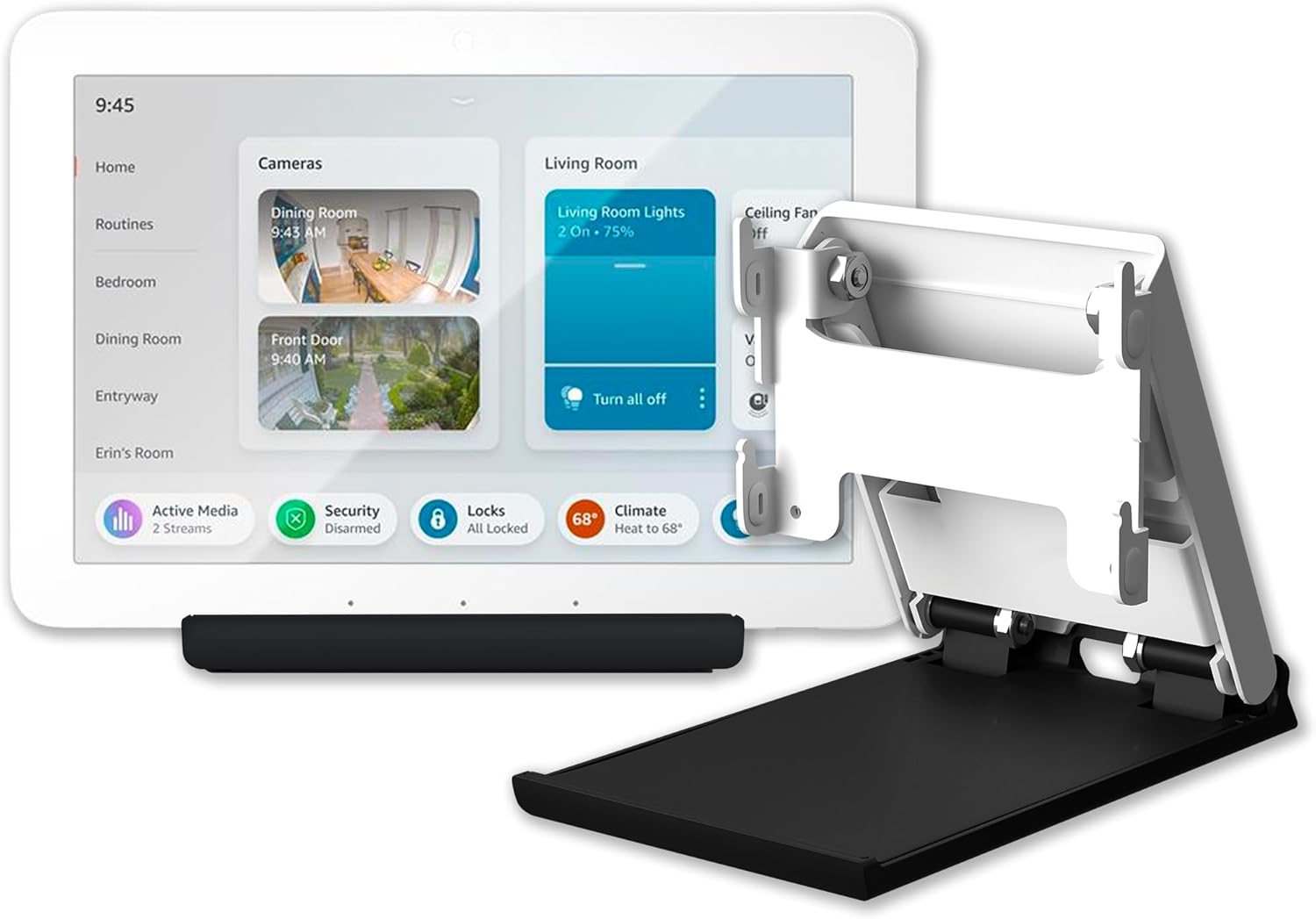
For renters or anyone who doesn’t want to touch their wiring, this is the path of least resistance into a dedicated control panel.
- Dedicated smart-home control panel with Alexa voice control
- Easy access to compatible lights, cameras, locks, and other devices
- Supports Matter-compatible smart-home devices
- Can be mounted or used with the included stand
Best for: Smart-home control and managing connected devices from one central touchscreen, no installation required
Our verdict: Note this may share the same underlying hardware as the 8″ wall/tabletop Echo Hub above under a different bundle — confirm which configuration you’re ordering before you buy.
Buying Guide
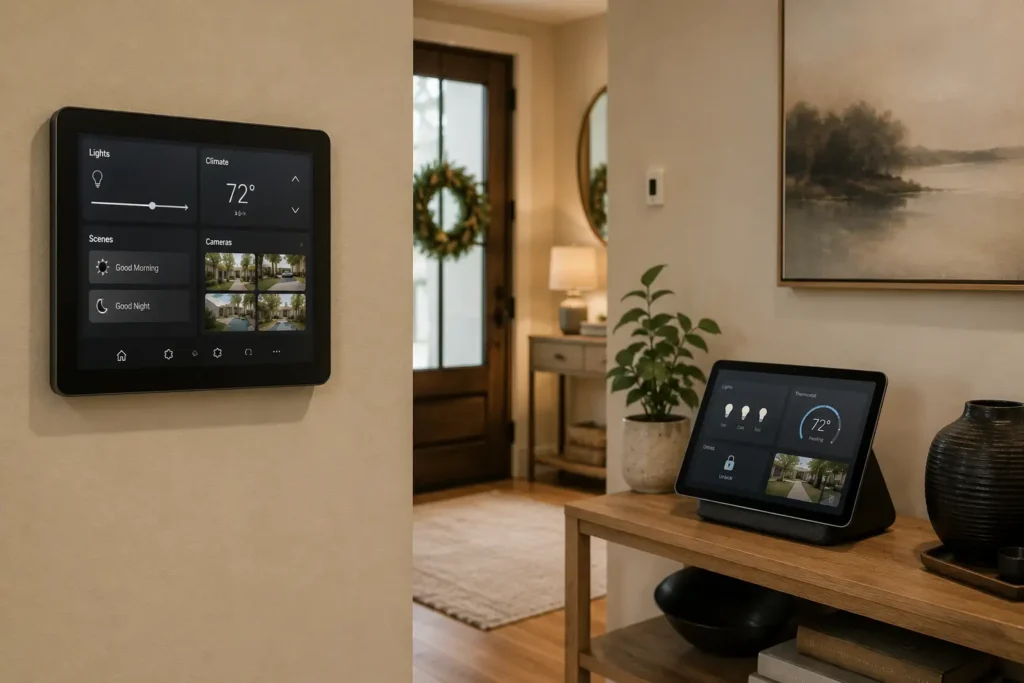
- Start with your ecosystem, not the panel. Alexa, Google, Apple HomeKit, and Home Assistant each point toward a different right answer. See our ecosystem breakdown if that decision isn’t made yet.
- Decide between wall-mounted and tabletop. Wall panels look permanent and clean but may need an electrician. Tabletop hubs install in minutes but can be unplugged or moved, which matters if you’re relying on one for security alerts.
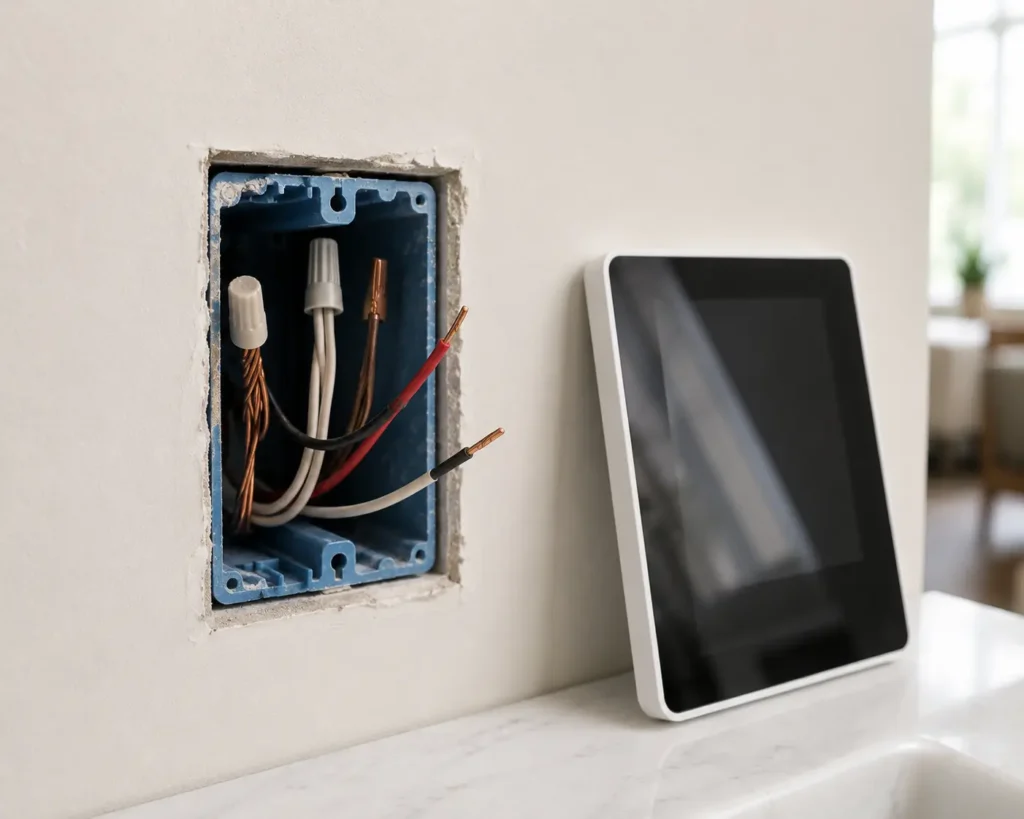
- Check for a neutral wire before buying anything designed to replace a light switch.
- Prioritize Matter support if avoiding ecosystem lock-in matters to you.
- Match the screen size to the room. An 8″ display suits a hallway command center; a 3.5″–4.7″ panel is enough for a single-room switch replacement.
Installation Requirements
In-wall panels (Brilliant, LANBON, SONOFF NSPanel-US) need a neutral wire in the switch box. Confirm this before buying, or budget for an electrician visit. Tabletop and plug-in options (Echo Hub, Echo Show, eufy E10) skip that requirement and are usable within minutes, at the cost of feeling less permanently integrated.
Can Smart Home Devices Be Hacked?
Yes, and the honest answer to why is less dramatic than most headlines suggest. The Cybersecurity and Infrastructure Security Agency (CISA) points to a consistent pattern behind most consumer IoT breaches: devices left on default credentials, unpatched firmware, and unnecessary continuous internet connectivity. Attackers generally aren’t targeting a specific household; they’re scanning broadly for whichever device was left unsecured.
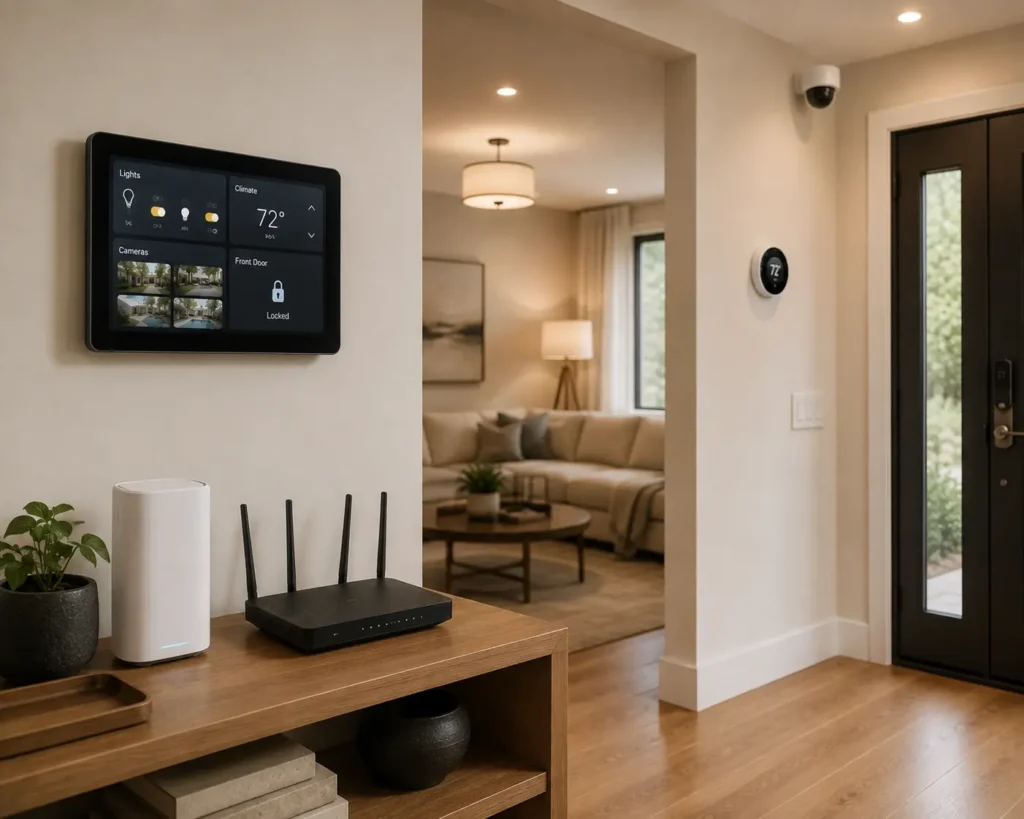
Steps that address most of that risk, per CISA’s guidance and general practice:
- Change every default password, not just your Wi-Fi network, including on the control panel itself.
- Put IoT devices on their own network segment, using a guest network or VLAN if your router supports one.
- Enable automatic firmware updates where available.
- Use two-factor authentication wherever it’s offered, particularly for cameras and locks.
- Reconsider whether a device needs continuous internet access at all, per CISA’s “connect carefully” recommendation.
For securing the physical side of your home alongside the digital side, our smart lock guide covers renter-friendly options.
Do Smart Home Panels Use a Lot of Electricity?
The panel and any hub radios draw a small, continuous amount of power, comparable to a home router left plugged in. Whether that’s offset by automation savings (lights that shut off in empty rooms, reduced phantom draw from scheduled plugs) depends heavily on how the system is configured, and we don’t have independent measurement data to quantify the net effect precisely. If minimizing energy use specifically is a priority, our energy-saving section covers more targeted approaches.
Who Should Buy One
Anyone currently juggling three or more smart-home apps daily, households where multiple people need a shared way to control the home without relying on individual phones, and anyone setting up camera monitoring who wants a dedicated screen rather than checking an app constantly.
Who Shouldn’t Buy One Yet
If you own two or three smart devices total, a control panel priced above $100 is more than you need; your phone’s existing app will do the job. Renters without access to a neutral wire should stick to tabletop options like the Echo Hub with Stand rather than forcing an in-wall installation.
Final Verdict
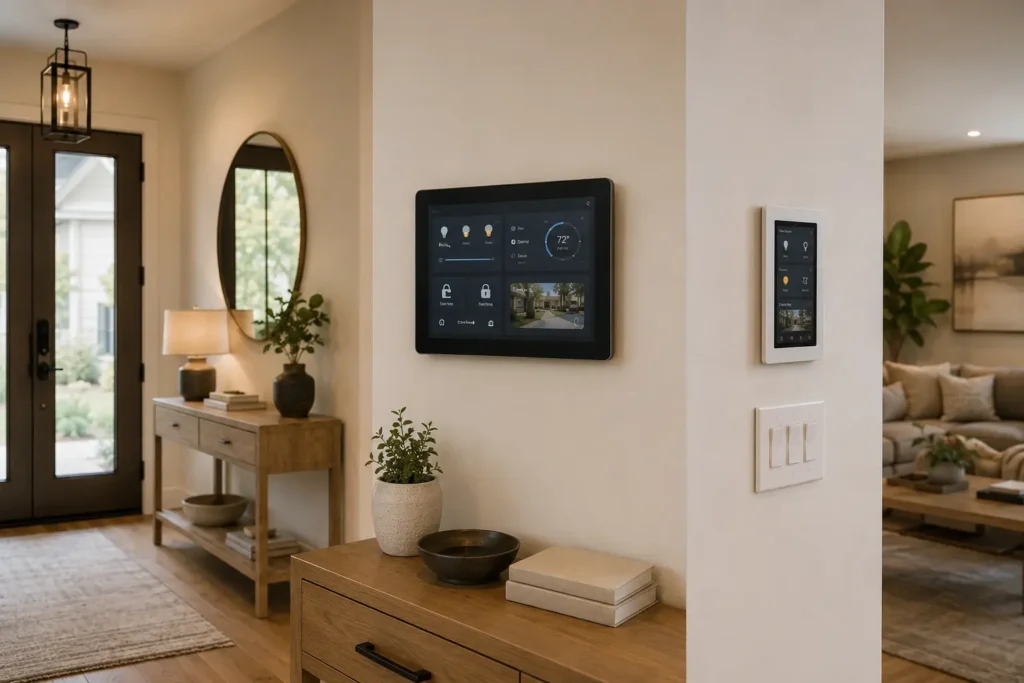
For most buyers, the Amazon Echo Hub (8″)
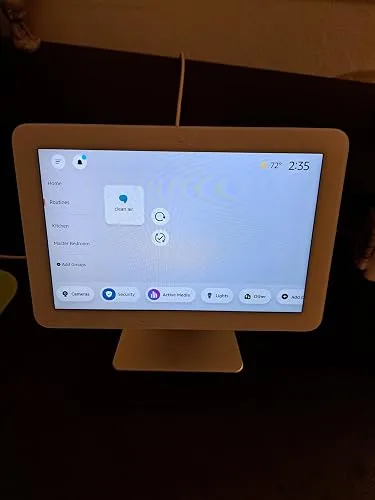
is the safer long-term choice: its protocol support means it’s less likely to box you into one brand two years from now. If the goal is a real switch replacement without a big spend, the SONOFF NSPanel-US is the better use of the money. If design and a built-in camera matter as much as function, the Brilliant Smart Home Control is worth the premium.
Frequently Asked Questions
What is the best smart home control panel overall?
Based on protocol support and current buyer ratings, the Amazon Echo Hub (8″) is the strongest general pick, mainly due to its Zigbee, Matter, and Thread compatibility.
How much does a smart home control panel cost?
Pricing ranges roughly from $40 for basic wall-switch panels to $300+ for premium in-wall systems with built-in cameras. Custom whole-home installs run $1,000 and up.
Can I install a smart panel myself?
Tabletop options like the Echo Hub or Echo Show require no installation. Wall-mounted panels that replace a switch typically need a neutral wire; if you’re not confident working with home wiring, hire an electrician.
What’s the difference between a smart home hub and a control panel?
A hub is the radio and processing layer connecting your devices. A control panel adds a dedicated touchscreen on top of that. A smart display can control your home too, without necessarily functioning as a dedicated hub.
Can smart home devices actually be hacked?
Yes. Per CISA guidance, most real-world incidents trace back to unchanged default passwords or unpatched firmware rather than sophisticated targeted attacks, which is why basic password hygiene and network segmentation address most of the risk.
Do smart home panels use a lot of electricity?
They draw roughly as much as a router left plugged in. Whether automation offsets that depends on how the system is set up; we don’t have independent data to quantify the net effect precisely.
Which panel is best for Home Assistant users?
The SONOFF NSPanel Pro 120, due to its built-in Zigbee gateway and native Home Assistant support, though its sample size (59 ratings) is smaller than other picks on this list.
Do I need a separate hub if I buy a control panel?
Not if the panel has built-in radios, like the Echo Hub or NSPanel Pro. Panels like the LANBON switch skip a hub entirely by using Wi-Fi Mesh directly.
What’s Next
If you haven’t settled on an ecosystem yet, start with our smart home ecosystem guide, then browse more picks in Reviews & Guides and Smart Home. Questions about a specific setup? Leave a comment below and we’ll help you figure out the right starting point.