Make Your Home Smarter, One Step at a Time

By the TechNest Decor Editorial Team | Last updated: August 2026
Table of Contents
I’ll be honest with you: I’ve stood at a thermostat with my finger hovering over the arrow, silently negotiating with my own electric bill. Bump it down two degrees and feel instantly better, or leave it alone and feel smug when the bill arrives? If you’ve ever had that exact standoff — probably while someone else in the house is arguing the opposite side — you’re not alone. It’s one of the most common household debates there is, and there’s a genuinely useful answer, even if it isn’t one single magic number.
So let’s get into it: what temperature actually saves you money without turning your living room into a sauna?
Settings saved.
Key Takeaways
- 78°F while you’re home and awake is the most widely cited energy-saving benchmark, commonly traced back to ENERGY STAR guidance — but it’s a starting point, not a rule everyone has to follow.
- As a general rule of thumb, each degree you raise your thermostat above the mid-70s can save you roughly 1-3% on cooling costs — though the exact number depends heavily on your home, climate, and system.
- 72°F isn’t “too cold” — it’s simply closer to standard comfort than to maximum efficiency.
- Small changes matter: going from 70°F to 72°F alone can meaningfully lower your bill, even without hitting 78°F.
- On extreme heat days, setting the AC drastically lower than usual doesn’t cool your home faster — and if your system is struggling to keep up, that’s usually a maintenance issue, not a thermostat setting issue.
- Humidity affects how warm a room feels just as much as the number on the thermostat does.
- The thermostat setting is only one lever — maintenance, insulation, and smart scheduling often matter just as much for your actual bill.
What Is the Best AC Temperature for Energy Saving?
Here’s the number most people are looking for: 78°F when you’re home and awake. This figure is widely attributed to ENERGY STAR’s energy-saving guidance, which uses it as an example setting within a broader “smart setback” approach — 78°F while you’re up and about, a few degrees warmer while asleep, and warmer still when nobody’s home.
It’s worth being upfront about something most articles gloss over: 78°F isn’t a strict federal mandate or a scientifically “perfect” number. It’s a practical benchmark used to illustrate a bigger principle — the smaller the gap between your indoor and outdoor temperature, the less your AC has to run, and the less energy you use. 78°F is simply a reasonable, livable number that keeps that gap manageable for most homes in most climates.
So if 78°F sounds uncomfortable for your household, don’t treat it as a failure. The real principle isn’t “hit this exact number” — it’s “every degree closer to the outdoor temperature saves you something.” That’s true whether you land on 76°F, 77°F, or 78°F.
72°F vs. 75°F vs. 78°F: Which Should You Actually Pick?
This is really a comfort-versus-efficiency decision, not a right-or-wrong one. Here’s how the three most commonly searched settings compare:
| Setting | Best For | Trade-off |
|---|---|---|
| 72°F | Comfort-first households, homes with young kids, pets, or heat-sensitive family members | Lower energy savings potential compared to warmer settings |
| 75°F | A practical middle ground for households who find 78°F too warm but still want real savings | Some comfort trade-off, moderate savings |
| 78°F | Households prioritizing maximum energy savings and comfortable with a warmer baseline | Not comfortable for everyone, especially in humid climates |
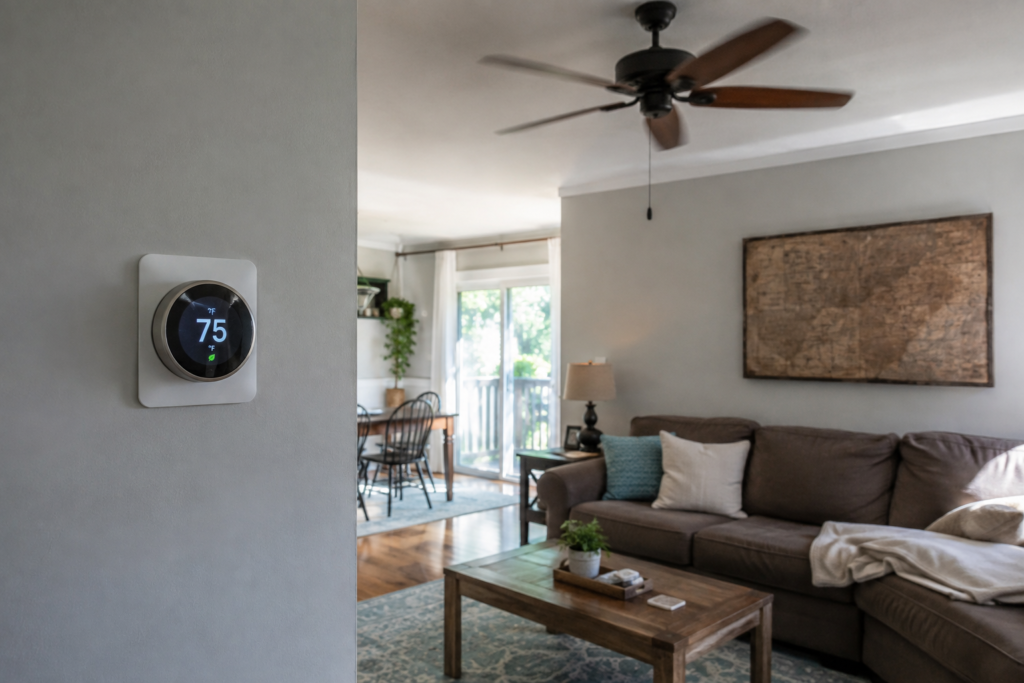
If you’re not sure where to land, 75°F is a reasonable place to start. You’re not chasing the maximum possible savings, but you’re also not settling for the smallest possible change. From there, nudge up or down a degree at a time until you find where comfort and cost meet for your household.
Does Going from 70°F to 72°F Actually Make a Difference?
Yes — and this is where people are often pleasantly surprised. You don’t need to jump all the way to 78°F to feel a difference. Even a modest two-degree increase reduces how hard your compressor has to work to close the gap between indoor and outdoor air, and that adds up across every cooling cycle, every day, for the whole season.
How much you’ll actually save depends on a mix of factors — your climate, your home’s insulation, humidity levels, how long your AC runs each day, and the age and efficiency of your system. There’s no single dollar figure that applies to every household. But the takeaway holds either way: small, consistent adjustments genuinely add up, even if you never get anywhere near 78°F.
Why 78°F Can Feel Fine in One Home and Miserable in Another (It’s the Humidity)
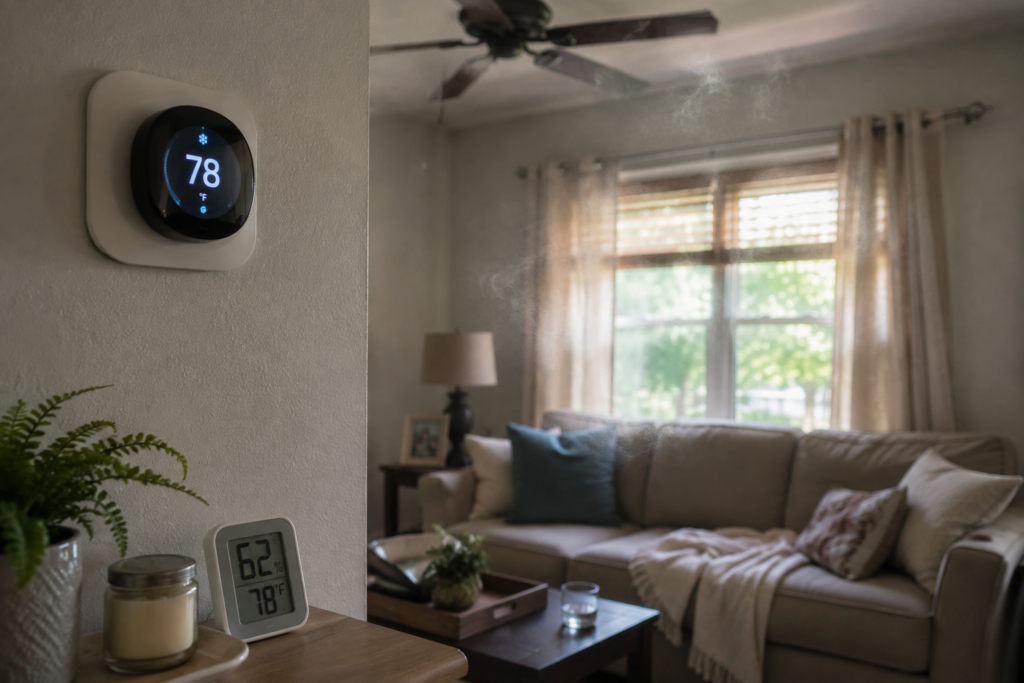
Here’s a piece that gets left out of a lot of “set it to 78°F” advice: humidity changes how a temperature feels, sometimes dramatically. High indoor humidity slows down how efficiently your body can cool itself through evaporation, so a humid 78°F room can feel noticeably stickier and warmer than a dry 78°F room.
That’s important because the instinct when a room feels warm is to lower the thermostat further — but if humidity is the real culprit, that often doesn’t fix the actual problem, and it costs you more to run the AC harder chasing a number that was never really the issue. A dehumidifier, better ventilation, or an AC system that’s sized and maintained properly for your home can sometimes solve the “it feels too warm” problem more effectively than simply dropping the temperature another two or three degrees.
How Cool Should My House Be If It’s 100°F+ Outside?
On extreme heat days, it’s tempting to crank the thermostat way down, figuring a bigger push will cool things off faster. In practice, your AC cools at roughly the same rate regardless of how low you set the target — setting it to 65°F on a 100°F day doesn’t make cold air come out faster, it just means the system keeps running longer trying to reach a number it may struggle to hit.
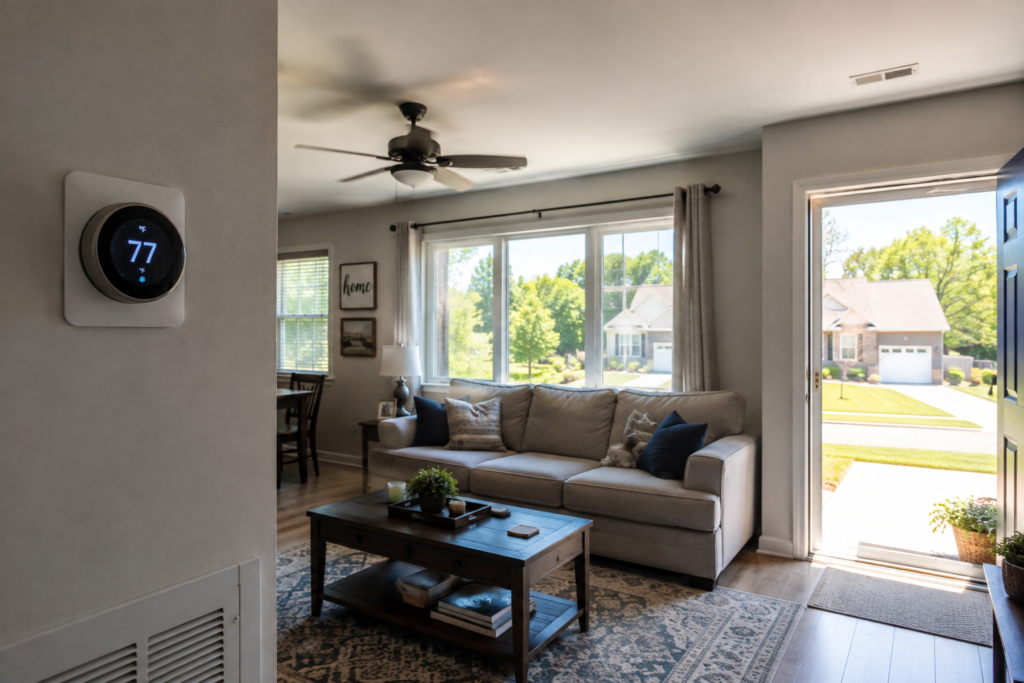
A more realistic target on extreme heat days is somewhere in the 76-78°F range, rather than trying to match what you’d set on a mild day. If your system is running continuously and still can’t get close to your target temperature, that’s usually a sign of something else going on — not that you haven’t set the thermostat low enough. Common culprits include:
- A dirty air filter restricting airflow and making the whole system work harder
- An undersized or aging system that simply isn’t rated for extreme outdoor heat loads
- Duct leakage, where cooled air escapes before it reaches your rooms
- Poor insulation, letting heat seep back in as fast as your AC removes it
- A blocked or dirty outdoor condenser unit, which reduces the system’s ability to release heat
If your AC is running nonstop without closing the gap, that’s worth a maintenance check rather than a lower thermostat setting.
Will My AC Freeze at 68°F?
Generally, no — 68°F is a completely normal thermostat setting and isn’t, by itself, a cause of a frozen AC unit. Freezing is typically related to the system’s operating conditions rather than the specific number on the thermostat. The most common causes include restricted airflow (often from a dirty filter), low refrigerant levels, and running the system for extended periods in very humid conditions without adequate airflow across the coil.
If you notice ice forming on your indoor or outdoor unit, that’s a sign to check the filter and consider a professional inspection — not a sign that your thermostat setting was “too aggressive.”
How to Save More Than Just One Degree
The thermostat number is one lever, but it’s far from the only one. These habits tend to move the needle just as much, sometimes more:
- Replace or clean your air filter regularly. A clogged filter restricts airflow, forcing your system to run longer to reach the same temperature.
- Keep vents and return grilles unobstructed. Furniture or rugs blocking airflow reduce your system’s efficiency room by room.
- Keep the outdoor condenser clear of leaves, debris, and overgrown plants so it can release heat properly.
- Seal obvious air leaks around windows, doors, and attic access points where cooled air can escape.
- Use blinds or curtains during peak afternoon sun to reduce the heat load your AC has to fight in the first place.
- Run ceiling fans to improve perceived comfort, letting you raise the thermostat a degree or two without feeling it.
- Keep up with professional AC maintenance — a well-maintained system simply uses less energy to do the same job.
- Use a programmable or smart thermostat so setbacks happen automatically instead of relying on memory.
- Most of these moves line up with the U.S. Department of Energy’s own “top things you didn’t know about saving energy at home” for summer, which covers similar no‑brainer tweaks to cut cooling costs without sacrificing comfort.
Where Smart Thermostats Actually Help
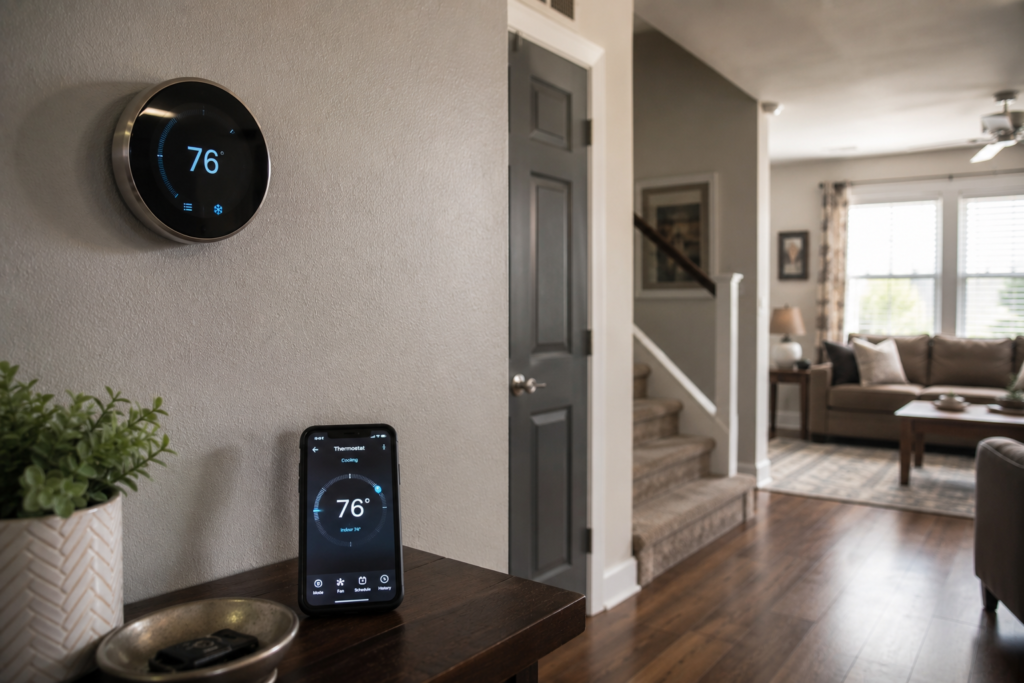
Manually remembering to adjust the thermostat every time you leave the house, go to bed, or come home is where most people’s good intentions quietly fall apart. This is the gap smart thermostats are built to close — not by promising a specific dollar savings, but by making the setbacks that actually drive savings happen automatically, especially if you start with an ENERGY STAR–certified smart home product.
Look for a few specific capabilities when comparing models:
- Programmable schedules that handle the daily “awake / asleep / away” adjustments without you touching the dial
- Automatic away-mode detection, so the system backs off when nobody’s actually home
- Remote control from your phone, useful for adjusting settings before you arrive home instead of running the AC hard all day “just in case”
- Room sensors if you have spaces that run noticeably hotter or colder than the rest of the house
- Energy-use reporting, which helps you actually see where your cooling costs are going instead of guessing
Best Smart Home Products for Lower Cooling Costs
If you’re ready to put some of this into practice, here’s where a bit of smart-home hardware earns its keep. None of these will magically halve your bill on their own, but each one removes a bit of the guesswork — or the forgetting — that quietly drives cooling costs up.
TechNestDecor Team Picks: Smart Home Products for Lower Cooling Costs
Best Overall

Google Nest Thermostat

A solid, straightforward entry point into smart thermostats — no steep learning curve, no unnecessary extras.
- Remote control through the Google Home app
- Programmable heating and cooling schedules
- Automatically backs off when it detects you’re away
- Savings Finder suggests schedule tweaks
- HVAC monitoring flags when something seems off
- ENERGY STAR certified
Best for: Households already using Google Home who want simple, reliable remote scheduling
Our verdict: The safest all-around pick if you just want automatic setbacks without a learning curve — just confirm your HVAC system doesn’t need a C-wire or Nest Power Connector before buying.
Best Premium

ecobee Smart Thermostat Premium

The premium pick, and it earns the price tag with genuinely useful room-by-room awareness.
- Included SmartSensor monitors occupancy and temp in a second room
- Built-in indoor air-quality monitoring
- eco+ features: Smart Home & Away, Schedule Assistant
- Works with Apple Home, Alexa, Google Assistant, SmartThings
- Siri support with a compatible Apple hub
Best for: Larger homes with hot/cold spots, or households wanting more than basic temperature control
Our verdict: Worth the higher price if uneven room temperatures are a real problem in your home — the included SmartSensor alone solves what a basic thermostat can’t.
Best for Uneven Room Temperatures

Honeywell Home T9 Smart Thermostat with Smart Room Sensor

Built specifically for homes where one room never seems to match the rest of the house.
- Smart Room Sensor measures temperature and humidity elsewhere in the home
- Prioritizes occupied rooms over the thermostat’s own location
- 7-day programmable scheduling
- Alexa and Google Assistant compatible
- C-wire adapter included with this model
- ENERGY STAR certified
Best for: Multi-room homes where a bedroom always runs hotter or colder than the rest of the house
Our verdict: The clear pick if your thermostat’s location doesn’t reflect how your home actually feels — one sensor may not be enough for a larger house, so plan accordingly.
Best Humidity Check

SwitchBot Meter Plus – Temperature & Humidity Monitor

A small device that answers a question most people never think to ask: is this room actually hot, or just humid?
- Large 3-inch display, easy to read at a glance
- Accurate temperature and humidity readings
- Up to 68 days of stored, exportable data
- About one year of battery life
- Low cost compared with most smart environmental monitors
Best for: Confirming whether a room is genuinely hot or just humid before you reach for the thermostat
Our verdict: A cheap, easy way to stop guessing — place one in the room that always “feels” too warm and let the humidity reading settle the debate.
Best for Tracking Cooling Devices

TP-Link Tapo P115 Smart Plug with Energy Monitoring

Not for your central AC, but a straightforward way to see what your fans and portable units are actually costing you.
- Real-time and historical energy monitoring
- Scheduling and an Away Mode
- Works with Alexa and Google Assistant
- No separate hub required
- Estimates electricity cost based on your rate
- Works locally even if internet connectivity drops
Best for: Finding out which fan, window unit, or dehumidifier is quietly running up your bill
Our verdict: One of the simplest, lowest-cost ways to stop guessing about secondary cooling devices — the data alone often changes how people use them.
Best Budget Pick

Kasa Smart Wi-Fi Plug Slim KP115

A close cousin to the Tapo plug above, with the same core idea at a similarly low price.
- Built-in real-time and historical energy monitoring
- Scheduling and timer functions
- Works with Alexa and Google Assistant
- Slim design keeps the neighboring outlet free
- No separate hub required
Best for: A simple, low-cost way to stop guessing about your secondary cooling devices
Our verdict: Functionally near-identical to the Tapo P115 — pick whichever app ecosystem (Kasa vs. Tapo) you’d rather standardize your smart plugs around.
Common Mistakes to Avoid
- Setting the AC extremely low on the hottest days. It won’t cool the home faster — it just makes the system run longer.
- Assuming 78°F is mandatory. It’s a benchmark, not a requirement. Your actual best setting depends on your comfort, humidity, and home.
- Ignoring humidity when a room “feels” too warm, and lowering the temperature instead of addressing moisture.
- Constantly changing the thermostat throughout the day, which can make your system work harder than a steady setback schedule would.
- Blocking vents or return grilles with furniture, curtains, or rugs.
- Neglecting the air filter, one of the simplest and cheapest maintenance items with an outsized impact on efficiency.
- Ignoring ice on the unit instead of addressing the underlying airflow or refrigerant issue.
- Assuming the thermostat is the only factor in your bill, when insulation, duct condition, and system age often matter more.
- Letting a struggling AC run nonstop without ever having it checked, even when it clearly isn’t reaching the target temperature.
What About Winter?
Quick note since it comes up in the same searches: the same principle applies in reverse during colder months. A commonly cited energy-saving winter setting is around 68°F while home and awake, with a setback into the 60-65°F range while asleep or away. If a room feels chilly at 73°F, it’s usually more about drafts, humidity, or insulation than the thermostat being set incorrectly — the same logic covered in the humidity section above applies here too.
Quick-Reference Guide
| Scenario | Starting Point | Why |
|---|---|---|
| Home & awake (summer) | 75-78°F | Balances comfort with meaningful energy savings |
| Asleep (summer) | 78-80°F | Bodies typically tolerate slightly warmer temps while sleeping under a fan or light bedding |
| Away from home (summer) | 82-85°F | No need to cool an empty house to living-room comfort levels |
| Extreme outdoor heat (100°F+) | 76-78°F | Setting it lower doesn’t cool faster and can strain the system |
| Home & awake (winter) | ~68°F | Common energy-saving benchmark for heating season |
| Asleep / away (winter) | 60-65°F | Reduced heating demand during unoccupied or sleeping hours |
These are practical starting points, not universal rules — your ideal setting depends on your home’s insulation, humidity, climate, and personal comfort.
Frequently Asked Questions
What is the best AC temperature to save money?
78°F while you’re home and awake is the most commonly cited energy-saving benchmark, with warmer settings while asleep or away. That said, any increase toward that range — even a degree or two — produces real savings.
Is 75°F a good temperature for AC?
Yes. It’s a practical middle ground between comfort and maximum efficiency, and a reasonable starting point if 78°F feels too warm.
Is 72°F too cold for AC?
No — 72°F is a normal, comfortable setting. It simply prioritizes comfort over maximum energy savings, which is a completely valid trade-off.
Is 78°F too warm for AC?
For some households, especially in humid climates, yes. There’s nothing wrong with settling on 75°F or 76°F instead — the savings are smaller, but still real.
What temperature should I set my AC at night?
A few degrees warmer than your daytime setting, commonly in the 78-80°F range, since most people tolerate slightly warmer temperatures while asleep, especially with a fan running.
What temperature should I set my AC when I’m away?
Generally 82-85°F, or off entirely if you’re away for an extended period and comfortable doing so.
What should I set my AC to when it’s 100°F outside?
Stick to your normal comfortable range, around 76-78°F. Setting it drastically lower won’t cool the home faster and can strain the system.
Does raising the AC by 2 degrees actually save money?
Yes. Even small increases reduce compressor runtime, and that adds up over an entire cooling season, though the exact amount depends on your home and system.
Can a smart thermostat reduce cooling costs?
It can help by automating the setbacks that people often forget to do manually — but it works by making good habits consistent, not through some fixed guaranteed savings percentage.
Why does 78°F still feel hot in my house?
Humidity is the most common culprit. High indoor humidity makes the same temperature feel warmer, so addressing moisture (rather than lowering the temperature further) is often the more effective fix.
How We Put This Together
The temperature guidance in this article draws on publicly available ENERGY STAR and utility-industry guidance on thermostat setbacks, along with general HVAC principles around indoor/outdoor temperature differentials, airflow, and humidity. Where a specific savings percentage is cited, it’s presented as a general rule of thumb rather than a guaranteed outcome, since actual results vary by home, climate, insulation, and system condition.
You May Also Like
- 15 Summer Energy Saving Tips to Cut Your Electric Bill This Season
- Best Ways to Lower Your Electricity Bill During Summer in 2026
- Ecobee vs Nest Thermostat: The Honest Guide First-Time Buyers Actually Need
- Why Is My Electric Bill So High? 5 Honest Reasons
- Smart Home Technology: The Complete Beginner’s Guide
The Bottom Line
There isn’t one magic AC temperature that works for every household. 78°F is a widely cited energy-saving benchmark, but the right setting for your home depends on your comfort, your humidity levels, the weather outside, and how efficient your home and AC system actually are. Even a modest, few-degree adjustment can help — and pairing that with regular maintenance, better airflow, and a bit of smart-home automation often does more for your bill than chasing one perfect number ever will.
Want to see more smart home guides and energy-saving picks like the ones above? Explore more on TechNestDecor to find the setup that actually fits your home.