Make Your Home Smarter, One Step at a Time
Written by the TechNest Decor Editorial Team | Last updated: August 2026 | Home Security
Table of Contents
This post contains affiliate links. If you buy through one, we may earn a commission at no extra cost to you. This does not affect which products we recommend or how we rank them — see our methodology below.
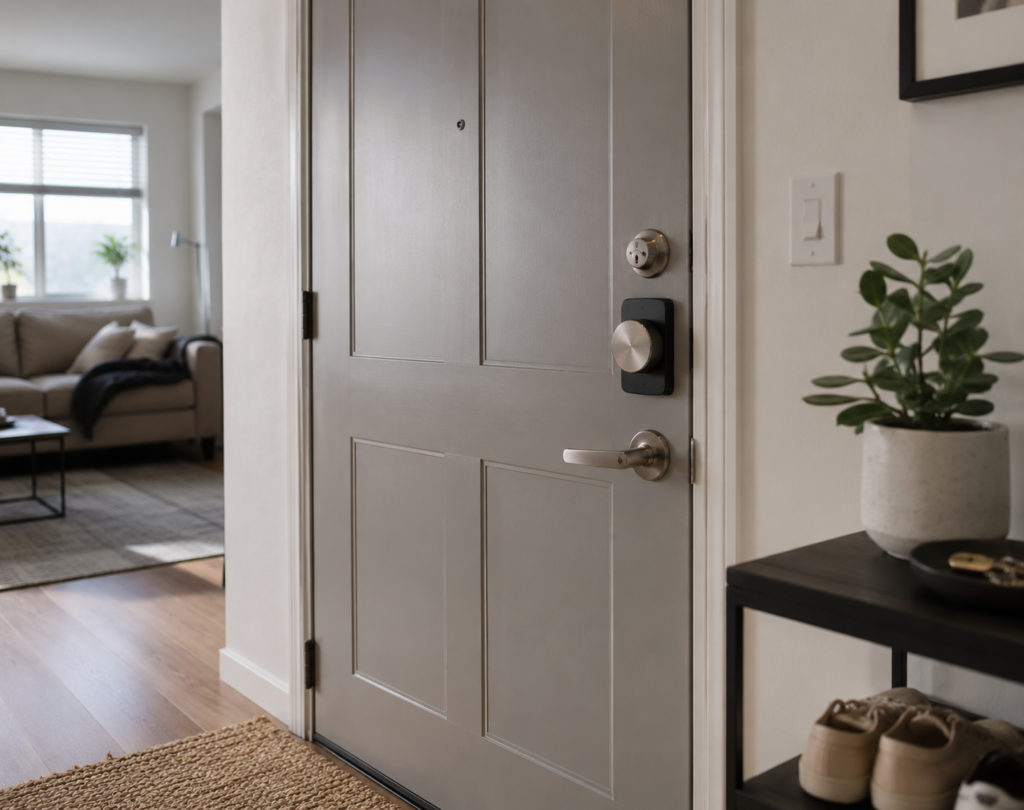
Here’s the renter’s dilemma nobody tells you about before you sign a lease: you want a smart lock, but you also want your security deposit back. Most “best smart lock” roundups are written for homeowners who can swap a deadbolt without a second thought — that advice doesn’t transfer cleanly to apartment living, where a permanently modified door can turn into an awkward move-out conversation.
Settings saved.
This guide is built around a narrower, more useful question than the usual one: not just “which smart lock is good,” but which smart locks for apartments are genuinely renter-friendly — meaning you can install them, use them, and remove them without a trace. Below, we’ve grouped the options by installation type, called out which ones qualify as a true no-drill smart lock, and flagged which ones require a full deadbolt swap you’ll want sign-off for first. If home security is on your radar beyond the front door, our Home Security guides cover the rest of the setup.
Quick Picks: Quick Picks: Best Smart Locks for Apartments (2026)
- Best No-Drill / Most Reversible: Level Bolt Smart Deadbolt — an interior retrofit that keeps your exterior lock looking untouched
- Best Smart Lock That Keeps Existing Keys: Yale August Wi-Fi Smart Lock with Keypad Touch — installs over your current deadbolt, no swap required
- Best Overall (Full Replacement): Schlage Encode Smart WiFi Deadbolt — the most established name, with the highest BHMA security certification listed among these picks
- Best Budget (Full Replacement): ULTRALOQ Bolt SE Smart Lock — fingerprint, keypad, and app access at the lowest listed price here
How We Chose These Locks
We have not physically tested these locks in-house. Our selections and rankings are based on published manufacturer specifications, product listing data, and, where available, security certifications the manufacturer states (such as BHMA or ANSI grades) — not on independent lab testing. Specifically, we evaluated each lock against:
- Installation type and reversibility — whether the lock replaces existing hardware or fits over/inside it without removing anything original
- Manufacturer-stated security certification, reported as published rather than independently verified
- Connectivity and smart-home ecosystem support (Wi-Fi, Bluetooth, Matter, and compatibility with Alexa, Google Assistant, or Apple Home)
- Guest and temporary access code support, relevant for apartments with roommates or frequent visitors
- Publicly listed Amazon rating and review count at the time of writing, which can change — always check the current listing before buying
Product selection was not influenced by commission rates; we did not add locks solely to increase the number of affiliate links in this guide.
Comparison Table
| Lock | Install Type | Renter-Reversible? | Amazon Rating (approx.) |
|---|---|---|---|
| NICE DIGI Smart Keypad Door Lock with Handle – X1 | Full handleset replacement | No | 4.3/5 (500+ ratings) |
| SwitchBot Lock Ultra | Retrofit over existing lock | Yes | 4.2/5 (119 reviews) |
| Yale August WiFi + Keypad Touch | Interior add-on, keeps existing keys | Yes | 3.8/5 (191 reviews) |
| Schlage Encode | Full deadbolt replacement | No | 4.4/5 (16,308 reviews) |
| ULTRALOQ Bolt SE | Full deadbolt replacement | No | 4.3/5 (10,226 reviews) |
| Yale Assure Lock 2 Touchscreen | Full deadbolt replacement | No | 4.0/5 (943 reviews) |
| ULTRALOQ Latch 5 | Full lever/latch replacement | No | 3.9/5 (950 reviews) |
| Yale Assure Lock 2 Keyless Entry | Full deadbolt replacement | No | 3.7/5 (1,198 reviews) |
| Kwikset Halo Select | Full deadbolt replacement | No | ~4.0/5 (150–230 reviews, varies by listing) |
| Anweller MD3 Palm Vein Smart Deadbolt Lock | Full deadbolt replacement | No | 4.8 / 5 (8 ratings on listing) |
Recommended Picks
Ten locks below, split by the distinction that matters most for apartment living. Each entry explains why it made the list — based on the criteria in our methodology, not on affiliate commission.
Budget-to-Mid-Range, Feature-Packed Pick

NICE DIGI Smart Keypad Door Lock with Handle – X1

Seven unlocking methods packed into one lock: fingerprint, Bluetooth app, keypad code, key fob, physical key, remote unlocking, and Alexa voice control. Add auto-lock, anti-drill protection, one-touch locking, and real-time entry logs, and it’s a lot of premium-style functionality positioned at a budget-to-mid-range price.
Aluminum construction with anti-drill protection, designed for most American wooden doors with a DIY-friendly install.
Best for: Front and interior doors for families, rental properties, or anyone wanting keyless access with multiple backup entry methods
Pros
- Multiple unlocking methods
- Fingerprint access is convenient
- App and passcode management
- Physical-key backup
- Aluminum construction with anti-drill feature
- Alexa and Google Home integration
Cons
- Fingerprint reader can become inconsistent after several days of use for some users
- Wi-Fi/remote functionality requires an additional gateway
- Some users reported installation/strike-plate fitting issues
- Uses batteries, which require periodic replacement
- May require a longer passcode than some users expect
~$64.99
View on Amazon
No-Drill Retrofit — Works With Existing Lock

SwitchBot Lock Ultra with Keypad Touch

Worth a look if your lease specifically forbids modifying the door. SwitchBot’s design is built to fit over your existing lock rather than replace its core, so the original hardware can go straight back on unchanged. It lists a 0.3-second fingerprint unlock and an IP65 rating.
Supports up to 100 fingerprints, NFC access, and original-key access alongside the app and keypad.
Best for: Renters who don’t want to replace their existing deadbolt at all
Pros
- Designed to work with your existing deadbolt — no core replacement
- Fingerprint unlock in about 0.3 seconds
- USB-C rechargeable; up to 12 months per charge
- IP65 water resistance and Matter compatibility
Cons
- Priced higher than basic keypad locks
- Some smart-home features require the separate Hub Mini
- Confirm fit against your specific lock before buying
~$128–$209
View on Amazon
Keeps Existing Keys

Yale August Wi-Fi Smart Lock with Keypad Touch

This model installs on the interior side of the door over your current deadbolt rather than replacing it, so you keep your original exterior lock and keys as-is. That detail is what earns it a spot in the retrofit group, alongside fingerprint unlock and a 24/7 activity feed.
Built-in Wi-Fi means no separate hub is required for remote access and guest codes.
Best for: Apartments and renters who want to keep their existing keys
Pros
- Keeps your existing exterior deadbolt and keys
- Fingerprint access plus touchscreen keypad
- Built-in Wi-Fi, no separate hub required
- 24/7 activity feed through the app
Cons
- Confirm compatibility with your specific deadbolt first
- Some users report Apple HomeKit connection issues
- Rating (3.8/5) is more mixed than other picks in this guide
~$139.99
View on Amazon
Best Overall (Full Replacement)

Schlage Encode Smart WiFi Deadbolt

If your lease allows a full swap, this is the pick to consider first. Schlage lists built-in Wi-Fi with no separate hub, and the manufacturer states BHMA Grade 1 certification — the highest tier BHMA offers — a step above most electronically-augmented locks in this category.
It’s a well-established, widely reviewed option with over 16,000 reviews, rather than an untested newcomer.
Best for: Apartments where the deadbolt can be replaced and the user wants Wi-Fi remote access and keypad entry
Pros
- Built-in Wi-Fi, no hub required
- Up to 100 access codes
- Manufacturer states BHMA Grade 1 security rating
- Alexa and Google Assistant compatible
Cons
- One of the pricier options in this guide
- Full deadbolt replacement — confirm lease terms first
- Runs on 4 AA batteries
~$299.00
View on Amazon
Best Budget (Full Replacement)

ULTRALOQ Bolt SE Smart Lock

The lowest listed price in this guide for a lock with fingerprint, keypad, app, and Matter-over-Thread support. The manufacturer describes it as “7-in-1” keyless entry, meaning there’s generally a backup way in if one method fails.
Up to 50 fingerprints and 50 access codes, with up to 18 months of claimed battery life.
Best for: Apartments needing fingerprint, keypad, app, and remote keyless entry on a budget
Pros
- Multiple entry methods, including fingerprint
- Up to 18 months of claimed battery life
- Matter over Thread and built-in Wi-Fi, no hub required
- Supports temporary guest codes
Cons
- 2.4 GHz Wi-Fi only
- Full deadbolt replacement
- No Apple HomeKey tap-to-unlock support
~$89.98–$119.99
View on Amazon
Full Replacement — Apple HomeKit Pick

Yale Assure Lock 2 Touchscreen Keypad Deadbolt

The touchscreen keypad on this model is fingerprint-resistant, and DoorSense — Yale’s door-ajar detection — is a feature that matters more once you’re relying on auto-lock daily. Apple HomeKit support is often the deciding factor for iPhone households comparing this against the Schlage.
Built-in Wi-Fi means no separate hub is needed for this configuration.
Best for: Apartment owners and renters who want touchscreen keyless entry, remote control, and guest access
Pros
- Touchscreen keypad, listed as fingerprint-resistant
- DoorSense auto-lock confirmation
- Alexa, Google Assistant, and Apple HomeKit support
- No separate hub required for the Wi-Fi version
Cons
- One of the higher-priced picks in this guide
- Full deadbolt replacement — confirm lease terms first
- Wi-Fi use may reduce battery life versus Bluetooth-only mode
~$305.79
View on Amazon
Full Replacement — Smart Lever for Guest Turnover

ULTRALOQ Latch 5 Smart Lock

Marketed as a smart lever rather than a deadbolt, the Latch 5 is aimed at guest turnover — fingerprint access for regulars, rotating codes for visitors. The listing describes no wiring or drilling for standard U.S. doors, but because it’s a lever rather than a deadbolt, door compatibility is worth double-checking before ordering.
Best for: Apartments, rental properties, and Airbnb/rental hosts
Pros
- Fingerprint, touchscreen keypad, app, and Bluetooth entry
- Mechanical-key backup included
- Marketed toward rental and short-term-stay turnover
- DIY installation described in the listing
Cons
- Smart lever, not a deadbolt — verify door type first
- 2.4 GHz Wi-Fi only
- Rating (3.9/5) is more mixed than other picks here
~$159.98
View on Amazon
Full Replacement — Widely Purchased

Yale Assure Lock 2 Keyless Entry Smart Deadbolt

With close to 1,200 reviews, this is one of the more widely purchased locks in this guide, though its 3.7/5 average reflects more mixed feedback than the Encode or the Bolt SE. It installs with a screwdriver on most standard U.S. doors and covers Alexa, Google Assistant, and Apple HomeKit.
Best for: Apartments and homes wanting keyless entry with broad smart-home compatibility
Pros
- Alexa, Google Assistant, and Apple HomeKit support
- DoorSense checks whether the door is actually closed and locked
- Auto-Lock and Auto-Unlock features
- Screwdriver installation, per the listing
Cons
- 3.7/5 rating — more mixed feedback than other picks
- Full deadbolt replacement
- 2.4 GHz Wi-Fi only
Full Replacement — Most Guest Codes

Kwikset Halo Select Smart Lock

Worth considering if your apartment sees a rotating cast of roommates, subletters, and visitors: the manufacturer lists support for up to 250 temporary, scheduled, or permanent codes, well above what most competitors in this guide offer, plus geofence auto-unlock.
Grade AAA certified deadbolt with a lifetime finish warranty listed.
Best for: Apartments with roommates, subletters, or frequent guests
Pros
- Up to 250 guest access codes
- Geofence Auto-Unlock and One-Touch Lock
- Matter support, no separate hub required
- Invalid-code and tampering alerts
Cons
- Heavier than most picks here at roughly 3.65 lb
- Full deadbolt replacement
- Geofence auto-unlock won’t suit everyone’s preferences
Biometric Pick — Palm-Vein Unlocking

Anweller MD3 Palm Vein Smart Deadbolt Lock

A feature-heavy biometric deadbolt that unlocks with a scan of your palm vein pattern, claimed by the manufacturer at 99.9% accuracy in about 0.6 seconds. It also supports keypad passcode, RFID card, smartphone app, and Alexa voice control, with built-in 2.4GHz Wi-Fi so no separate bridge is needed.
Listed at $129.99 with a 20% coupon shown on the page. International shipping and import charges can add substantially to the delivered cost, so confirm the total at checkout before buying.
Best for: Front doors and homeowners who want keyless, multi-method entry (palm, code, card, phone) with remote app access
Pros
- 4.8/5 rating on the linked listing
- Palm-vein biometric unlocking, claimed 99.9% accuracy in ~0.6s
- Built-in Wi-Fi, no separate bridge required
- Large 10,000mAh battery, claimed up to 180-day standby
- Remote app control plus Alexa support
- Multiple access methods: palm, keypad, RFID card, phone, app
- Auto-lock via magnetic door sensor
- Status display showing battery, time, and auto-lock countdown
- IP65 weather resistance
- DIY install in about 15 minutes; fits left- or right-handed doors
Cons
- Rating is based on only 8 reviews on the listing, a small sample
- 2.4GHz Wi-Fi only, per the listing
- More setup complexity than a basic keypad deadbolt
- Still needs periodic USB-C charging, about 4 hours for a full charge
- Double-check door thickness and compatibility before buying
- Advertised $129.99 price may not reflect full delivered cost with shipping and import fees
- Accuracy, standby time, and durability figures are manufacturer claims, not independently verified
~$129.99
View on Amazon
What Makes a Smart Lock Apartment-Friendly
Not every lock above is a fit for every lease. Here’s the part most homeowner-focused buying guides skip — and it’s the actual point of this article.
Retrofit vs. Full Replacement: The Core Renter Question
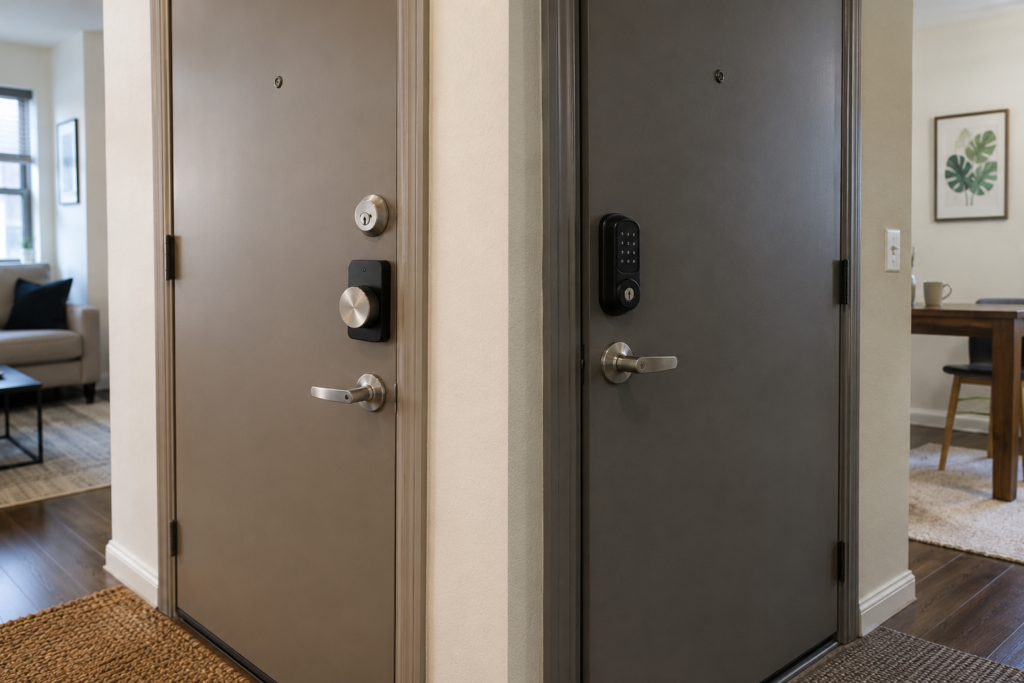
This is the biggest fork in the road for anyone comparing smart locks for renters. A full deadbolt replacement swaps out your existing hardware entirely. That’s not necessarily forbidden, but it is a modification, and most leases have language covering that. A retrofit device sits over or inside your existing lock and, per the manufacturer’s design intent, comes back off without leaving a trace when you move. If your lease is strict, start with the retrofit group above rather than the full-replacement group.
Battery vs. Wired
Every lock in this guide runs on batteries — that’s a genuine advantage for renters, not a compromise. No electrician, no wiring inspection, nothing that needs the building superintendent involved. What varies is battery type and listed life: coin-cell batteries (Level Bolt) are rated for around a year by the manufacturer, AA-powered locks (Schlage) need more frequent changes, and USB-C rechargeable models (SwitchBot) trade a slightly more frequent charge for not buying batteries.
Guest and Temporary Access Codes
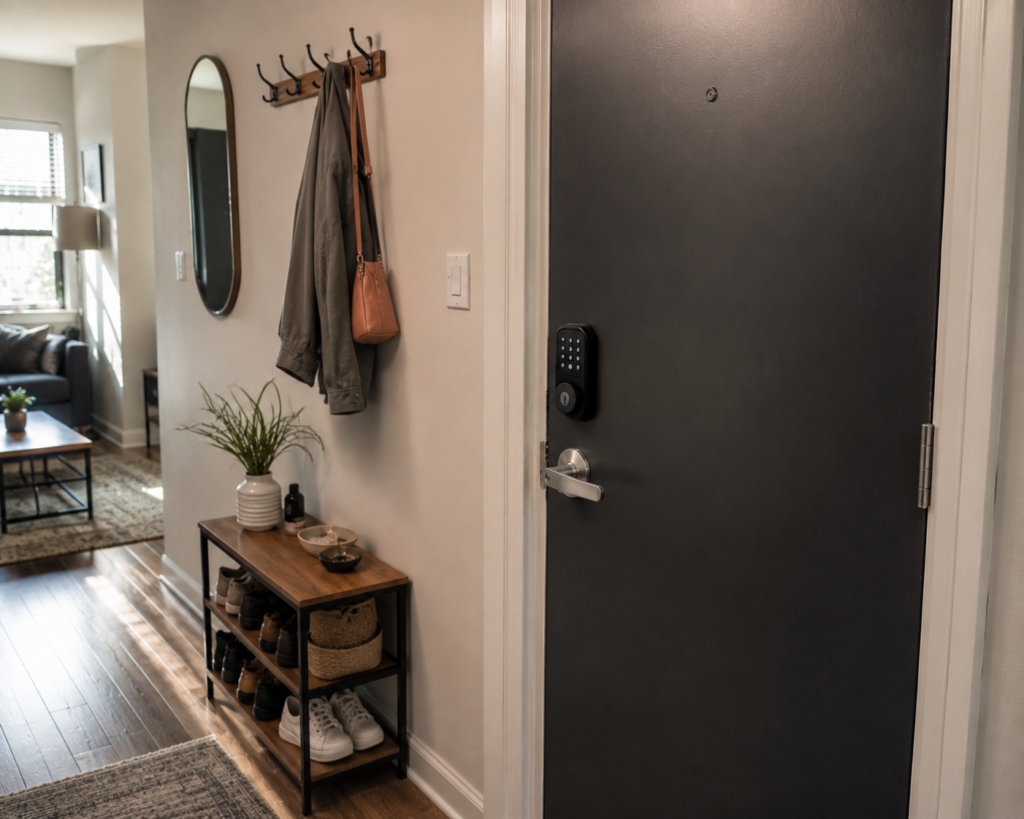
If you regularly have a dog walker, a partner who doesn’t live there yet, or visiting family, the number of codes a lock supports matters more than it might seem. Kwikset’s listed 250-code ceiling exists for a reason — apartment life tends to involve more comings and goings than a single-family home.
Landlord Permission — What to Check First
Before buying anything, check your lease’s clause on alterations, and get a specific yes or no from your landlord or property manager about smart locks (not just locks in general) in writing — a text or email is enough. We can’t tell you what your specific lease allows; this is general guidance, not legal advice, so when in doubt, ask directly or consult your local tenant-rights resources.
Door Compatibility Checklist
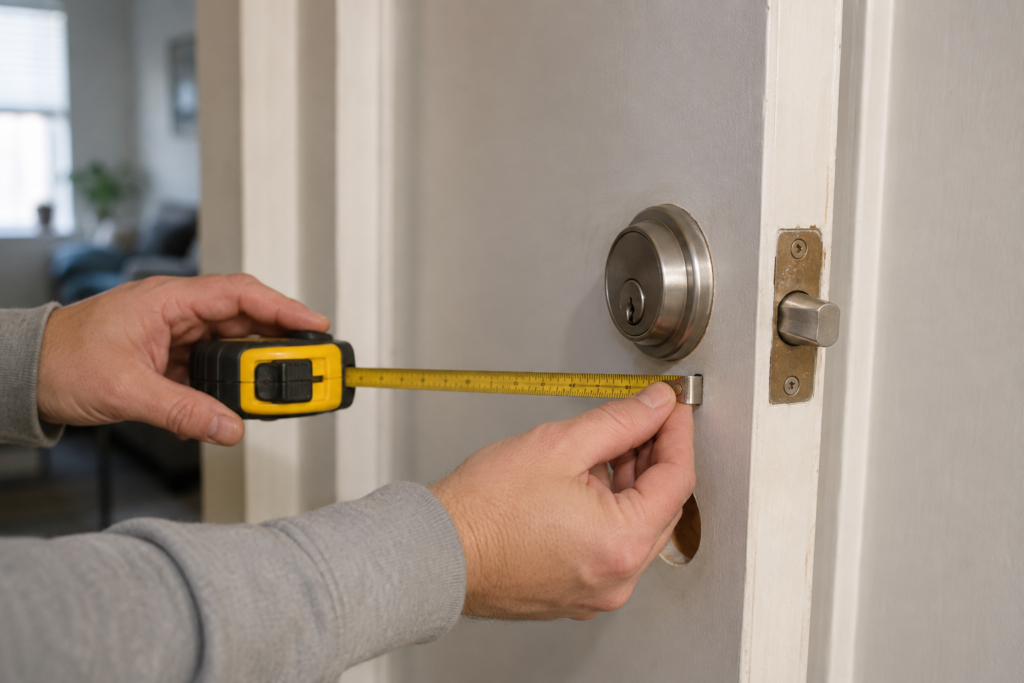
Before ordering any lock in this guide, a few minutes with a tape measure can save you a return shipment. Check the following against the manufacturer’s specifications for the lock you’re considering:
- Backset measurement — the distance from the edge of the door to the center of the bore hole, typically 2.375″ or 2.75″ on U.S. doors.
- Door thickness — most smart locks are designed for roughly 1.375″–2″ thick doors; confirm the listed range.
- Bore hole diameter — standard U.S. doors typically use a 2.125″ hole, but older or non-standard doors can differ.
- Deadbolt vs. lever/latch — confirm whether your existing hardware is a deadbolt (most locks in this guide) or a lever/latch (relevant for the ULTRALOQ Latch 5).
- Interior clearance — check that the interior thumbturn or keypad housing won’t collide with door trim, blinds, or nearby fixtures.
- Existing hardware fit, for retrofit locks specifically — retrofit devices like Level Bolt or SwitchBot Lock Ultra are designed around specific existing lock dimensions, so double-check compatibility with your current deadbolt model before ordering.
Which Smart Lock Should You Choose?
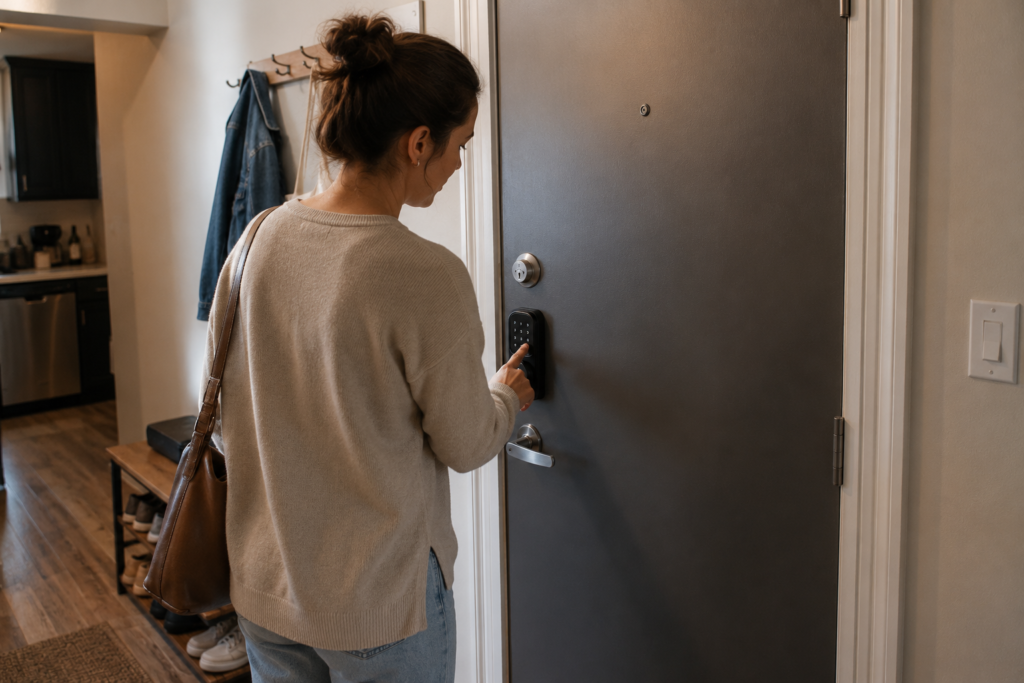
Your lease forbids modifying the door, or you just don’t want to reinstall hardware at move-out: start with the retrofit group — Level Bolt for the most discreet install, or SwitchBot Lock Ultra if you want fingerprint access without touching your existing lock’s core.
You want to keep your exact existing keys as a backup: the Yale August Wi-Fi Smart Lock with Keypad Touch installs without removing your current deadbolt or keys.
Your landlord has approved a full deadbolt swap and you want the most established option: the Schlage Encode has the manufacturer’s highest-listed security certification (BHMA Grade 1) among these picks and the largest review base. Before making any modification to a rental property, it’s worth checking your lease and understanding the landlord-tenant rules that apply in your area. For a general overview, see the Cornell Law School Landlord-Tenant Law guide.
You’re working with a tight budget: the ULTRALOQ Bolt SE has the lowest listed price here for a full feature set, though it does require a full deadbolt replacement.
You share the apartment with roommates or have frequent guests: Kwikset Halo Select’s listed 250-code capacity is the highest in this guide.
Common Mistakes Renters Make with Smart Locks
Buying a full-replacement lock without checking the lease first.
The most common and most avoidable mistake. Get a yes or no in writing before ordering anything that requires removing your current deadbolt.
Throwing away the original hardware.
You’ll likely need it back at move-out. Bag it, label it, and store it somewhere you won’t accidentally clear out later.
Not measuring the door and backset before ordering.
Backset, door thickness, and bore-hole size all vary. Retrofit devices are especially fit-specific — measure first, order once.
Skipping the physical-key backup.
Every lock in this guide includes one, and it’s not optional gear — it’s what saves you when the battery dies at an inconvenient moment.
Ignoring Wi-Fi band compatibility.
Several picks here list 2.4 GHz support only. If your router only broadcasts a combined SSID or you’ve disabled the 2.4 GHz band, address that before setup.
FAQ
Can I install a smart lock in a rental without landlord permission?
This depends on your lease terms and local tenant law, so check both before installing anything — we’re not lawyers, and this isn’t legal advice. Practically, a short message to your landlord asking specifically about smart locks is the safest first step. A retrofit, renter-friendly smart lock that doesn’t replace existing hardware is usually the easier request to get approved.
Do smart locks damage the door or existing deadbolt?
A correctly installed retrofit lock is designed not to alter the door or existing hardware. A full deadbolt replacement swaps like-for-like into the existing bore hole rather than creating new holes, as long as the replacement matches your door’s original specifications.
Can I take my smart lock with me when I move?
In most cases, yes. For a full-replacement lock, reinstall the original deadbolt you removed and take the smart lock with you. For a retrofit lock, removal is typically designed to be straightforward since nothing original was taken out.
Do smart locks work during a power outage?
Yes. The locks covered in this guide run on batteries rather than home electrical wiring, so a power outage at the property doesn’t disable the lock itself. Remote app access may be affected if your Wi-Fi router loses power, but the keypad, biometric reader, and mechanical key backup continue to work.
Final Verdict
Final Verdict
There’s no single “best” smart lock for every apartment — there’s a best fit for your specific lease. If you can’t or don’t want to modify your existing hardware, the retrofit group (Level Bolt, SwitchBot Lock Ultra, Yale August) gets you keyless convenience with nothing permanent involved. If your landlord has approved a full swap, the Schlage Encode is the most established option among these ten, based on its manufacturer-listed security certification and review volume.
Whichever direction you go, confirm the details on the current Amazon listing — prices, ratings, and stock change — and keep your original hardware in case you need to put it back.
Once the front door is sorted, most renters move on to the rest of the perimeter next. Our guide to the best outdoor security cameras covers no-drill options in the same spirit, and if you’re still deciding which smart-home ecosystem to build around, our ecosystem comparison is a good next stop. Installing a video doorbell alongside your new lock? Here’s how to do it without drilling a hole you’ll regret. And if kids are part of the household, it’s worth a look at childproofing a smart home once the lock is in place.
For renters furnishing the rest of the apartment around this upgrade, our studio flat decor guide and best smart light switches roundup are both written with the same no-permanent-modification mindset used here. And if you’re shopping for someone else who’s just starting their smart-home journey, our smart home gifts under $50 list is a solid companion piece to this one.