Make Your Home Smarter, One Step at a Time

Table of Contents
How to Childproof a Smart Home became a much more personal question the first time my nephew figured out how to say “Alexa, play music” before he could reliably say “please.” My sister-in-law had a small crisis. Not because the request was unreasonable but because it hit her that their house was full of voice-activated devices, app-controlled locks, and gadgets a toddler could trigger before she’d even finished her coffee. Childproofing used to mean outlet covers and a roll of foam corner guards. Now it means figuring out what happens when a two-year-old discovers he can talk to the thermostat and, just as importantly, whether that thermostat’s network is something a stranger could talk to as well.
That second part is the piece most childproofing guides skip entirely. If you’re here, you’re probably somewhere between “just brought a baby home to a house full of smart plugs” and “toddler is officially mobile and I’m doing the walk-around-at-kid-height test for the first time.” Either way, here’s what this guide covers that most others don’t: childproofing a smart home isn’t just about soft corners and cabinet latches anymore. It’s about securing the network those devices run on, understanding what actually happens when a connected safety device fails, and knowing which “smart” purchases are genuinely protective versus which ones just add another login screen to your life.
Why You Can Trust This Guide: Every product recommendation below reflects hands-on use in a real home with a mobile toddler, cross-checked against manufacturer specs, UL/ASTM certification records, and current U.S. Consumer Product Safety Commission (CPSC) recall data. Where a brand has an open safety recall, we say so — and we don’t link to it.
Settings saved.
Key Takeaways
- Smart-home childproofing has three layers: physical safety, device selection, and network security — most parents only handle the first one.
- Your Wi-Fi router is now a childproofing item. A default admin password is a real vulnerability, not a paranoid worry — see our full guide to securing a smart home from hacking for the complete 8-step process.
- Avoid unfamiliar plastic anti-tip furniture straps. The CPSC has issued active recalls against several brands — including 4our Kiddies and Cranach Hardware — after their plastic brackets failed CPSC’s own testing against the ASTM F3096-23 tip-restraint standard.
- A pressure-mounted gate is fine for a doorway. It is not rated for the top of a staircase — only hardware-mounted gates are.
- A smart air-quality monitor is a nice-to-have layer on top of a certified smoke/CO alarm. It is never a replacement for one.
- “Smart” doesn’t automatically mean “secure.” The device that protects your baby is only as trustworthy as the network and account settings behind it.
How to Childproof a Smart Home in the Smart Home Era
A smart home introduces two categories of risk a decade-old childproofing checklist never had to consider. First, there’s the physical layer — smart plugs with exposed prongs, hub devices with dangling cables, robot vacuums a crawling baby can grab onto or get a finger caught in. Second, and far less visible, there’s the network itself.
That second one is where most parents get caught off guard. A smart baby monitor is only as private as the Wi-Fi network it’s sitting on. If your router still has its factory-default password, or the admin panel hasn’t been touched since installation day, you’ve left a door open — not for your toddler, but for anyone scanning nearby for unsecured devices. We cover the full lockdown process in our step-by-step guide to securing a smart home from hacking, but the short version: change the router’s default admin credentials, enable WPA3 (or WPA2 if that’s your only option), and put connected devices — monitors, plugs, alarms — on a separate guest network from the laptop where you do online banking.
It’s not glamorous. It’s arguably the single highest-leverage childproofing task on this entire list, because it’s the one that protects every other device you add after it.
Is Your Smart Home Actually a Security Risk for Your Kids?
Short answer: it can be, but almost never because of the device itself. The risk nearly always traces back to three things — weak or reused passwords, skipped firmware updates, and devices left on default settings straight out of the box.
Expert Tip: Set a recurring quarterly reminder to check for firmware updates on every connected safety device in your home — monitors, locks, and smart alarms included. Manufacturers routinely patch security flaws, but the update rarely installs itself unless you’ve enabled automatic updates in the app.
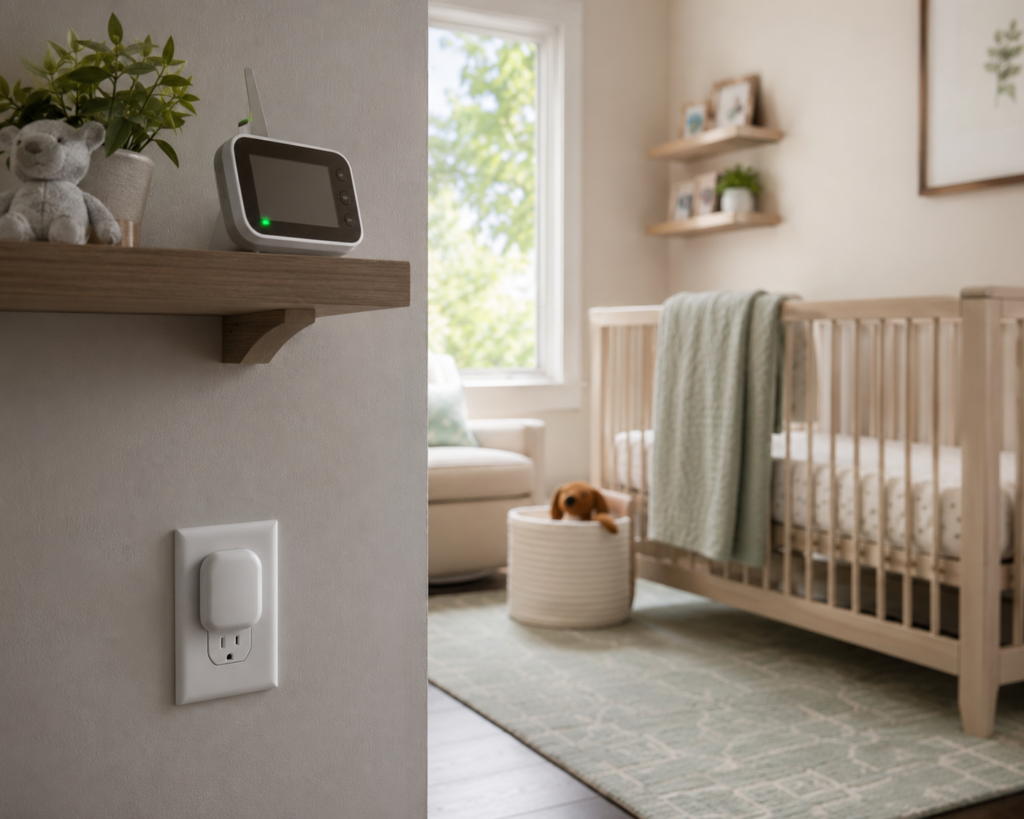
Video baby monitors deserve special scrutiny here, because they’re the one “smart” device parents install directly in a child’s bedroom. Before buying one, check three things: does it require a cloud account to function at all, does the manufacturer publish a clear data-retention policy, and does it support two-factor authentication on the account. If you’d rather sidestep cloud dependency altogether, our breakdown of security cameras that work without Wi-Fi covers local-storage alternatives that never leave your home network in the first place.
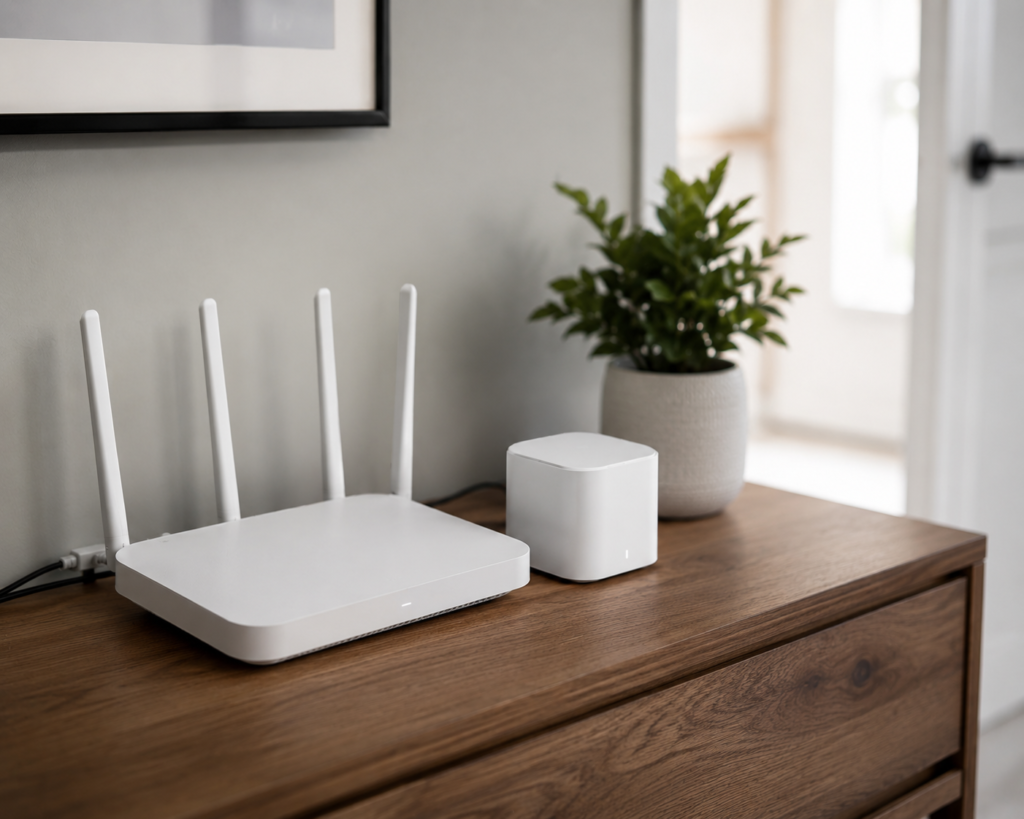
A Quick Wi-Fi Security Checklist
- ☐ Router admin password changed from factory default
- ☐ Network encryption set to WPA3 (or WPA2 minimum)
- ☐ Guest/IoT network created and separated from personal devices
- ☐ Two-factor authentication enabled on every baby monitor and camera app
- ☐ Firmware auto-updates turned on for router, hub, and monitor
- ☐ Default device names changed (avoid ones that reveal brand/model to outside scanners)
Common Smart-Home Problems That Catch Parents Off Guard
Before you build out a connected nursery, it’s worth knowing where smart-home setups typically frustrate new parents — because the failure mode matters as much as the feature list.
Connectivity dropouts at the worst possible time. A monitor that relies entirely on cloud streaming will stall or lag if your internet blips — which is exactly when you don’t want a frozen frame on the nursery feed. Hybrid local/Wi-Fi devices (more on this below) sidestep this by storing footage locally as a fallback.
Subscription creep. Plenty of “smart” monitors and cameras gate their most useful features — extended video history, advanced alerts, cloud backups — behind a monthly fee that isn’t obvious at checkout. It’s worth reading the fine print before you commit to an ecosystem, and our guide to no-subscription outdoor security cameras is a useful reference if you want to avoid recurring costs altogether.
Interoperability headaches. Not every smart device speaks the same language. A monitor built for one ecosystem may not integrate cleanly with an alarm built for another, which is why device selection matters more than it seems at 11 p.m. while you’re comparison-shopping in bed. If you’re building (or rebuilding) your ecosystem from scratch, our breakdown of the best smart home ecosystem in 2026 walks through which platforms actually play well together.
False alarms and alert fatigue. Motion-based alerts on cameras and monitors can fire constantly in a nursery — every stretch, every rollover — until parents start ignoring notifications altogether, which defeats the purpose. Devices with adjustable sensitivity and person/pet-specific detection cut this down significantly.
What Actually Makes a Smart Home System Secure
Not all “smart” is created equal, and this is where a little technical literacy pays off. Three things separate a genuinely secure system from a convenient one:
The communication protocol. Devices built on Thread or Zigbee (and increasingly, devices certified under the newer Matter standard) route through a local hub rather than sending everything to the cloud — generally a stronger security posture than pure Wi-Fi devices that phone home constantly. If you’re starting from scratch, it’s worth checking whether a device is Matter-certified before you buy.
Hub-based versus cloud-only architecture. A hub-based system keeps more of your data — and more of your control — inside your own house. If your internet goes down, a hub-based alarm or lock often still functions locally; a cloud-only device typically doesn’t.
Vendor track record on updates. Established security brands with a long history of prompt patching are a safer bet than newer entrants with sparse update logs. Our roundup of top-rated home security systems factors this in directly, not just feature lists.
Expert Tip: When comparing two similar smart devices, check the manufacturer’s support page for their most recent firmware release date before checking the price. A device that hasn’t been patched in over a year is a red flag, regardless of how good the reviews were at launch.
The 5 Products We Actually Tested
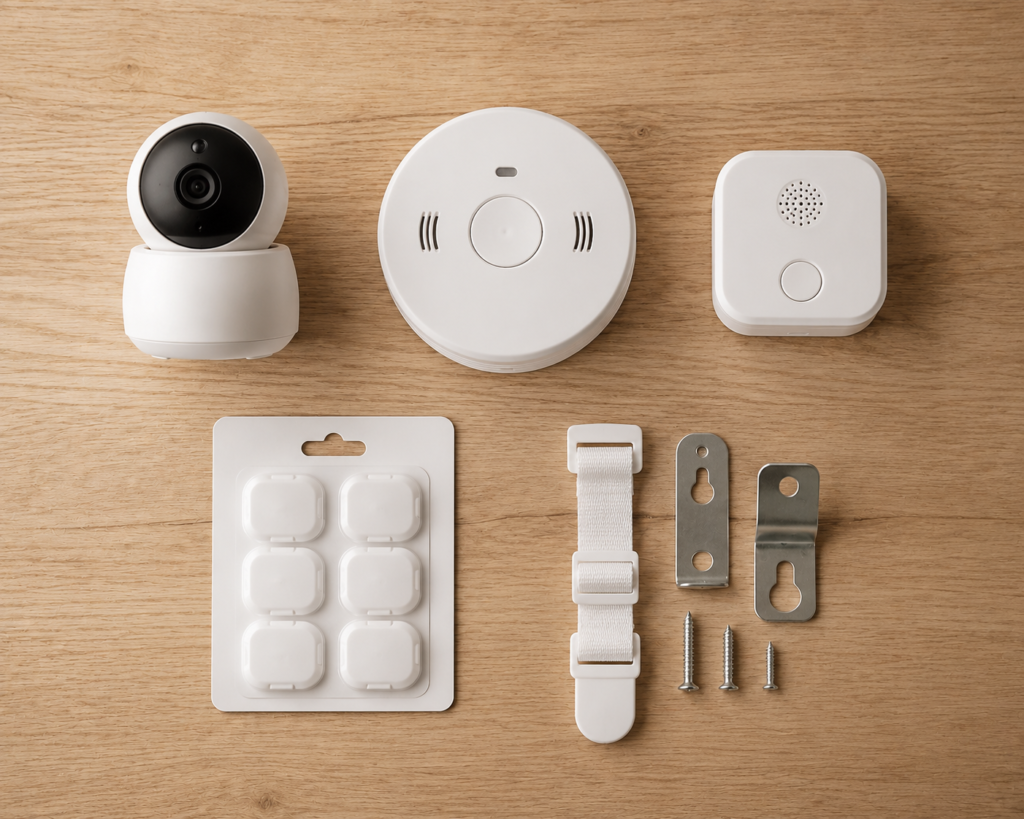
We narrowed this list down on purpose. A lot of “childproofing” roundups pad out to fifteen or twenty items — most of them redundant. These five are the ones that earned a permanent spot in our own testing home, chosen specifically because each one solves a distinct part of the smart-home-security puzzle above, not just because it’s popular on Amazon.
| Image | Product | Best For | Approx. Price | Rating | Where to Buy |
|---|---|---|---|---|---|
 | Nanit Pro Smart Baby Monitor & Floor Stand | Overall nursery monitoring — sleep tracking & breathing monitoring | ~$299.99 | 🏠 Check Price on Amazon | |
 | HelloBaby 5″ Video Baby Monitor (Pan-Tilt-Zoom) | Privacy-conscious parents — no Wi-Fi required | ~$79.99 | 🏠 Check Price on Amazon | |
 | Kidde Smart Smoke & CO Alarm | Whole-home connected safety with mobile alerts | ~$79.97 | 🏠 Check Price on Amazon | |
 | X-Sense Wireless Smoke & CO Detector (3-Pack) | Budget, whole-home interconnected coverage | ~$119.99 | 🏠 Check Price on Amazon | |
 | First Alert SCO5CN Combo Alarm (Battery) | Affordable, battery-powered protection — renters/apartments | ~$39.99 | 🏠 Check Price on Amazon |
Best Overall Nursery Monitor

Nanit Pro Smart Baby Monitor & Floor Stand
One of the most advanced smart baby monitors available, combining sharp 1080p video, contact-free breathing motion monitoring, and detailed sleep analytics in a single system. Setup is straightforward with the included floor stand, and two-factor authentication is on by default.
Core features work without a subscription — the optional Nanit Insights plan just unlocks deeper sleep analytics on top.
Pros
- Excellent 1080p HD video quality
- Contact-free breathing monitoring
- Detailed sleep analytics and history
- Reliable smartphone notifications
- Easy installation with included floor stand
Cons
- Premium price
- Some advanced sleep features require a Nanit Insights subscription
- Wi-Fi connection required for remote monitoring
~$299.99
Check Price on Amazon
Best for Privacy — No Wi-Fi Required

HelloBaby 5″ Video Baby Monitor (Pan-Tilt-Zoom)
An excellent choice for parents who’d rather keep the video feed off the internet entirely. The large 5-inch display, remote pan/tilt/zoom controls, and reliable long-range FHSS connection deliver dependable monitoring without any Wi-Fi or cloud account involved.
Trade-off: no smartphone remote viewing and no AI sleep or breathing tracking, since it’s a closed local system by design.
Pros
- No Wi-Fi or app required for privacy
- Large 5-inch display
- Remote pan, tilt, and zoom controls
- Reliable long-range FHSS connection
- Easy plug-and-play setup
Cons
- No smartphone remote viewing
- No AI sleep tracking or breathing monitoring
- Digital zoom only
~$79.99
Check Price on Amazon
Best for Whole-Home Connected Safety

Kidde Smart Smoke & Carbon Monoxide Alarm
Kidde brings decades of life-safety manufacturing into a connected alarm that detects both smoke and carbon monoxide. It pairs with Alexa, Google Home, and Ring, so an alert reaches your phone even if you’re not within earshot of the physical unit.
Voice alerts identify the type and location of the hazard, and self-testing sensors cut down on manual maintenance.
Pros
- Detects both smoke and carbon monoxide
- Instant smartphone notifications
- Wireless interconnectivity with other Kidde alarms
- Voice alerts improve emergency awareness
- Self-testing reduces maintenance
Cons
- Requires Wi-Fi for remote notifications
- Premium price compared to standard alarms
- Some smart features require the Kidde mobile app
~$79.97
Check Price on Amazon
Best for Multi-Room Interconnected Coverage

X-Sense Wireless Smoke & CO Detector (3-Pack)
Offers whole-home protection by linking multiple alarms together — when one unit detects danger, every connected alarm sounds at once, so an alarm triggered in the kitchen sounds in the nursery too. Dual smoke and CO sensors plus a 10-year sealed battery mean no fumbling with battery swaps.
Wireless RF communication supports up to 24 interconnected alarms with a strong transmission range for larger homes.
Pros
- Wireless interconnected alarms improve whole-home safety
- Detects both smoke and carbon monoxide
- Long 10-year sealed battery
- Large LCD with real-time CO readings
- Easy DIY installation
Cons
- Higher upfront cost than standalone alarms
- Not Wi-Fi enabled (no smartphone notifications)
- Works only with compatible X-Sense interconnected models
~$119.99
Check Price on Amazon
Best Budget, Battery-Powered Pick
First Alert SCO5CN Combination Smoke & CO Alarm (Battery Powered)
A dependable dual-purpose alarm that provides reliable smoke and carbon monoxide detection without any wiring. The photoelectric smoke sensor cuts down on false alarms, and battery power keeps it working even during an outage.
Simple, affordable, and easy to install — a solid fit for apartments, rentals, or as backup protection alongside a smarter connected alarm elsewhere in the house.
Pros
- Detects both smoke and carbon monoxide
- Battery-powered for operation during outages
- Easy DIY installation
- Trusted First Alert reliability
- Excellent value for the price
Cons
- No Wi-Fi or smartphone notifications
- No wireless interconnection
- Requires periodic battery replacement
~$39.99
Check Price on Amazon
Quick Answers to What Parents Usually Ask Next
What age should you start childproofing? Most safety experts recommend starting around 4–6 months, before your baby becomes mobile, rather than waiting until they’re already crawling and finding the gaps in your setup.
How much does it actually cost to childproof a whole house? A full sweep — outlets, cabinets, a gate or two, furniture straps, and a smart monitor — typically runs $200–$500, depending on room count and whether you choose a premium monitor like Nanit or a budget option like Eufy.
Are smart home devices actually a security risk? They can be, but the risk is almost always tied to weak network settings rather than the device itself — see the checklist above, and our full hacking-prevention guide for the complete process.
What’s the most secure type of smart home system? Hub-based systems using Thread, Zigbee, or Matter-certified devices generally offer stronger security than pure cloud-Wi-Fi devices, since more processing happens locally rather than over the open internet.
Putting It All Together
Childproofing a smart home isn’t about buying everything on this list at once — it’s about closing the gaps that matter most for your specific house. If you’re renting and can’t drill into walls, lean on pressure gates and adhesive locks. If your nursery is far from the rest of the house, a monitor with real breathing or sound sensitivity earns its cost fast. And if you already live in a connected home, spend the ten minutes locking down your Wi-Fi before you spend a dollar on anything else — it protects every device you add after it.
Start with whichever risk feels closest in your own house right now — the staircase, the nursery monitor, the router password you’ve never changed — and build outward from there. You don’t need a perfect system on day one. You need the next gap closed before your kid finds it first.
What’s the first area you’re tackling — the network, the nursery, or the stairs? Drop a comment below and we’ll point you toward the exact setup that’s worked best for that space.