Make Your Home Smarter, One Step at a Time
Table of Contents
Here’s a number that should annoy you: the average household with a name-brand security camera system pays somewhere between $100 and $240 a year just to access footage they already own. That’s not a typo. You buy the hardware, mount it on your porch, and then you’re billed monthly for the privilege of seeing your own front door.
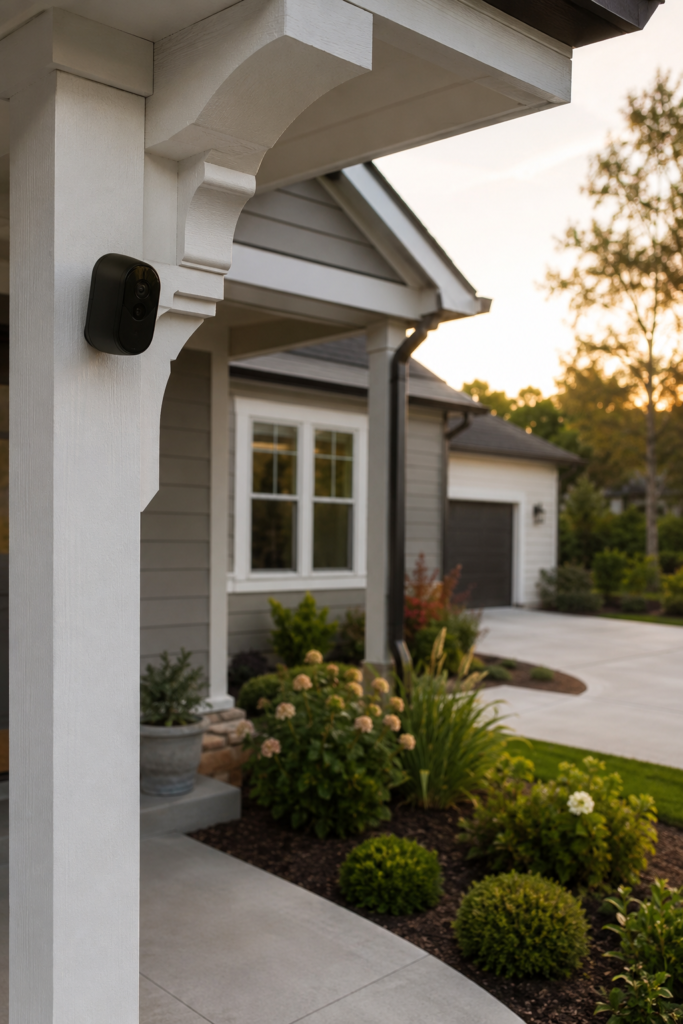
I’ve spent years testing security hardware for clients who, almost universally, ask the same question after their first subscription renewal notice: “Wait, I have to keep paying for this?” The honest answer is no — you don’t. A wireless security camera outdoor no subscription setup isn’t a compromise anymore. In 2026, it’s often the smarter buy.
This guide walks through exactly how these cameras work, which models are worth your money, and the trade-offs nobody puts in the marketing copy.
Settings saved.
Key Takeaways
- No-subscription outdoor cameras store footage locally — on an SD card or a home hub — instead of a paid cloud server.
- Top performers in 2026 include the Reolink Argus 4 Pro, eufyCam S4/S330, and TP-Link Tapo C420S2, each offering local 4K or 2K storage with zero recurring fees.
- Local storage isn’t just cheaper — it’s typically faster (no upload/download lag) and more private.
- Battery and solar-powered models need realistic placement: shaded mounts struggle to stay charged through winter.
- “No subscription” doesn’t mean “no app” — remote viewing on your phone is almost always free regardless of storage method.
Why Are Security Cameras Subscription-Based in the First Place?
Most major brands — Ring, Nest, Arlo — built their business model around cloud storage. Your camera records, uploads the clip to a remote server, and you pay monthly to keep that footage accessible for more than a day or two. Without the subscription, many of these cameras still detect motion and send a push notification, but the actual video clip either doesn’t save or disappears within hours.
It’s a clever business model. The camera itself is often sold near cost, or even at a loss, because the real revenue comes from the monthly plan. That’s standard practice across the industry, and it’s worth knowing going in, because it explains why “no subscription” needs to be a deliberate purchase decision, not an assumption.
How a No-Subscription Outdoor Camera Actually Works
Instead of routing your footage through a corporate cloud, subscription-free outdoor cameras save video in one of two ways:
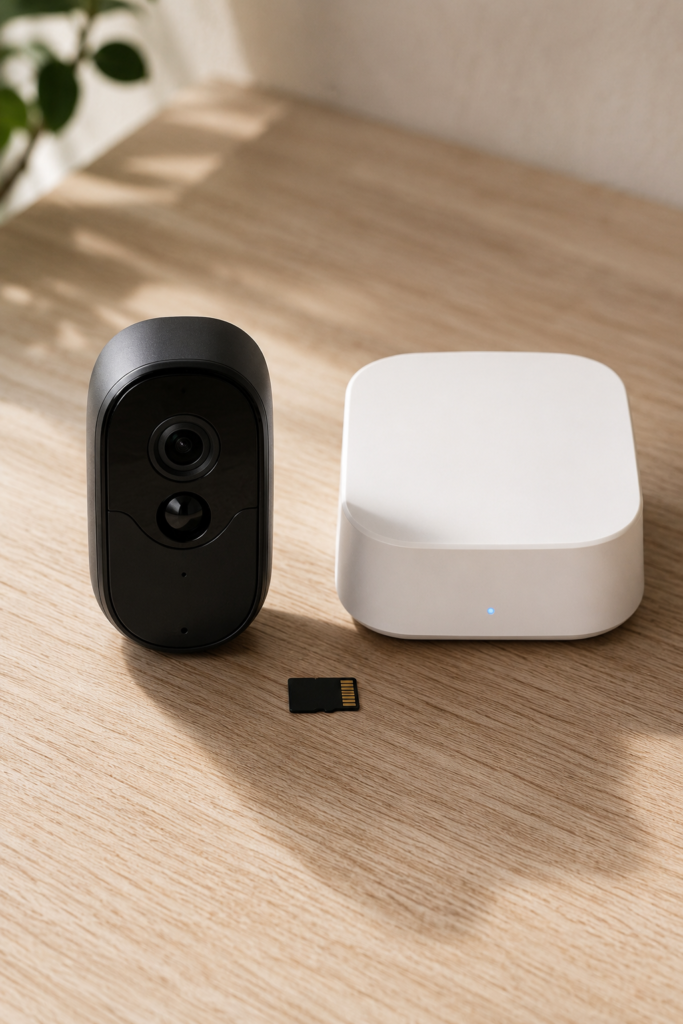
- On-camera microSD storage — footage records directly to a card inside the camera, typically supporting 32GB up to 256GB or more.
- A local home hub — multiple cameras feed into a base station you keep inside your house, which holds the storage (often with several gigabytes of built-in encrypted capacity) and manages the whole system.
Either way, the video never has to leave your property to exist. That has two practical advantages worth understanding before you buy.
Speed. A cloud-dependent camera has to upload a clip, process it on a remote server, then send it back down to your phone. That round trip creates a noticeable lag between an event happening and you actually seeing it. A locally stored camera skips all of that — the stream is close to instant.
Privacy.If your 4K footage never touches someone else’s server, you’re the only person holding the keys to it. For a camera pointed at your front door, your kids playing in the yard, or your delivery packages, that’s not a small thing — and it’s exactly the kind of data exposure that NIST cybersecurity recommendations flag as a growing risk for connected home devices when footage is routed through third-party cloud servers..
The Real Trade-Offs (Because There Are Some)
I won’t pretend subscription-free is strictly better in every way — that wouldn’t be honest, and it’s not how any of this works.
- You check footage more actively. Cloud systems sometimes offer smarter automated alerts and AI-curated highlights tied to their paid tiers. With local storage, you’re often the one scrolling through the timeline.
- Physical theft is a real risk. If someone steals the camera itself, an SD card can go with it. Hub-based systems (footage stored inside your house, not in the camera) sidestep this problem entirely.
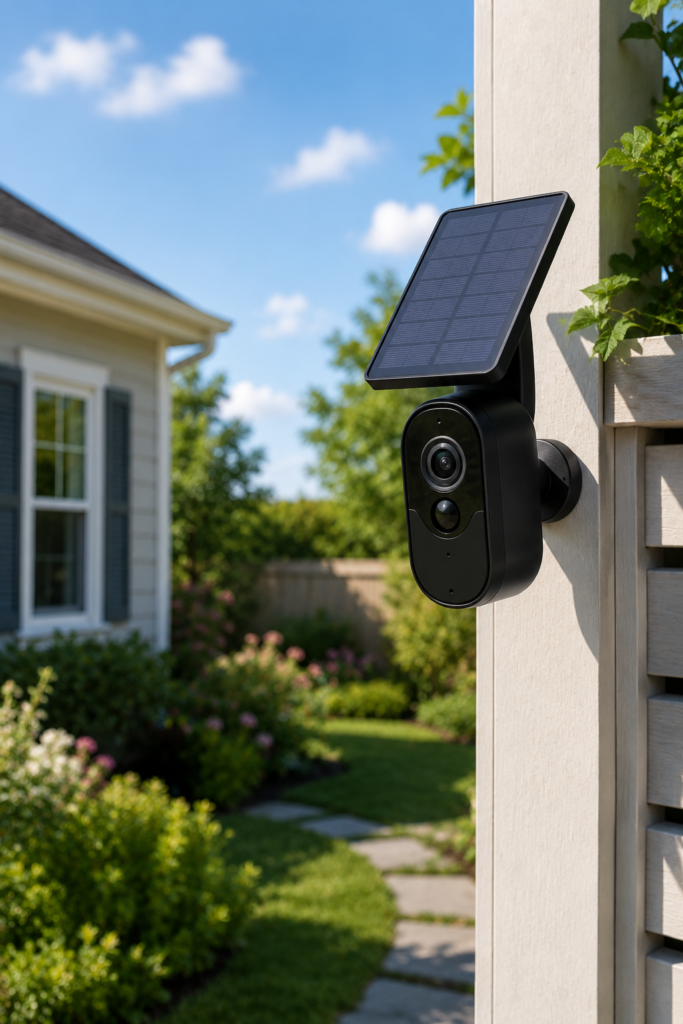
- Battery and solar models have limits. A solar panel mounted in a shaded corner of your yard won’t generate enough charge through a dark winter. If your installation spot doesn’t get consistent direct sun, plan for a wired or frequently-charged option instead.
None of these are dealbreakers. They’re just things to plan around — the same way you’d plan around any piece of outdoor equipment exposed to weather and time.
What to Look For When Choosing One
Resolution: 2K vs. 4K
2K is genuinely good enough for most homes — you’ll clearly identify a person’s face or a vehicle at typical porch-to-driveway distances. 4K becomes worthwhile if you need to identify details from farther away, like a license plate at the end of a long driveway, or if you simply want the sharpest possible night-vision detail.
Power Source
Wired cameras never run out of battery but require an outlet or professional wiring near the mounting point. Battery-powered cameras install almost anywhere but need periodic recharging. Solar-assisted models reduce that maintenance dramatically — but only if the mounting location gets real, consistent sunlight.
Storage Capacity and Type
Look at maximum supported SD card size (some systems top out at 128GB, others go to 256GB or beyond) and whether the system supports a centralized hub versus per-camera cards. A hub is generally more secure against theft and easier to manage if you’re running more than two or three cameras.
Field of View
Most outdoor cameras give you a roughly 120-degree field of view — fine for a doorway or single approach path. If you’re covering a wide driveway or open yard, look for dual-lens or panoramic models that stitch together a much wider view, closer to 180 degrees, eliminating the blind spots a single lens leaves behind.
5 Best Wireless Security Camera Outdoor No Subscription Options in 2026
1. Reolink Argus 4 Pro — Best Overall Pick
The Argus 4 Pro pairs a dual-lens design to deliver a wide, blind-spot-free field of view with 4K clarity and color night vision. It’s fully battery-powered, supports microSD storage up to 128GB, and can integrate with a Reolink Home Hub for managing multiple cameras at once. For most households wanting one clearly excellent all-rounder, this is the camera to start with.

- 180° Blindspot-free View: Thanks to the Dual lenses design stitch two views into a seamless 180° 4K perspective with min…
- 4K UHD Resolution: The battery security camera is upgraded to 8MP ultra-high definition, providing unparalled visual exp…
- ColorX Night Vision: ColorX enables full-color night vision with F/1.0 aperture and 1/1.8 sensor for true-to-life detail…
$214.99
2. eufyCam S4 — Best for Low-Maintenance Solar Coverage
The S4 uses a triple-lens system — a 4K wide-angle view paired with a 2K pan-tilt-zoom lens capable of 360-degree tracking — and its SolarPlus design keeps it running year-round on as little as an hour of direct sunlight daily. If you want to mount it once and rarely think about it again, this is the strongest candidate on the market.

- 𝐏𝐮𝐫𝐞𝐂𝐨𝐥𝐨𝐫 𝐍𝐢𝐠𝐡𝐭 𝐕𝐢𝐬𝐢𝐨𝐧 𝐋𝐢𝐤𝐞 𝐃𝐚𝐲𝐥𝐢𝐠𝐡𝐭: Capture vivid, full-color video even in near-darkness. With an f/1.2 aperture and …
- 𝐅𝐥𝐞𝐱𝐢𝐛𝐥𝐞 𝐈𝐧𝐝𝐨𝐨𝐫 &𝐎𝐮𝐭𝐝𝐨𝐨𝐫 𝐔𝐬𝐞:IP66-certified waterproof and dustproof, C31 delivers reliable 24/7 monitring on your patio…
- 𝐎𝐧𝐞 𝐂𝐚𝐦𝐞𝐫𝐚, 𝟑𝟔𝟎° 𝐏𝐚𝐧𝐨𝐫𝐚𝐦𝐢𝐜 𝐂𝐨𝐯𝐞𝐫𝐚𝐠𝐞:360° pan and tilt covers your entire room or yard—one camera replaces many. AI auto-…
$74.98
3. eufyCam S330 — Best All-Around Value
A slightly more affordable sibling to the S4, the S330 still delivers 4K daytime clarity and strong night performance, with fully local, encrypted storage. It’s a sensible pick if you want premium image quality without paying for the most advanced tracking features.

- See 4K Detail Day and Night: Spot tiny features on any potential trespasser (human or animal) with eufyCam 3—even at nig…
- Forever*** Power Durability: eufyCam 3 is self-sustaining in any outdoor environment with an integrated solar panel only…
- Local* Expandable Storage: With this local 4K security camera system, you’re in control of your own data with advanced e…
4. TP-Link Tapo C420S2 — Best Budget Two-Camera Kit
This battery-powered, two-camera kit punches well above its price point: color night vision, person/pet/vehicle detection, a built-in siren, and free local storage on cards up to 256GB. It performs well in independent lab testing for video quality and response speed, making it one of the better entry points if you’re outfitting a home for the first time on a budget.
5. Eufy Solo Cam S220 — Best for Simple, Solar-Powered Installs
Built specifically for outdoor durability (IP65-rated against water and dust), the S230 uses a top-mounted solar panel, 2K recording with color night vision, and 8GB of built-in encrypted on-device storage — all processed locally with no cloud dependency at all. Installation is a snap-on mount, making it one of the easiest cameras on this list to actually put up yourself.

- Solar Charging: Keeps the battery full, so you don’t have to. 3 hours of sunlight daily keeps it running.
- Day and Night Clarity: Infrared LEDs and an f/1.6 aperture allow more to be seen for excellent night vision.
- Easy Installation: Put it anywhere thanks to its tiny size and wire-free design. Drill one hole, once.
$69.99
Ring vs. Blink vs. SimpliSafe: Where Subscription-Free Options Stand
If you’ve researched home security at all, you’ve run into these three names, and it’s worth being direct about where they fit into a no-subscription strategy.
Ring cameras function without a subscription, but you lose video recording and playback entirely — you only get live view and motion alerts. This is the core reason a growing number of users are walking away from Ring doorbells: they bought a “smart” camera and discovered the smart part is locked behind a paywall.
Blink has moved to close that gap. Its newer wired floodlight camera can store footage locally without any subscription — but only if you also buy a separate Sync Module 2 and plug in a USB flash drive, which adds cost and complexity most buyers don’t expect upfront.
SimpliSafe operates more as a full home security system than a standalone camera brand, and its no-subscription tier is more limited than Ring’s or Blink’s free tiers — you’ll want to read the current plan details closely if professional monitoring matters to you.
The pattern across all three: these brands were built around the subscription model, and going subscription-free with them usually means losing a meaningful feature. That’s exactly why purpose-built local-storage brands like Reolink and Eufy tend to outperform them in this specific category.
Do Visible Security Cameras Actually Deter Burglars?
This comes up constantly, and the honest answer is: largely, yes. Visible cameras and signage are consistently cited as a deterrent in burglary research and law enforcement commentary, simply because most break-ins are driven by opportunity, not determination. A camera signals effort and risk, and most opportunistic intruders move on rather than test their luck. It’s not a guarantee — a determined, targeted intrusion is a different scenario entirely — but for the average home, visible coverage genuinely does reduce risk.
That conclusion isn’t just experience talking — the FBI Uniform Crime Reports consistently back it up, showing that opportunistic residential break-ins remain one of the most preventable property crimes when visible deterrents are in place
Smart Buying Tip: Protect Your Investment
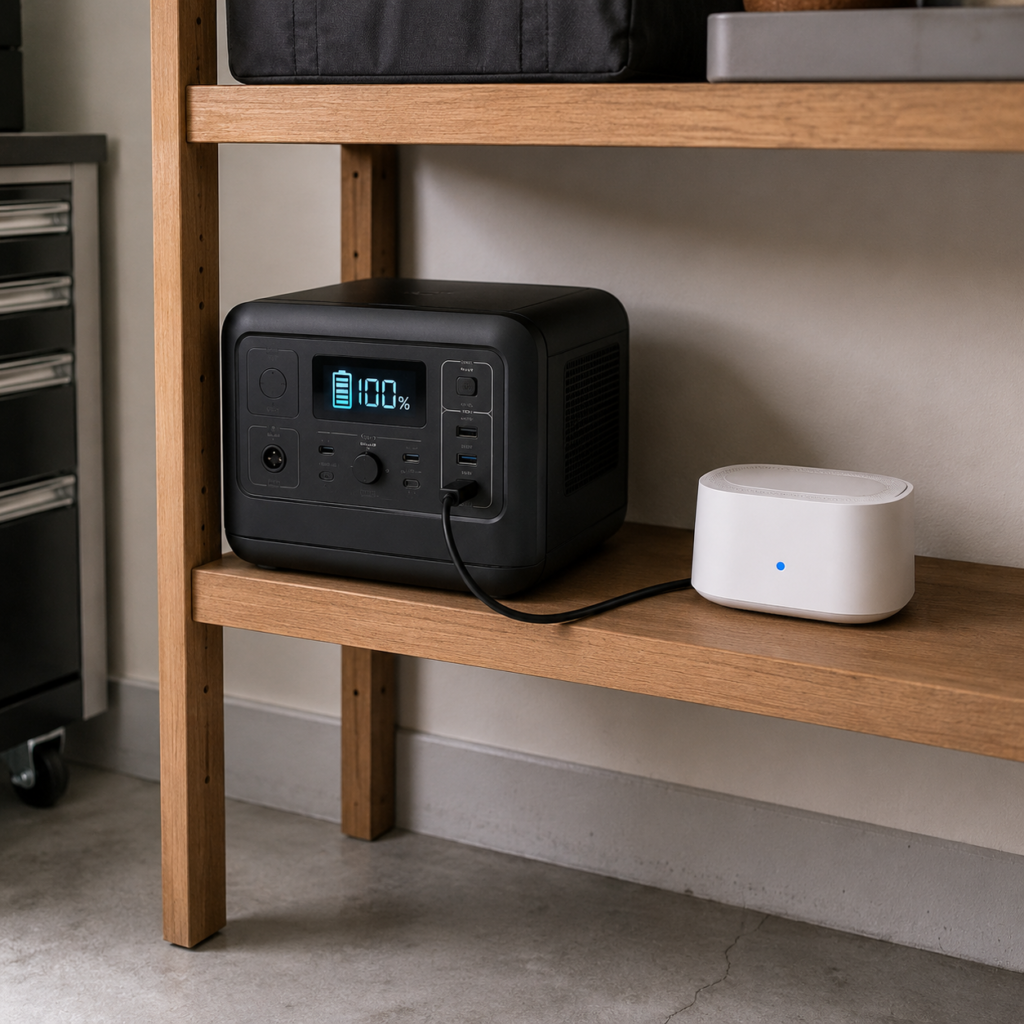
If you’re running a multi-camera hub system, that hub needs continuous power to keep recording — including during outages, which is exactly when you most want your cameras working. A backup power source, like a portable power station kept in the garage, can function as an emergency UPS so your system doesn’t go dark at the worst possible moment. It’s a small added cost, but the peace of mind it delivers is disproportionate to what it costs.
That kind of layered thinking — anticipating the gaps before they become failures — is what separates a system you can actually rely on from one that looks good until the moment it’s tested. The cameras, the storage, the power backup: each piece reinforces the others.
If you’re ready to think about your home security as a complete, integrated system rather than a collection of individual devices, our in-depth guide to the top rated home security systems walks through the full-system options that bring all of that together under one roof
Frequently Asked Questions
What is the downside of WiFi security cameras?
The main downsides are dependency on a stable internet connection for remote access, potential lag with cloud-based systems, and — for subscription-based brands — limited functionality if you decline the paid plan. Battery-powered WiFi cameras also require periodic recharging.
What camera has no subscription fee?
Reolink, Eufy, Wyze, and TP-Link’s Tapo line all offer outdoor models with genuinely free local storage and no mandatory monthly plan, unlike Ring, Nest, or Arlo, which typically require a subscription for recorded footage
Is a 2K or 4K security camera better?

4K provides sharper detail for identifying faces or license plates at distance and generally looks better in low light. 2K is usually sufficient for typical porch and entryway coverage and tends to come at a lower price point.
Which battery-powered wireless outdoor security camera has no subscription?
The Reolink Argus 4 Pro, eufyCam S4, eufyCam S330, and Eufy Solo Cam S230 are all strong battery or solar-powered options with fully local, subscription-free storage.
Do security cameras work without internet?
Local recording can continue during an internet outage on many models, since storage happens on-device or on a local hub. However, remote viewing from your phone and initial setup typically require a Wi-Fi connection.
The Bottom Line
A wireless security camera outdoor no subscription setup isn’t a downgrade from the big subscription brands — for most households, it’s the more sensible purchase. You get faster local playback, stronger privacy, and you stop paying rent on footage of your own driveway. The trade-off is a slightly more hands-on relationship with your system: checking the timeline yourself, picking the right power source for your mounting spot, and choosing a camera built specifically for subscription-free use rather than fighting against a brand designed to upsell you.
Start with one camera at your most exposed entry point, get comfortable with how local storage works in practice, and expand from there. Your front door — and your bank account — will thank you.
Already running a security setup at home? I’d genuinely like to hear what’s working for you — drop a comment with your camera brand and where you’ve mounted it, especially if you’ve found a smart workaround for battery or solar placement. The best tips on this topic almost always come from people who’ve actually lived with the hardware.