Make Your Home Smarter, One Step at a Time
Table of Contents
Here’s a scenario I bet you’ve lived through: you spend a Saturday afternoon redesigning your living room lighting and swapping every bulb for smart bulbs. You set up schedules, you get the “good evening” scene working with your voice assistant, you feel like a genius. Then your partner walks in, flips the wall switch off out of pure muscle memory, and every bulb goes dark — and dumb. No app control. No schedule. No voice commands. Just a wall switch cutting power to a very expensive light bulb.
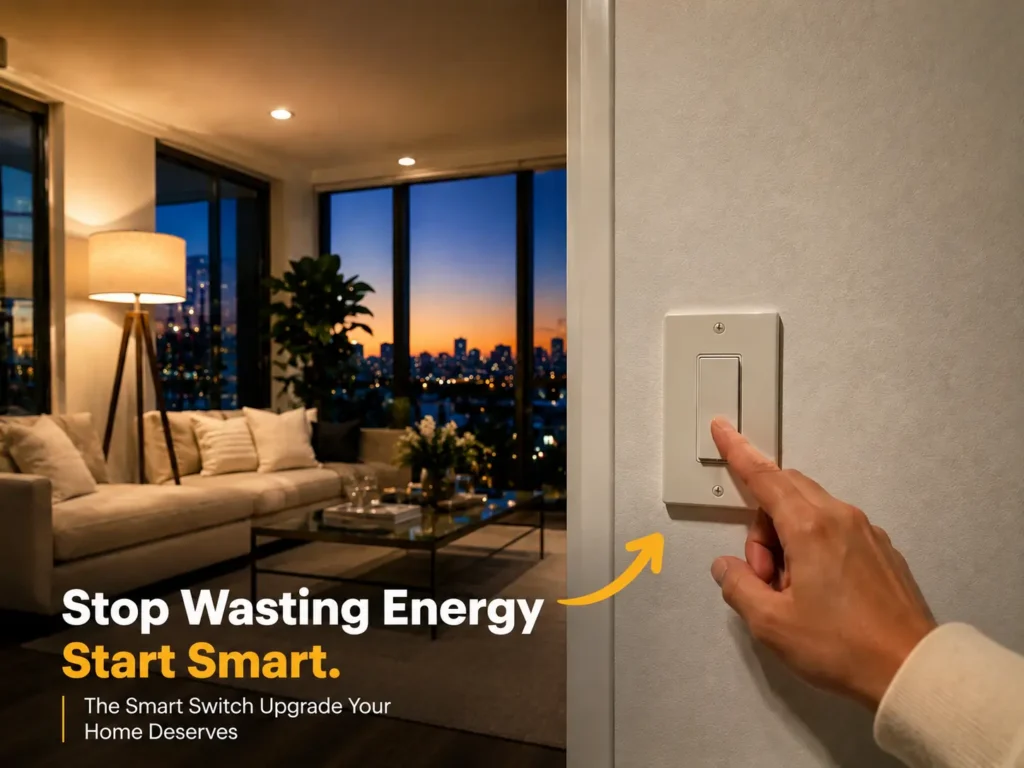
This is the single most common reason people move from smart bulbs to smart switches. A smart switch replaces the physical switch itself, so the power to your fixture is always on and the “smart” part happens at the wall, not the bulb. Flip it manually, use the app, or say “turn off the living room” — it all works, every time.
I dug into six of the most popular smart switches on the market right now — from an $11 budget option to a $65 premium kit — and tested them against the questions real homeowners actually ask before buying: Do I need an electrician? Will this work in my old house? Do I need yet another hub? Below is everything you need to pick the right one the first time.
Settings saved.
Best Smart Light Switches (2026)
Quick Picks — six switches tested, sorted by who they’re actually best for.
| Category | Model |
|---|---|
| Best Overall | Leviton Decora Smart Switch (D315S-1RW) |
| Best Budget | Kasa Smart Light Switch (HS200) |
| Best for Alexa | Lutron Caséta Smart Switch Kit (PD-6ANS-WH-2) |
| Best for Google Home | TP-Link Tapo Matter Smart Light Switch (S500D) |
| Best for Apple HomeKit | SONOFF M5 Matter Smart Wall Switch |
| Best No Neutral Wire | Lutron Caséta Smart Dimmer Switch (PD-6WCL-WH) |
Comparison at a Glance
| Product | Price | Rating | Neutral Wire | Hub Needed | Dimming | Ecosystems |
|---|---|---|---|---|---|---|
| Kasa HS200 | ~$11 | ★ 4.6 | Yes | No | No | Alexa, Google |
| Lutron Caséta Switch Kit | ~$65 | ★ 4.5 | Yes | Yes | No | Alexa, HomeKit, Google, SmartThings |
| Lutron Caséta Dimmer | ~$65 | ★ 4.8 | No | Yes | Yes | Alexa, HomeKit, Google, SmartThings, Sonos |
| Leviton Decora Smart | ~$35 | ★ 4.7 | Yes | No | No | Matter, Alexa, Google, HomeKit, SmartThings, Home Assistant, Sonos |
| TP-Link Tapo S500D (2-pk) | ~$30 | ★ 4.8 | Yes | No | Yes | Matter, Alexa, HomeKit, Google, SmartThings |
| SONOFF M5 | ~$18 | ★ 4.1 | Yes | No | No | Matter, Alexa, HomeKit, Google |
Kasa HS200
Price~$11
Rating
Neutral WireYes
Hub NeededNo
DimmingNo
EcosystemsAlexa, Google
Lutron Caséta Switch Kit
Price~$65
Rating
Neutral WireYes
Hub NeededYes
DimmingNo
EcosystemsAlexa, HomeKit, Google, SmartThings
Lutron Caséta Dimmer
Price~$65
Rating
Neutral WireNo
Hub NeededYes
DimmingYes
EcosystemsAlexa, HomeKit, Google, SmartThings, Sonos
Leviton Decora Smart
Price~$35
Rating
Neutral WireYes
Hub NeededNo
DimmingNo
EcosystemsMatter, Alexa, Google, HomeKit, SmartThings, Home Assistant, Sonos
TP-Link Tapo S500D (2-pk)
Price~$30
Rating
Neutral WireYes
Hub NeededNo
DimmingYes
EcosystemsMatter, Alexa, HomeKit, Google, SmartThings
SONOFF M5
Price~$18
Rating
Neutral WireYes
Hub NeededNo
DimmingNo
EcosystemsMatter, Alexa, HomeKit, Google
The Individual Reviews
Best Budget

Kasa Smart Light Switch HS200

A Wi-Fi-enabled smart wall switch that lets you control your home lighting from anywhere using the Kasa Smart app. Works with Amazon Alexa and Google Assistant, no separate hub required. Supports scheduling, timers, and Away Mode. Designed for single-pole circuits and requires a neutral wire.
Pros
- Easy installation with guided app setup
- No hub required
- Reliable Wi-Fi connectivity
- Works with Alexa and Google Assistant
- Remote control from anywhere
- Scheduling, timer, and Away Mode features
- Excellent value for the price
- Highly rated by thousands of users
Cons
- Requires a neutral wire
- Supports single-pole switches only
- Does not provide dimming functionality
- Slightly larger than a standard switch
~$11.19
Check Price on Amazon
Best for Alexa
Lutron Caséta Original Smart Switch Kit

A premium smart light switch designed to control lights and ceiling fans. Requires a neutral wire and supports single-pole installations. Paired with the Lutron Smart Hub, it enables remote control, scheduling, automation, and voice control through Alexa, Apple HomeKit, Google Assistant, and SmartThings, backed by Lutron’s Clear Connect wireless technology.
Pros
- Excellent build quality and long-term reliability
- Fast and responsive operation
- Easy installation and setup
- Compatible with Alexa, Apple HomeKit, Google Assistant, and SmartThings
- Ideal for controlling lights and ceiling fans
- Reliable wireless communication with the Lutron Smart Hub
- Supports schedules, scenes, and automations
Cons
- Requires a neutral wire
- Smart Hub required for full smart-home features
- More expensive than many competing switches
- Limited advanced customization
~$64.95
Check Price on Amazon
Best No Neutral Wire
Lutron Caséta Original Smart Dimmer Switch

A premium smart dimmer that lets you control and dim compatible LED, incandescent, and halogen lights using the Lutron app or voice assistants. Unlike many smart switches, it does not require a neutral wire, making it an excellent choice for older homes. Integrates with Alexa, Apple HomeKit, Google Assistant, SmartThings, and Sonos through the Lutron Smart Hub.
Pros
- No neutral wire required
- Smooth, flicker-free dimming performance
- Works with most dimmable LED, incandescent, and halogen bulbs
- Compatible with Alexa, Apple HomeKit, Google Assistant, SmartThings, and Sonos
- Reliable Clear Connect wireless technology
- Supports schedules, scenes, and automations
- Excellent build quality and long-term reliability
- Easy installation and setup
Cons
- Requires the Lutron Smart Hub for app and voice control
- More expensive than many competing smart dimmers
- Does not support Wi-Fi directly
- Max load 150W LED / 600W incandescent-halogen
~$64.95
Check Price on Amazon
Best Overall
Leviton Decora Smart Switch

A Wi-Fi smart switch that lets you control lights, ceiling fans, exhaust fans, and other compatible loads from anywhere using the My Leviton app. Supports Matter and works with Alexa, Google Assistant, Apple Home/Siri, SmartThings, Home Assistant, and Sonos without requiring a separate hub. Supports both wired and wire-free 3-way installations.
Pros
- Supports Matter for broad smart-home compatibility
- No hub required (Wi-Fi connectivity)
- Works with Alexa, Google Assistant, Apple Home, SmartThings, Home Assistant, and Sonos
- Remote control, scheduling, timers, and auto shutoff
- Can control lights, ceiling fans, exhaust fans, and motors
- Easy setup with the My Leviton app
- Reliable performance and highly rated by users
Cons
- Neutral wire required
- Requires a 2.4 GHz Wi-Fi network for setup
- Slightly more expensive than budget switches
- Occasional Wi-Fi disconnects reported
~$34.99
Check Price on Amazon
Best for Google Home
TP-Link Tapo Matter Smart Light Switch (S500D, 2-Pack)

A Wi-Fi smart dimmer switch that lets you control and dim compatible lights from anywhere using the Tapo app. Supports Matter, enabling seamless integration with Apple Home, Alexa, Google Home, SmartThings, and other Matter-compatible platforms. Features smooth brightness control, fade on/off, schedules, timers, and remote access. No dedicated smart hub required.
Pros
- Supports Matter for broad smart-home compatibility
- No hub required (Wi-Fi connectivity)
- Smooth dimming with fade on/off transitions
- Works with Apple Home, Alexa, Google Assistant, and SmartThings
- Easy installation with the Tapo app
- Scheduling, timers, scenes, and remote control
- Excellent value for the price
Cons
- Neutral wire required
- Supports single-pole installations only
- Limited advanced automation compared to premium ecosystems
- Relatively small number of customer reviews
~$29.99 (2-Pack)
Check Price on Amazon
Best for Apple HomeKit
SONOFF M5 Matter Smart Wall Switch
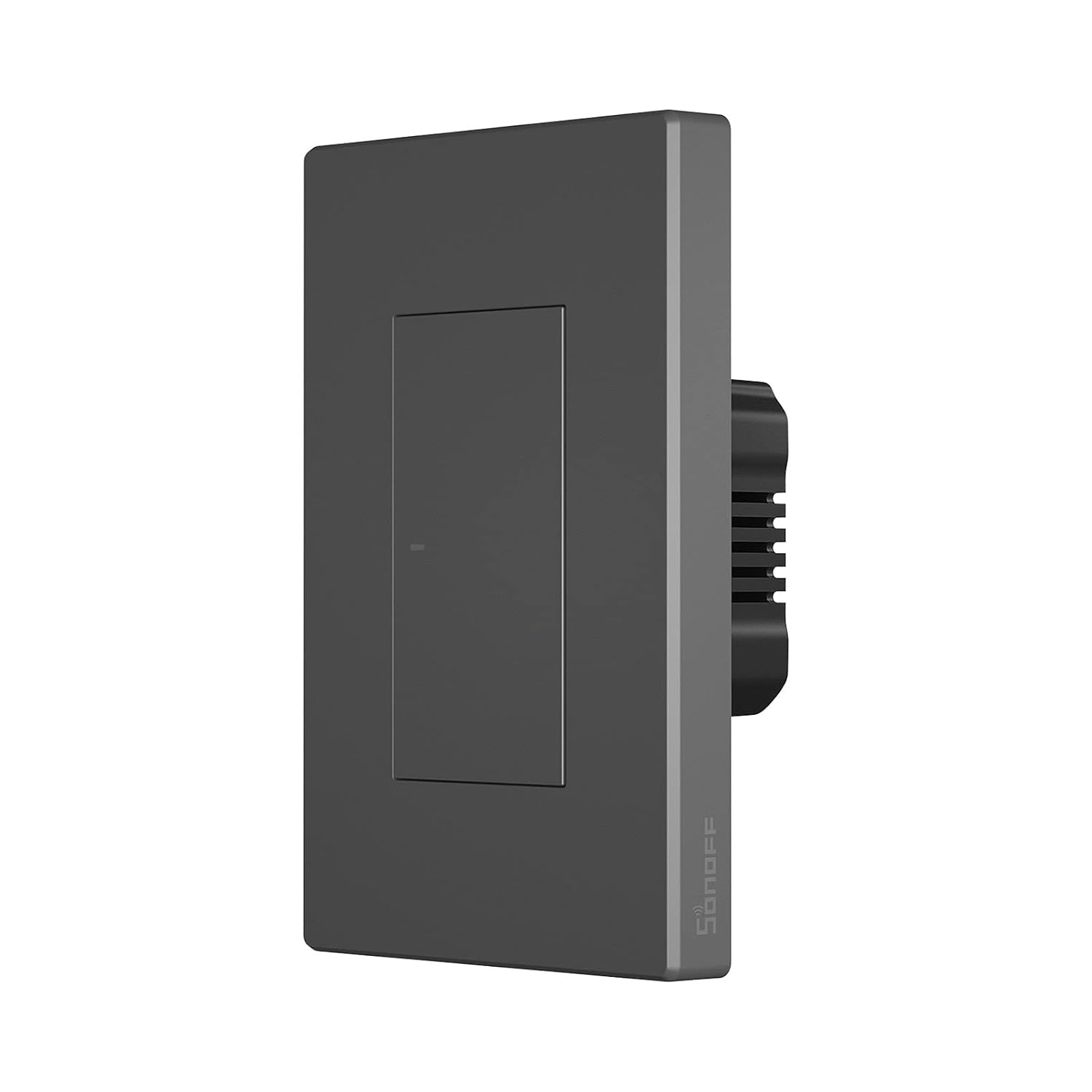
A Wi-Fi smart wall switch that supports the Matter standard, allowing seamless integration with Apple Home, Alexa, Google Home, and other Matter-compatible platforms. Features scheduling, timers, smart scenes, device sharing, and group control through the eWeLink app. Requires a neutral wire, operates on 2.4 GHz Wi-Fi, and needs no proprietary hub. Available in 1-, 2-, and 3-gang versions.
Pros
- Supports Matter for cross-platform compatibility
- Works with Apple Home, Alexa, Google Home, and other Matter ecosystems
- No dedicated hub required
- Supports schedules, timers, smart scenes, and group control
- Device sharing for family members
- Affordable compared with many competing Matter smart switches
- Available in multiple gang configurations
Cons
- Neutral wire required
- Some users report stiff physical buttons
- A few reports of defective units or reliability issues
- Advanced automation more comprehensive in eWeLink than Matter alone
~$17.90
Check Price on Amazon
The Buying Guide: What Actually Matters
Neutral Wire: The Question That Decides Everything
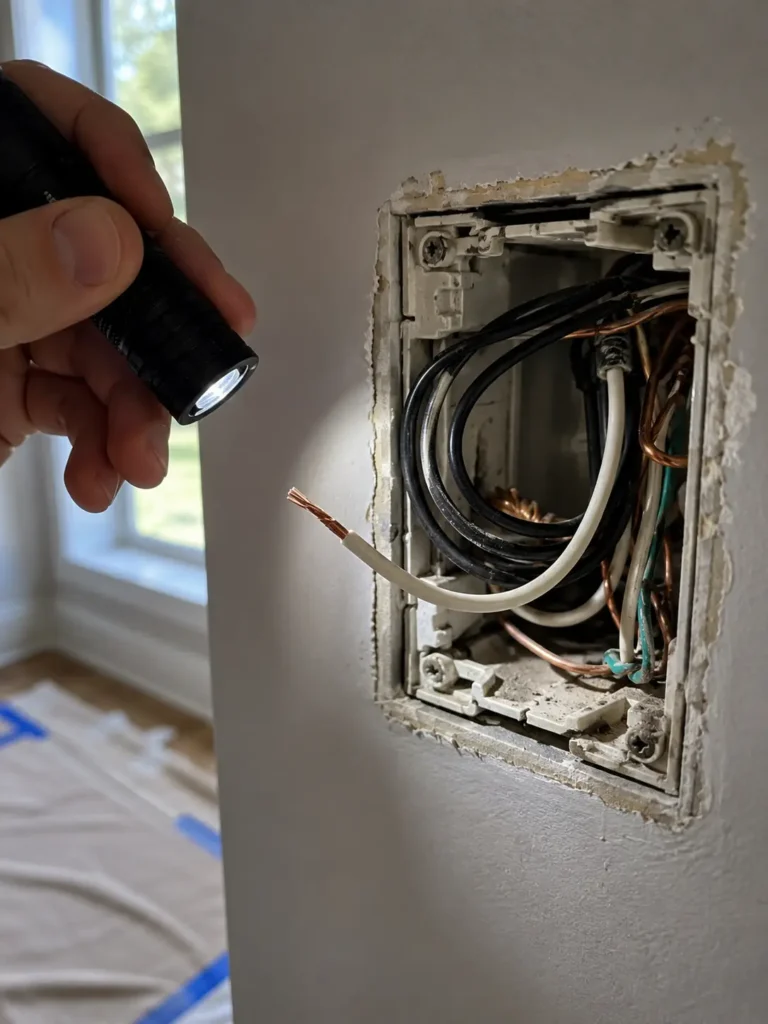
Before you fall in love with any switch on this list, open your existing switch box and look for a neutral wire — usually a plain white wire capped off or tucked to the side, separate from the wires actually connected to the switch. Homes built before the early 1980s often don’t have one. If yours doesn’t, your options narrow fast: the Lutron Caséta Dimmer is the standout no-neutral pick here. If you’re not comfortable identifying wiring yourself, this is the one moment in the whole process where it’s worth a quick call to an electrician rather than guessing.
Single-Pole vs. 3-Way
A single-pole switch controls a light from one location. A 3-way setup means two switches control the same light — common at the top and bottom of a staircase, or at both ends of a hallway. Not every smart switch supports 3-way wiring cleanly, so double-check before you buy if that’s your situation; the Leviton Decora Smart handles this well with both wired and wire-free 3-way options.
Wi-Fi vs. Matter vs. a Hub
Wi-Fi-only switches (like the Kasa) connect straight to your router — simple, no extra hardware, but tied to one app. Since these switches live on your home network permanently, it’s worth taking ten minutes to make sure that network is actually locked down against hacking before you add more connected devices to it. Matter-enabled switches (Leviton, Tapo, SONOFF) speak a shared smart-home language, so they’ll show up natively in Apple Home, Google Home, and Alexa without picking a side. Hub-based switches (both Lutron models) need a small hardware bridge, which adds a step to setup but often delivers noticeably better reliability and speed once it’s running.
Because every smart switch is an internet-connected device, basic cybersecurity is just as important as proper installation. The CISA Secure Our World guide recommends using strong, unique passwords, enabling automatic firmware updates, and securing your Wi-Fi network with modern encryption. Following these best practices helps protect your smart home while keeping your connected devices running safely and reliably.
Installation Difficulty
None of these are especially hard to install if you’re comfortable with basic wiring and always cut power at the breaker first — but the guided app setups on Kasa, Leviton, and Tapo make the process closer to “beginner-friendly” than the hub-based Lutron kits, which have an extra hub-pairing step. If you’ve never touched a wall switch before, start with a YouTube walkthrough for your specific model before opening the box — the same “don’t rush it, test before you close it up” approach applies whether you’re wiring a switch or following our Ring Doorbell installation guide..
Smart Light Switch vs. Smart Bulb: Which Do You Actually Need?
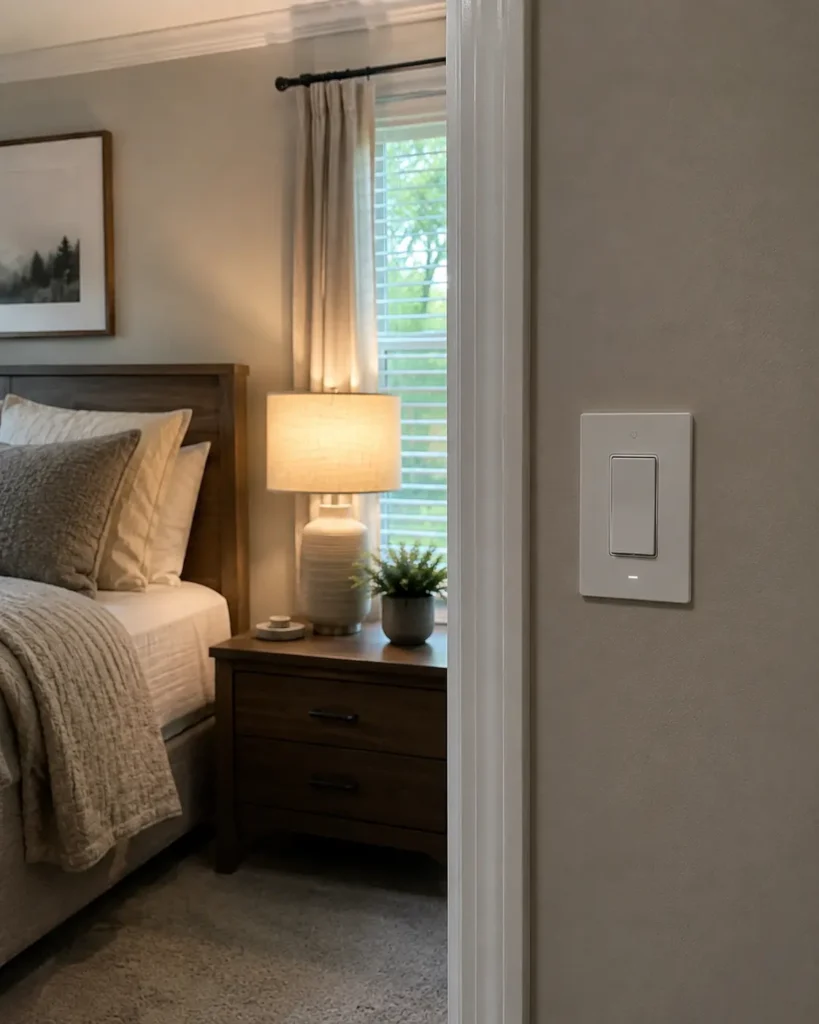
Smart bulbs are cheaper to start with and need zero wiring — just screw one in. But they only work if the physical wall switch stays “on” at all times, which is exactly the problem from the intro. Smart switches cost more upfront and take a bit of installation, but they work with any bulb you already own, survive a manual flip without breaking anything, and control the whole fixture at once instead of bulb-by-bulb. My rule of thumb: use smart bulbs and LED strip lighting for accent lighting where color and effects matter, and smart switches for the fixtures your household actually flips by hand every day. Plenty of homes end up using both.
Common Installation Mistakes to Avoid
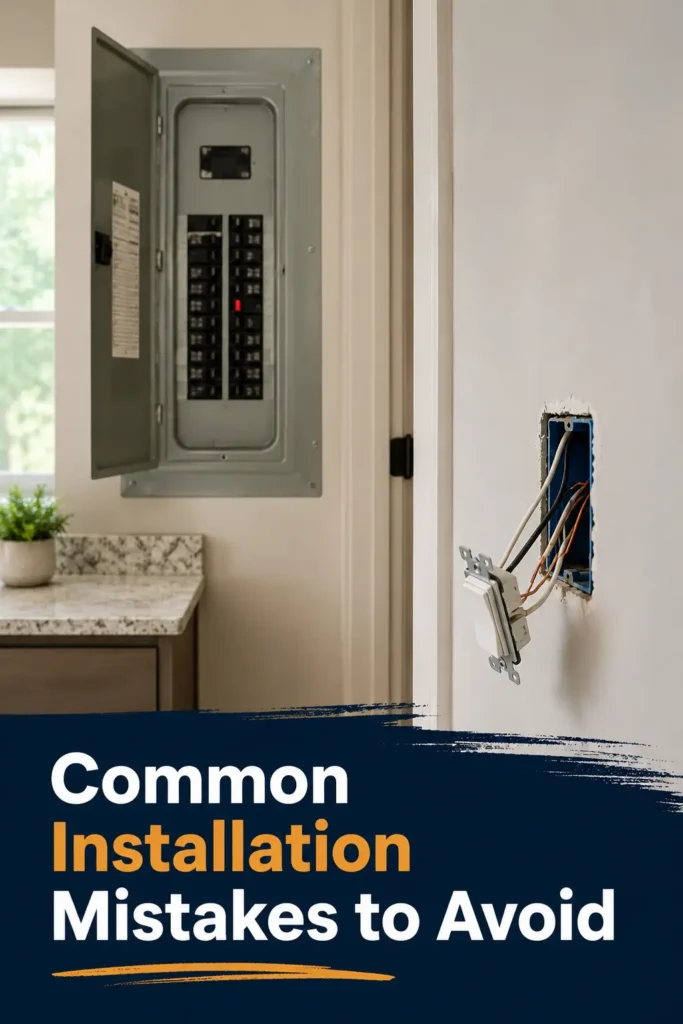
- Skipping the breaker. Always cut power at the breaker box, not just the switch, before opening anything.
- Assuming every box has a neutral wire. Check first — it’s the single most common reason a return happens.
- Cramming a bulky switch into a tight box. Some smart switches are noticeably deeper than standard ones; a too-small electrical box makes for an awkward, unsafe fit.
- Forgetting the load limit. Dimmers especially have wattage caps — check yours against the fixture before installing.
- Not testing before closing the wall plate. Confirm the app connects and the switch responds before you screw everything back together.
Frequently Asked Questions
Do you need an electrician to install a smart light switch?
Not necessarily — most of these switches are designed for DIY installation if you’re comfortable with basic wiring and always cut power first. That said, if you’re unsure whether you have a neutral wire or your wiring looks unusual, it’s worth the cost of a professional.
Do smart light switches work without Wi-Fi?
The physical switch still works manually without Wi-Fi. But scheduling, remote access, and voice control need either a Wi-Fi connection (for Wi-Fi/Matter switches) or a functioning hub (for Lutron’s Clear Connect models).
Do smart switches need special wiring?
Most need a neutral wire, which is standard in homes built from the early 1980s onward. If yours doesn’t have one, look for a no-neutral model like the Lutron Caséta Dimmer.
Do smart switches use a lot of electricity?
No — the switch itself draws a tiny, negligible amount of standby power, far less than what you’d save by using schedules and away-mode features to cut down on lights left on unnecessarily. If your bill has been creeping up regardless, it’s worth reading our breakdown of why your electric bill is so high — lighting is rarely the biggest culprit.
Although a smart switch uses a tiny amount of standby power, automation can reduce overall electricity consumption by preventing lights from being left on unnecessarily. According to the U.S. Department of Energy Energy Saver program, combining LED lighting with smart controls such as schedules, timers, and occupancy-based automation is one of the easiest ways to improve lighting efficiency in a home.
Is it better to get smart lights or smart switches?
If your household regularly uses the physical wall switch, get a smart switch — it keeps the “smart” features working no matter who flips it. Smart bulbs make more sense for color-changing or accent lighting where the switch usually stays on.
Can I install a smart switch myself?
In most cases, yes. Confirm you have a neutral wire (if required), turn off power at the breaker, and follow the manufacturer’s app-guided setup — all of the switches reviewed here are designed with DIY installation in mind.
Related Reading
- Best Smart Home Ecosystem in 2026 — pick your platform before you buy more devices
- More Decor & Lighting Guides
- More Energy Saving Tips
- More Home Security Guides
- Explore All Smart Home Guides
Final Thoughts
There’s no single “best” smart switch — there’s a best switch for your wiring, your ecosystem, and your budget. If you’re not sure where to start, check your neutral wire situation first; it’ll cut this list down fast. From there, the Leviton Decora Smart is the safest all-around bet, the Kasa HS200 is nearly impossible to beat for the price, and the Lutron Caséta Dimmer is the answer if your home doesn’t have that neutral wire at all.
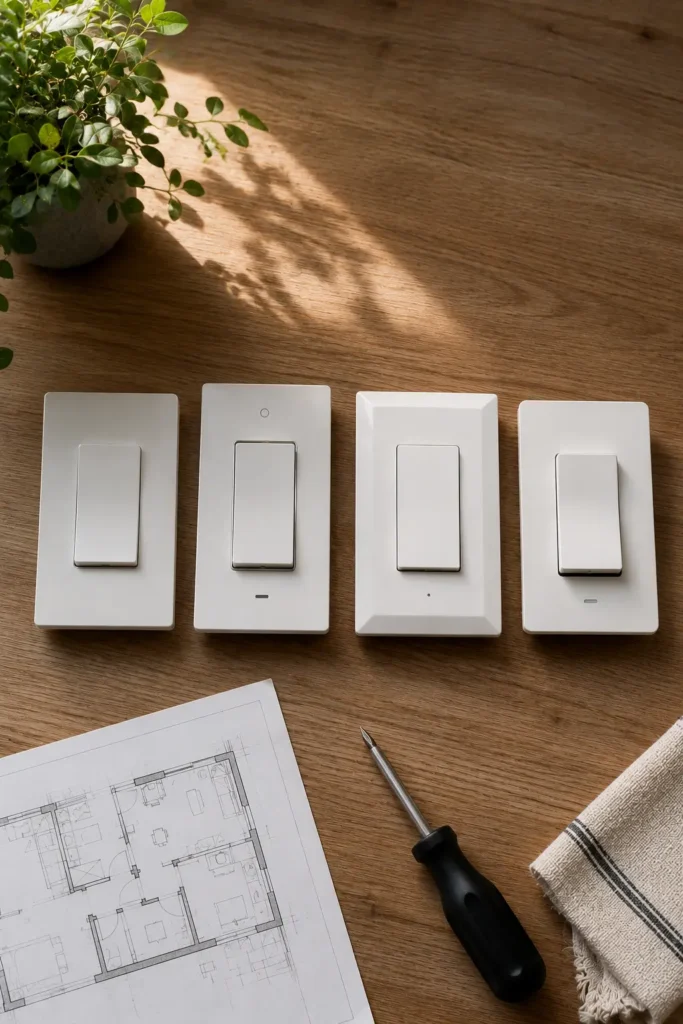
Have a specific setup you’re trying to solve — an old house, a 3-way staircase switch, a mixed Alexa-and-HomeKit household? Drop your situation in the comments and I’ll help you figure out which one actually fits.
Leave a Reply