Make Your Home Smarter, One Step at a Time
Table of Contents
I spent a Tuesday night a few months back sitting on my porch steps with my laptop, one tab open to ADT’s quote form and another to a Ring Alarm kit on Amazon, trying to figure out why one path cost $150 and a Saturday afternoon while the other wanted $150 just to have someone show up. Same brand promise. Wildly different install experience. That’s the moment I realized most people researching “home security system installation” aren’t actually stuck on which brand to buy — they’re stuck on who’s going to install it, and nobody explains that part clearly.
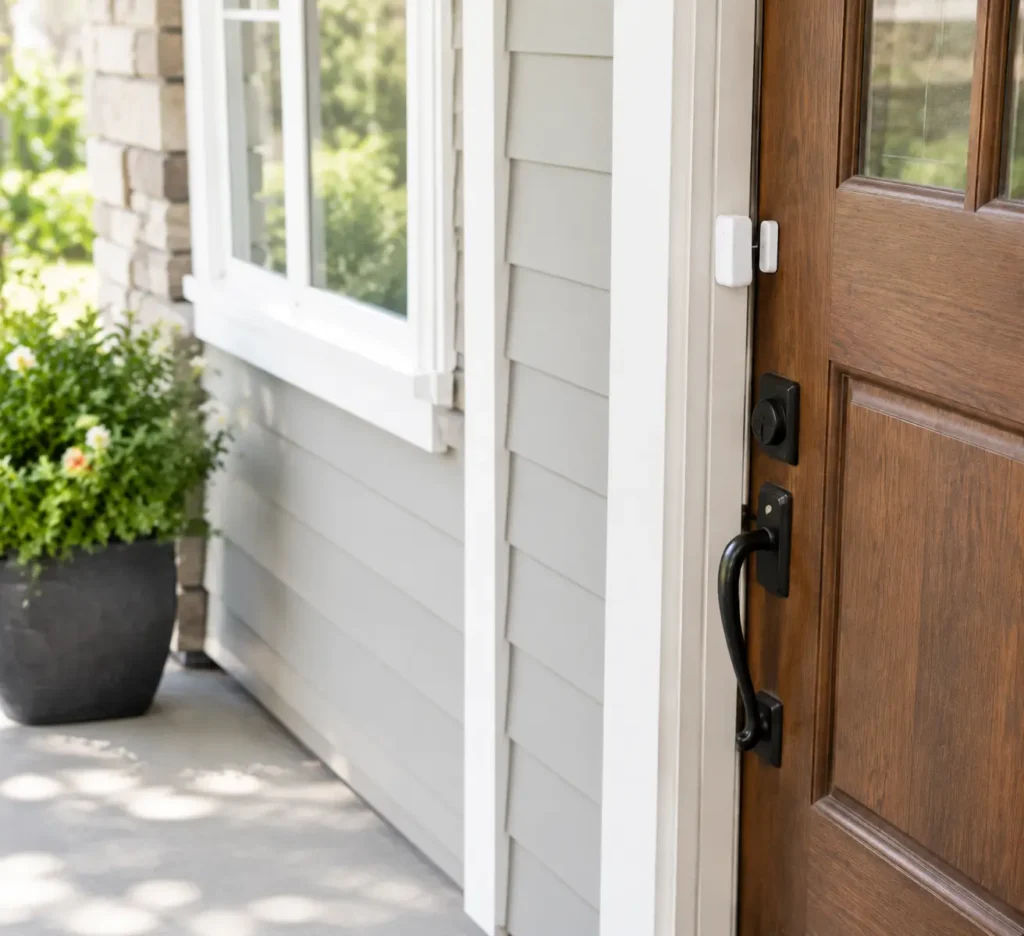
So that’s what this guide is actually about. Not a spec-sheet comparison — I’ve got one of those already for whether ADT is worth the cost or Ring beats SimpliSafe on features. This is the installation-day question: what will it cost you, how long will it take, do you need tools you don’t own, and when does paying a stranger to do it actually make sense.
Key Takeaways
- DIY installation runs $0–$250 in labor (you’re the labor) and typically takes 30–90 minutes for a basic kit.
- Professional installation adds roughly $99–$200 in labor fees on top of equipment, plus a scheduling window of days, not minutes.
- ADT’s professionally installed systems and Ring/SimpliSafe’s self-install kits solve the “who installs it” question completely differently — that’s the real fork in the road, not brand loyalty.
- Renters and apartment-dwellers should almost always default to DIY; larger homes with hardwiring or multiple entry points benefit more from a pro.
- Camera placement mistakes cost people more security value than which brand they picked.
What Home Security System Installation Actually Costs
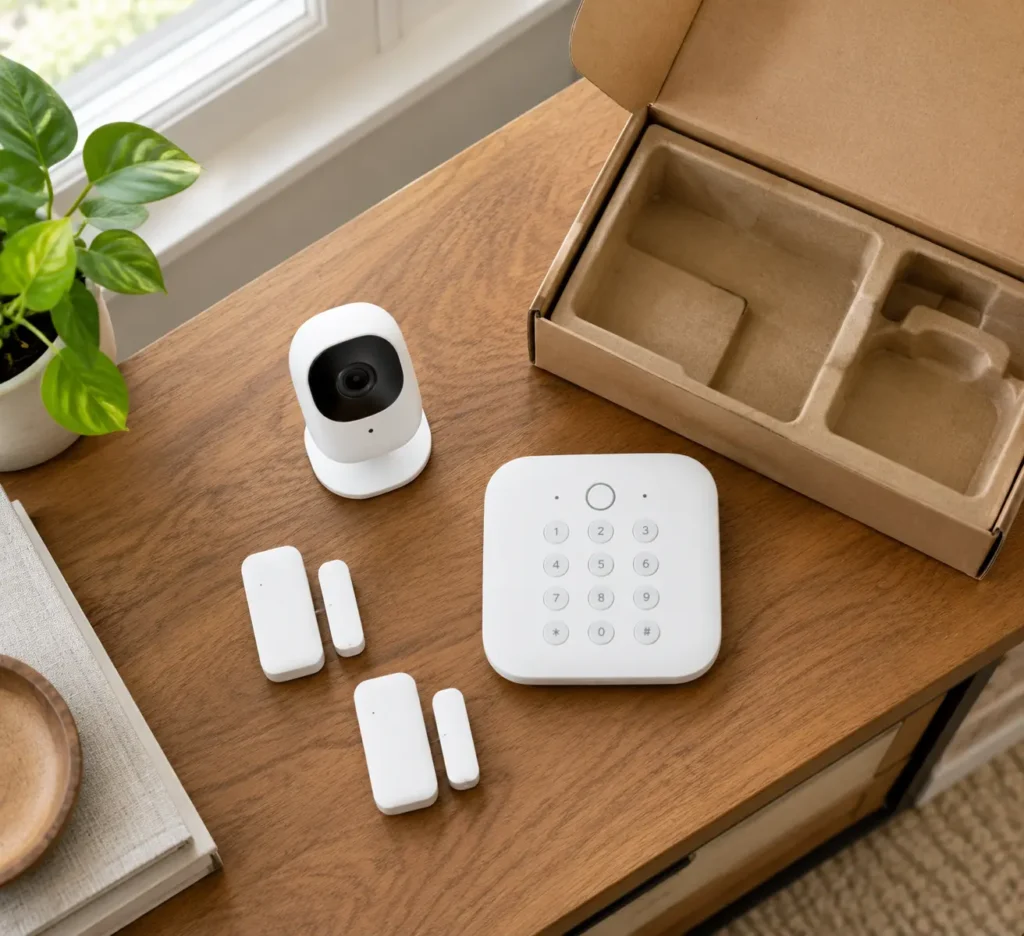
Here’s the range you’re actually working with once you separate equipment, installation labor, and monthly monitoring into three different line items — because most pricing pages blur them together on purpose.
Settings saved.
| Cost Component | DIY Self-Install | Professional Install |
|---|---|---|
| Equipment | $150–$450 (kit-based) | $269–$1,449 (bundled packages) |
| Installation labor | $0 — you do it | $99–$200 typical fee (sometimes waived in promos) |
| Monthly monitoring | $0–$20/mo (self- or basic pro-monitoring) | $25–$60/mo, occasionally higher with cameras and add-ons |
| Time to functioning system | 30–90 minutes | Scheduled visit — often several days out |
A quick real-world anchor: ADT’s Blu self-setup line starts monitoring around $9.99–$24.99/month with no professional labor fee, while its professionally installed Pro Install line runs $45–$82/month plus $599–$1,449 in equipment and installation combined. That gap isn’t really about the hardware being different — it’s paying for someone else’s time and expertise on install day. I go deeper on whether that premium is worth it in the full alarm system buyer’s guide.
Want a full walkthrough of the actual DIY steps — running wires, pairing sensors, mounting the panel? I’ve already written that one: how to install a home security system yourself. This article is the “should I” before that article’s “how.”
DIY Installation — Who It’s Actually Right For
DIY installation makes the most sense if you fall into one of these buckets, and honestly, that’s most people:
- Renters and apartment dwellers. Peel-and-stick sensors and no drilling means your security deposit stays intact. If you’re in this camp, our renter-friendly smart lock roundup pairs well with a DIY alarm kit.
- Anyone comfortable pairing a device to an app. If you’ve set up a smart speaker or a video doorbell before, you already have the skill set. Speaking of which — installing a Ring doorbell yourself is basically the same learning curve as a full alarm kit, just smaller.
- People who want no contract, full stop. Most self-install brands (Ring, SimpliSafe) let you monitor month-to-month or self-monitor for free.
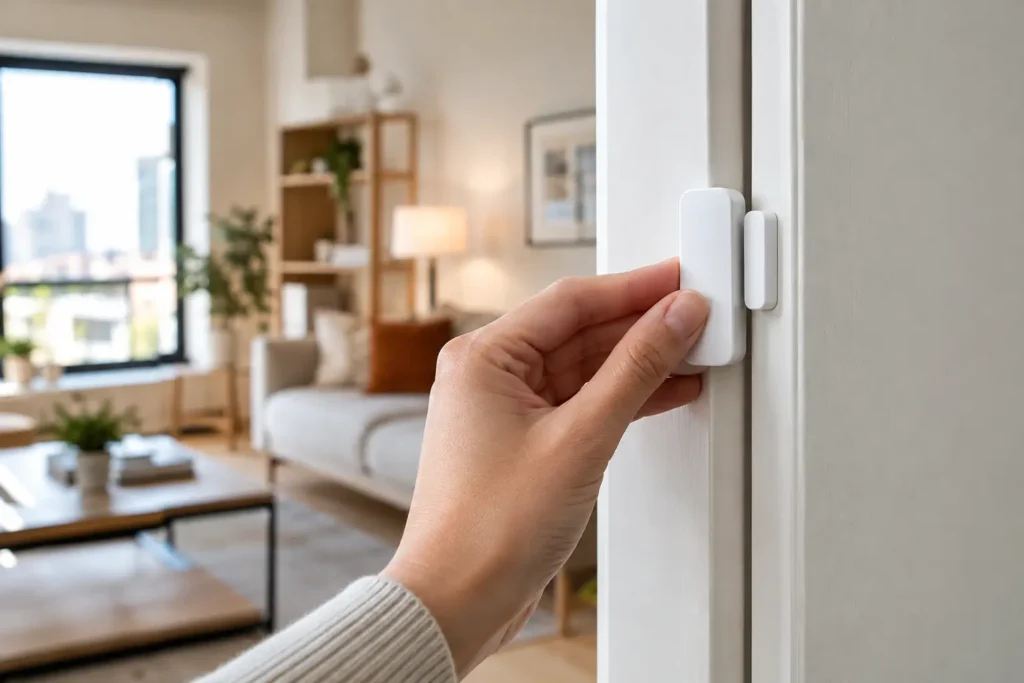
The trade-off nobody mentions: you’re also your own tech support. If a sensor won’t pair at 11 p.m., there’s no technician to call.
Professional Installation — When It’s Worth Paying For
I hired a professional install once, in a 100-year-old house with plaster walls and wiring that predated Wi-Fi by about seventy years. That $150 install fee was the best money I spent that year — the technician found two entry points I hadn’t even considered securing.
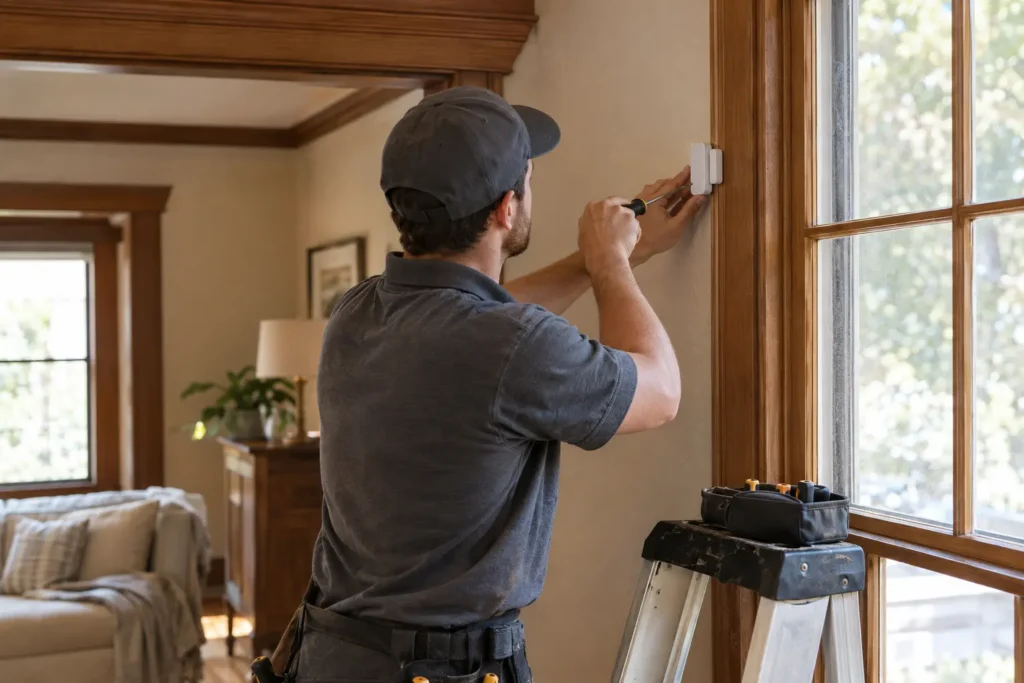
Professional installation earns its cost when:
- You have a larger home with multiple stories, outbuildings, or more than 6–8 entry points to wire.
- You want hardwired sensors instead of battery-powered ones (less maintenance, no dead-battery gaps).
- Your homeowner’s insurance offers a discount specifically for professionally monitored, professionally installed systems — worth a call to your insurer before you decide.
- You simply don’t want to spend a Saturday troubleshooting Wi-Fi handshakes.
ADT vs. Ring — Which One Is Actually Easier and Cheaper to Install?
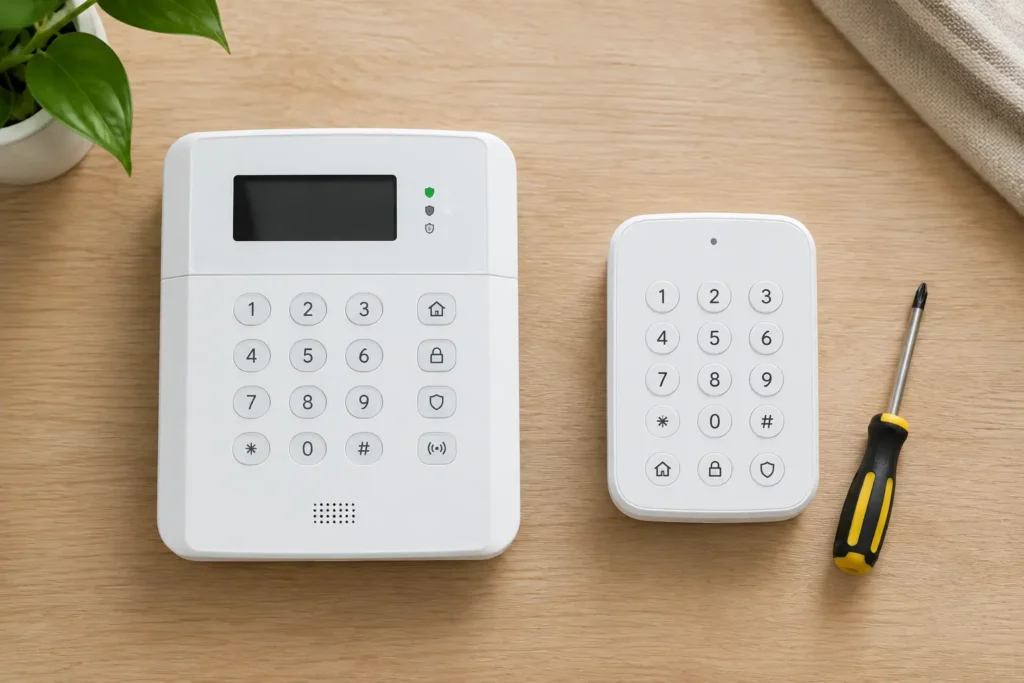
This is where I want to be upfront about something: if you’ve already read our full alarm system guide, you’ve seen ADT and Ring compared on monitoring quality, contract terms, and hardware. This section is deliberately narrower — it’s only about what happens on install day, because that’s the piece that actually decides which one fits your Saturday.
| ADT (Pro Install) | ADT Blu (Self-Setup) | Ring Alarm | |
|---|---|---|---|
| Install method | Scheduled technician visit | Self-install | Self-install |
| Time to install | 2–4 hours (technician-scheduled) | ~30–60 minutes | ~23 minutes (independently timed) to ~1 hour |
| Tools needed | None — technician brings everything | Basic screwdriver for mounts | Basic screwdriver for mounts |
| Scheduling | Book an appointment window, wait days | Install the moment the box arrives | Install the moment the box arrives |
| Contract tied to install | Typically 36-month monitoring contract | No contract | No contract |
| Starting equipment cost | $599–$1,449 | $146–$559 | ~$200–$250 (8-piece kit) |
If your priority is “have this working before dinner,” Ring wins outright — it’s the fastest box-to-armed system of the three, and the Ring Alarm 8-piece kit is the one I’d point a first-timer toward. If your priority is “I never want to touch a screwdriver,” ADT Pro Install is the one designed for that, though you’re trading time and money for it — check current packages via ADT’s quote page since pricing shifts with promotions. SimpliSafe splits the difference: DIY by default, with third-party professional installation available for about $125 if you’d rather not — worth a look at SimpliSafe’s starter packages if that flexibility matters to you.
Camera Placement Mistakes That Undermine Even a Good Install
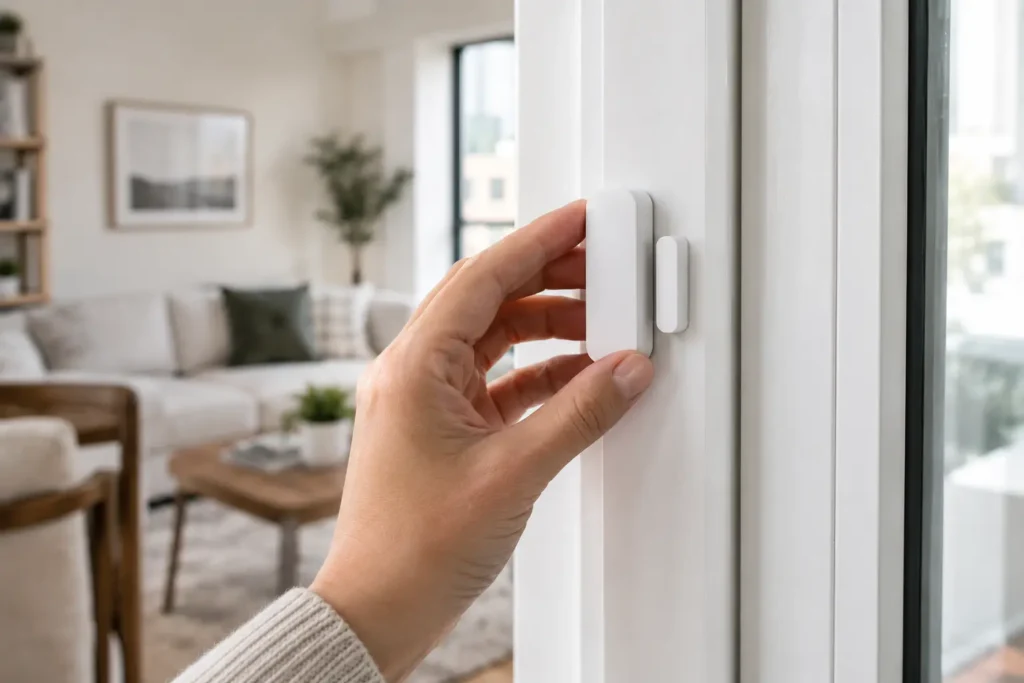
I see this constantly: someone does everything right on the alarm side, then mounts a camera facing directly into morning sunlight, or points it at the street instead of their own walkway, and wonders why the footage is useless.
- Don’t point cameras at direct sunlight or glass. Glare washes out footage exactly when you need it.
- Don’t mount too high. A camera 12+ feet up gets a great view of hats, not faces.
- Don’t ignore Wi-Fi dead zones. If you’re mounting a camera somewhere your router doesn’t reach, look at security cameras that don’t need Wi-Fi instead of fighting a weak signal.
- Wired vs. wireless matters more at install time than people expect. Wireless is faster to install; wired is more reliable long-term. Our wireless outdoor camera guide breaks down when each makes sense.
Does Any of This Actually Stop a Burglar?
Worth asking, since all this installation effort should buy you real deterrence, not just peace of mind. Visible cameras and yard signs remain one of the simplest, cheapest deterrents — burglars consistently report avoiding homes with obvious camera coverage over ones without it. A monitored alarm with a fast police-dispatch time adds a second layer once someone’s already inside. The “leave a light on” trick, on the other hand, does far less than people assume — a smart plug on a randomized schedule beats a single porch light left on every night.
FAQ
How much is ADT a month?
ADT’s self-setup monitoring starts around $9.99–$24.99/month; professionally installed plans run $45–$82/month depending on package and cameras.
What are the top home security systems for self-installation?
Ring Alarm, SimpliSafe, and ADT Blu are the three most commonly recommended DIY-friendly systems, each with no-contract monitoring options.
Do burglars avoid homes with cameras?
Visible camera coverage is consistently cited as one of the stronger deterrents compared to a home with no visible security measures at all.
Is it better to have wired or wireless security cameras?
Wireless installs faster and suits renters; wired is more reliable for a long-term, permanent setup and avoids battery maintenance.
So, DIY or Professional? Here’s the Verdict
Back to that porch step moment: I ended up going DIY that time, because I was in a rental with exactly the kind of situation Ring and SimpliSafe are built for — no drilling, no contract, done before I finished my coffee. But the plaster-wall house years later got a professional install, because that $150 fee bought expertise I genuinely didn’t have.
The honest framework: if you’re renting, budget-conscious, or just want it running today, go DIY — start with a Ring Alarm kit or SimpliSafe’s starter bundle. If you own a larger or older home, want hardwiring, or your insurer rewards professional monitoring, get an ADT quote and let someone else handle install day. Either way, decide on the “who installs it” question first — the brand decision gets a lot easier once that’s settled.
Ready to actually do the DIY route step by step? Here’s the full installation walkthrough, or grab our free smart home gadgets guide below to see what pairs well with whichever system you choose.